Do I need to know how to code to use this?
You'll need to be comfortable with basic command line steps, such as installing Python and typing commands in a terminal window. It isn't a point-and-click app, so some technical comfort helps.
Does this cost anything or require a paid subscription?
No — it runs local AI models through Ollama on your own computer for free. You can optionally connect paid providers such as OpenAI, Claude, or Gemini instead, but that isn't required.
Do I need an API key?
Not if you stick with local Ollama models, which run entirely on your machine. If you add a cloud provider such as OpenAI, Claude, or Gemini, you'll need to supply your own key for that provider.
Can I use this to keep my conversations completely private?
Yes — when you use local Ollama models, your chats and files never leave your computer because everything runs offline.
Can I use this to safely test a new AI tool before trusting it?
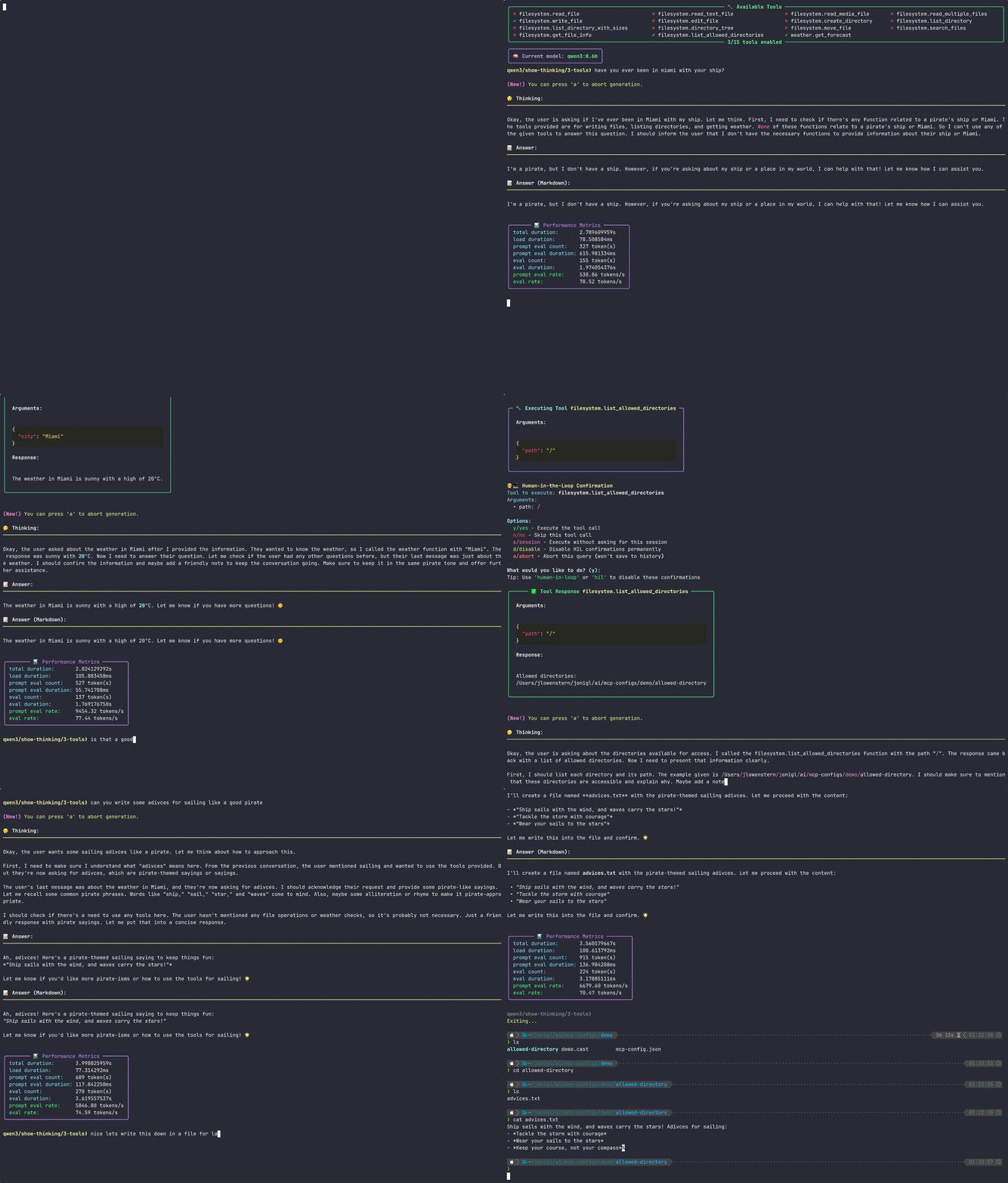
Yes — its review-and-approve feature lets you see exactly what a tool wants to do and confirm it before it runs.
Which apps does this work with?
It's a standalone application you run in a terminal window rather than a plugin for an existing chat app. It connects to your local Ollama models and to any Model Context Protocol tool source you add.
How hard is it to set up?
It takes real setup — installing Python, the Ollama app, and a package manager, then running an install command. It's built for people comfortable with basic developer tools.
Can I switch AI models without restarting the app?
Yes — you can switch between any locally installed Ollama model right from within a running conversation.