Is there an installer I can download?
No. The project page advertises Windows and Mac packaging, but no finished build has ever been published, so you download the code and build the app yourself.
Do I need a key?
Yes, a Google Gemini key. You paste it into a settings screen inside the app rather than into a file, and it is stored in plain text in the app's own settings file.
Can I use this to ask questions about a document?
Yes. You can attach PDFs, Word documents, spreadsheets, slide decks, images and audio to a message, and the app reads them before answering.
Does it ask before running a tool?
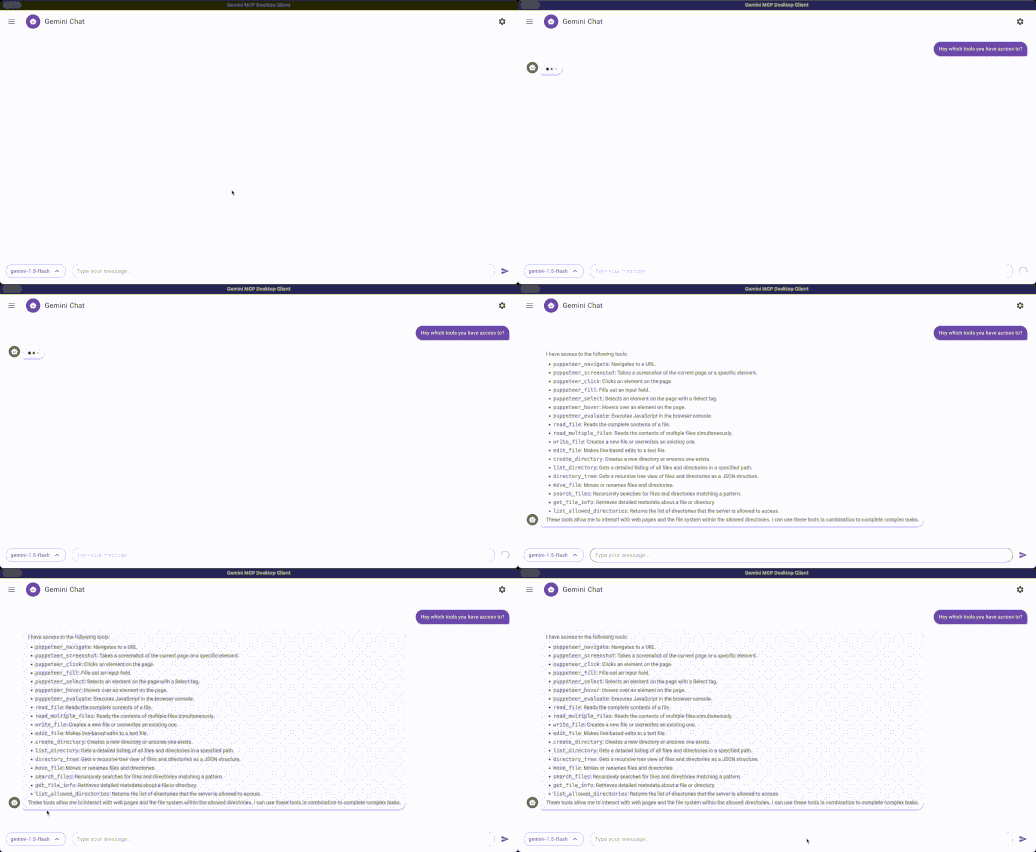
No. When Gemini decides to use one of your connected tools, it runs immediately, so be deliberate about which servers you connect.
Is there anything to be careful about?
Yes. While the app is open it runs a small web service on your computer that answers requests from anywhere on the same network with no password, and one of its addresses hands back your saved Gemini key. Avoid running it on shared or public Wi-Fi.
Which MCP servers work with it?
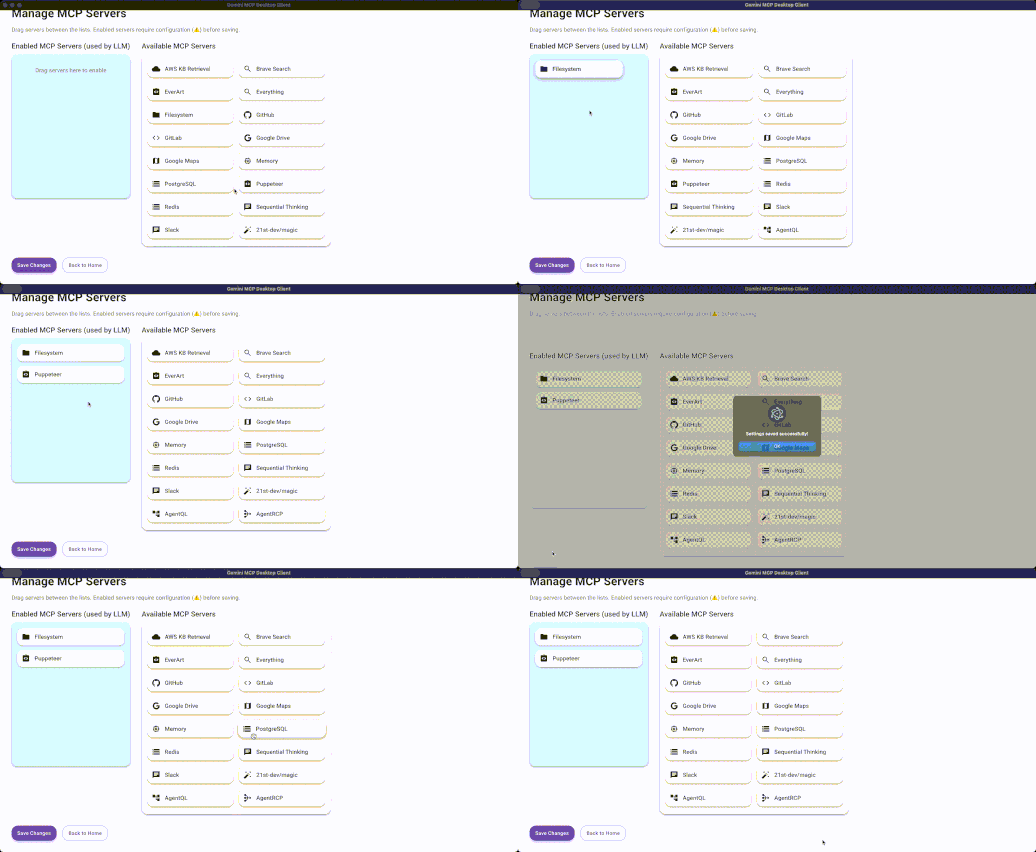
The author keeps a short tested list — file access, memory, browser control, GitHub, GitLab, Google Drive, Redis and a couple of others — and other servers can be added by hand.
Does it cost anything?
The app itself is free. Gemini has a free tier, and heavy use falls back on Google's paid pricing.
What is the microphone for?
Voice input. You can speak a message instead of typing it, and the app turns the recording into text before sending it.
Is it still maintained?
Not lately. The last change landed in June 2025, so newer Gemini models and newer MCP features may not be supported.
Can I use it at work?
Check with whoever handles licensing first. It is GPL-3, which is the stricter kind of open license.