copilot-mcp

MCP.Pizza Chef: VikashLoomba

A free extension for VS Code that turns adding tools into a browse-and-click job: search a catalogue of open-source tool servers and agent skills, install what you want, and manage or remove them from a sidebar panel. Once installed, those tools become available to GitHub Copilot Chat, Claude Code, and the Codex command-line tool. The extension itself needs no account, though individual tools you add may ask for their own sign-in.

Coding

Use This MCP client To

Browse tool servers without editing config files by hand Install a new tool for Copilot Chat in a few clicks See every tool I have installed in one panel Remove a tool I no longer use Add agent skills to Claude Code from the sidebar

README

Copilot MCP Search for VS Code

Want remote MCP in ~30s? Try Cloud MCP — paste a URL → OAuth → done.
Works with Copilot & Claude (no keys, no terminal).
Get started at cloudmcp.run
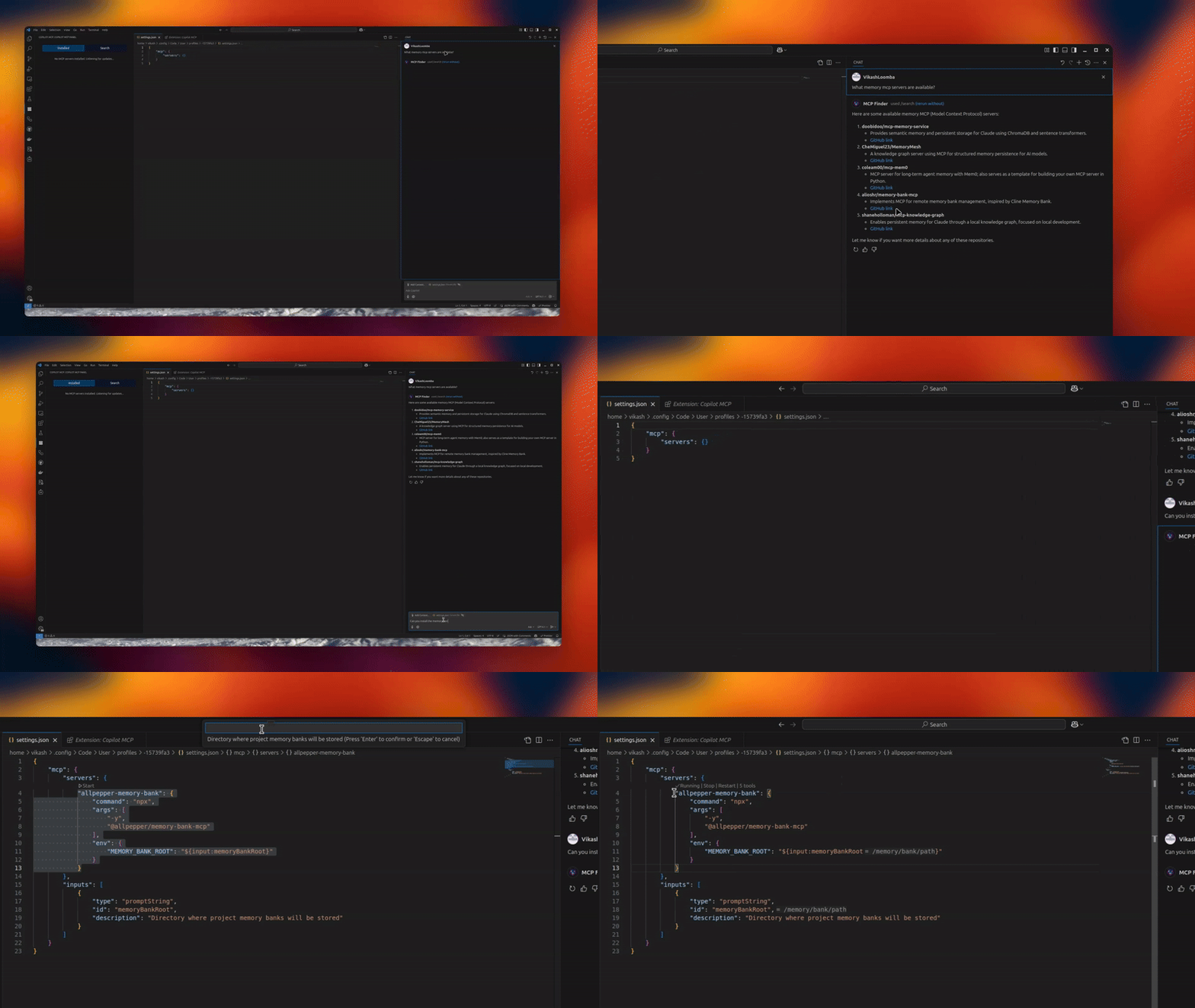
image

Version License: GPL v3 VSCode Extension MCP Client

A powerful VS Code extension that lets you discover, install, and manage open‑source MCP servers and agent skills from one place.

✨ Features

  • 🔧 MCP Server Management – connect/manage multiple servers via an intuitive UI
  • 🧠 Skills Search & Install – discover skills from skills.sh and install to your agents
  • 🗂️ Installed Skills Management – view installed skills and uninstall with agent-level controls
  • 🚀 Claude/Codex/Copilot Integration – expose MCP tools directly to your agents
  • 🎯 Server Discovery – automatically discover open‑source servers

📦 Installation

copilot-mcp FAQ

Is this still maintained?
Yes — the extension had code changes in mid-2026 and is live on the VS Code Marketplace.
Which apps does it work in?
VS Code, and it feeds the tools it installs to GitHub Copilot Chat, Claude Code, and Codex.
Do I need a token?
Not for the extension itself; some tools you install will ask for their own sign-in.
Can I use this to add a tool without touching a config file?
Yes — that is the point, you search and click install.
How hard is setup?
One click from the VS Code Marketplace, then open the MCP Servers panel in the sidebar.
Does it collect data about me?
It records anonymous searches and installs, and sends nothing at all if you turn telemetry off in VS Code.
