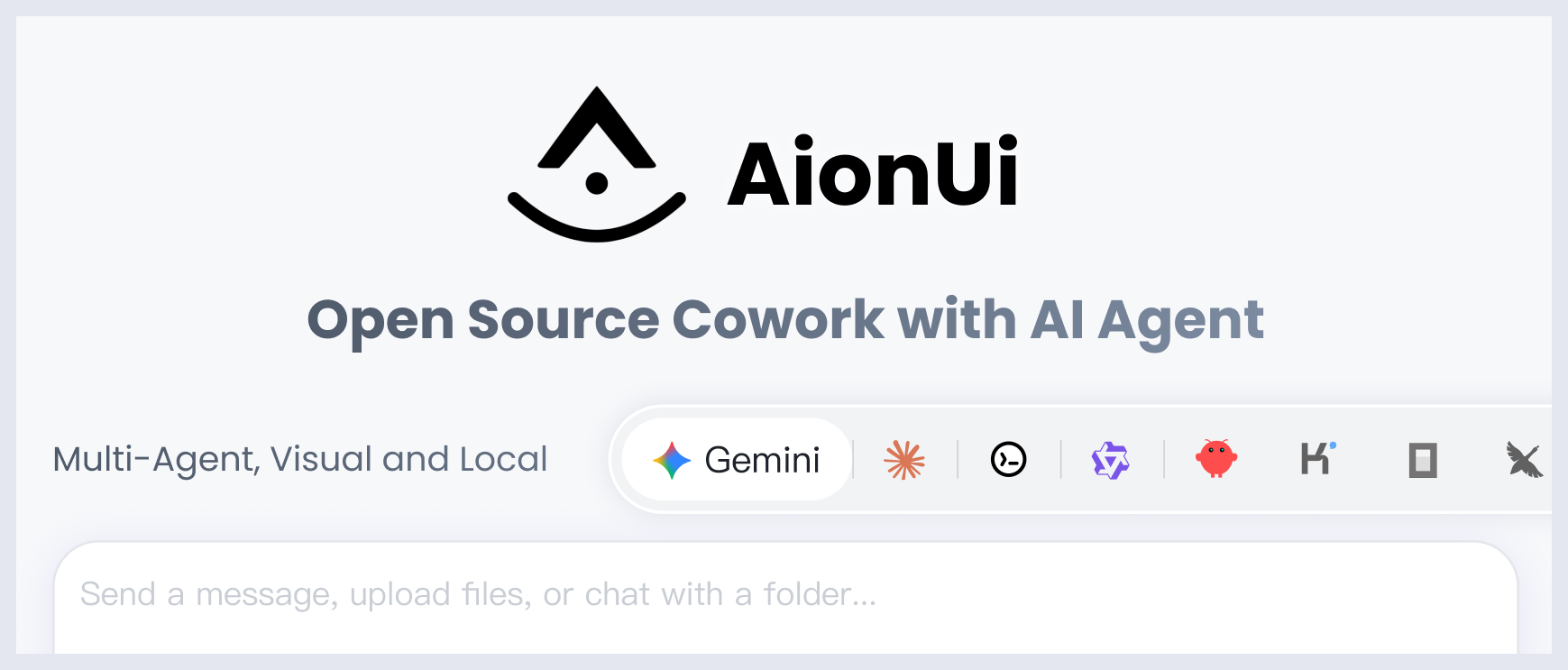


AionUi

MCP.Pizza Chef: iOfficeAI

Lets you chat with an AI assistant that works directly on your computer — reading and editing files, browsing the web, and creating documents like PowerPoint presentations, Word files, and Excel spreadsheets. You can watch each step it takes and approve actions before they happen. It can also run repeating tasks on a schedule and let you check in from your phone through Telegram or WeChat. It is free and works on Mac, Windows, and Linux, but you will need to add your own API key from an AI provider such as Claude, OpenAI, or Gemini.

Coding
Files/PDF
Writing

Use This MCP client To

Have an AI assistant read and edit files on my computer Turn an outline into a finished PowerPoint presentation Create a Word document or Excel spreadsheet automatically Set up a task to run automatically every day Check on my AI assistant's progress from my phone Browse the web and pull information into a report Switch between different AI assistants in one app

README

AionUi - Cowork with AI Agents

Version   License   Platform

GitHub Trending


A free, open-source, Cowork app with AI Agents
Built-in Agent | Zero Setup | Any API Key | Multi-Agents | Remote Access | Cross-Platform | 24/7 Automation

Download Latest Release

English | 简体中文 | 繁體中文 | 日本語 | 한국어 | Español | Português | Türkçe | Русский | Українська | Official Website

💬 Community: Discord (English) | 微信 (中文群) | Twitter


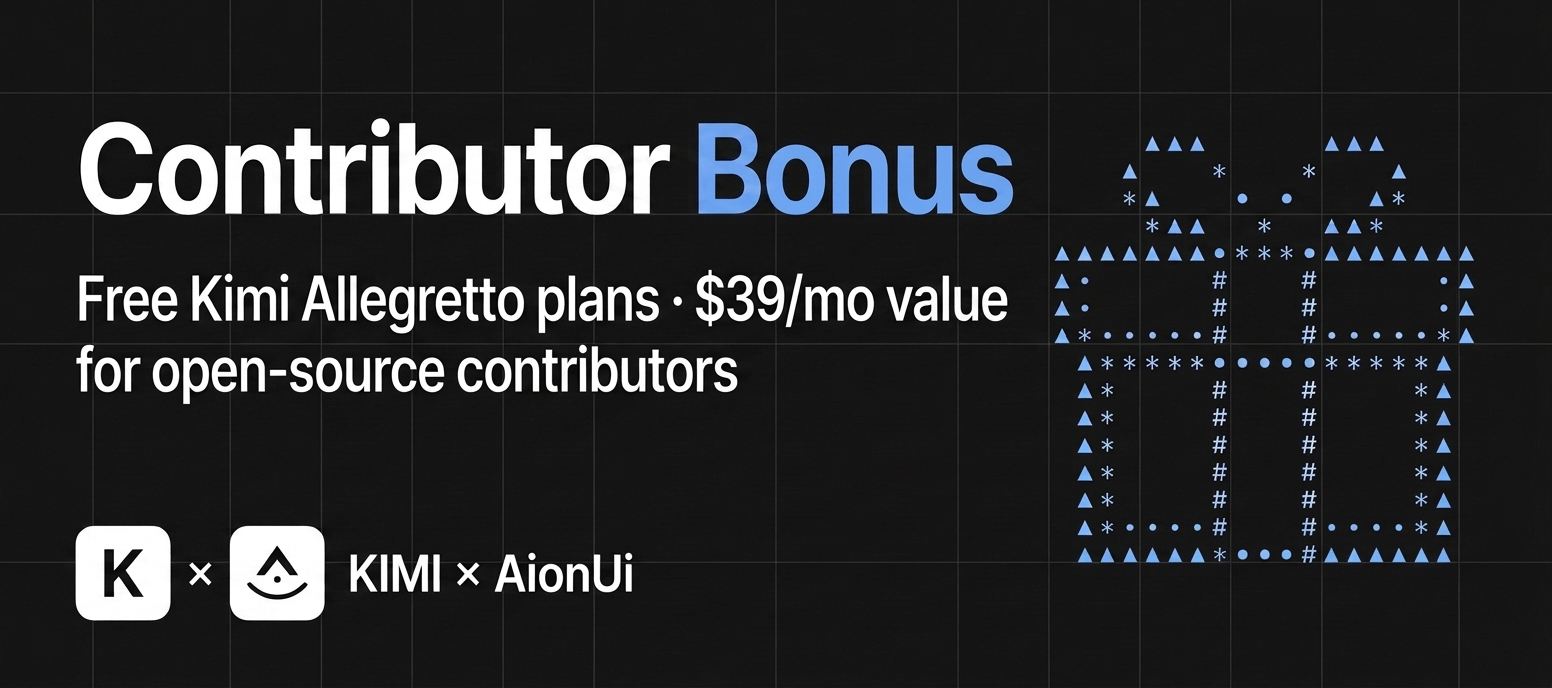
AionUi × Kimi Contributor Bonus

🎁 AionUi × Kimi Partnership: Free premium Kimi "Allegretto" plans ($39/mo · ¥199/mo value) for our contributors!

AionUi FAQ

Do I need to know how to code to use this?
No — you chat with the assistant in plain English, and it handles the file work, document creation, and automation behind the scenes.
Which AI providers can I use with it?
You can connect it to Claude, OpenAI's models, Google's Gemini, and several other providers by adding your own API key.
What apps or platforms does this work on?
It is a standalone desktop app for Mac, Windows, and Linux rather than a plugin that runs inside another app.
Do I need an account or API key to use it?
Yes — you will need an API key from an AI provider such as Claude, OpenAI, or Gemini to power the assistant.
How hard is it to set up?
It is straightforward — you download and install the app, paste in an API key, and start chatting right away.
Can I use this to create a PowerPoint presentation?
Yes — its built-in presentation assistant turns a request into an editable slide deck with animated transitions.
Can I use this to automate a task I do every day?
Yes — you can schedule tasks to run automatically around the clock, even when you are away from your computer.
Can I check on it from my phone?
Yes — you can connect it to Telegram, WeChat, Lark, or DingTalk to check progress and approve actions remotely.
Is this free to use?
Yes — the app itself is free and open source; the only cost is the API key you bring from your chosen AI provider.
Will the AI make changes without asking me first?
No — the app is designed so you stay in control and can review each step before it happens.