oterm

MCP.Pizza Chef: ggozad

Everything happens in the terminal you already have open: pick a provider from a dropdown, type, and watch the answer stream back with images, a collapsing thinking section, and a running count of usage. It connects to MCP servers too, using the same settings block Claude Desktop and Cursor use, so tools you already set up there work here. Install is a single command, and you supply a key for whichever provider you want.

Coding
Writing

Use This MCP client To

Chat with a model without opening a browser Switch between OpenAI, Anthropic, and local models mid-project Run a model on my own machine through Ollama Reuse the MCP tools I already set up for Claude Desktop Attach an image to a question and get an answer back

README

oterm

Tests codecov

The terminal client for Ollama, OpenAI, Anthropic, and any pydantic-ai-supported provider.
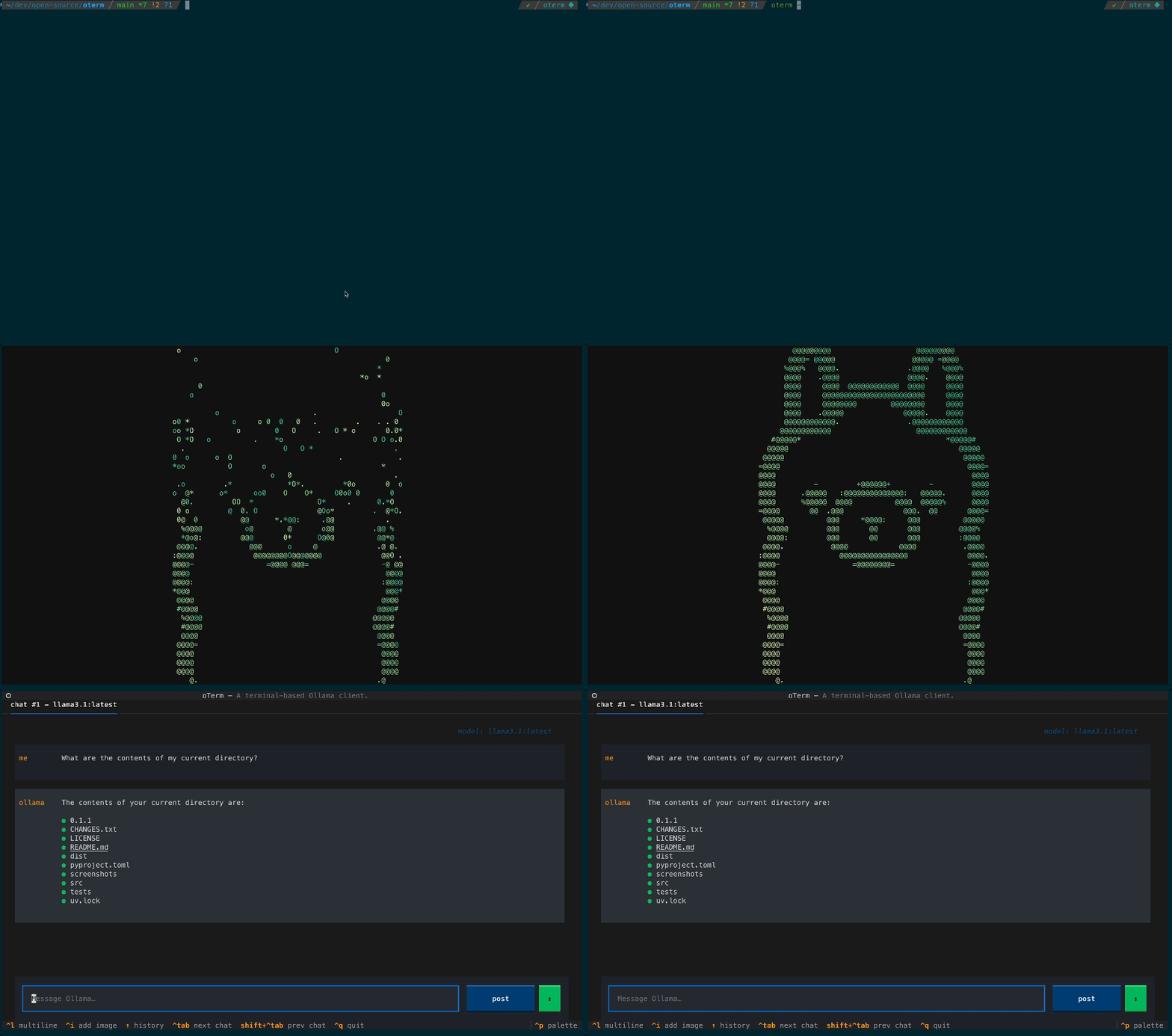
Splash

Install

uvx oterm

Full install methods, configuration, and usage: oterm Documentation.

What's new

  • Multi-provider, via pydantic-ai (breaking). oterm is no longer Ollama-only — it drives any pydantic-ai-supported provider: OpenAI, Anthropic, Google (AI / Vertex), Groq, Mistral, Cohere, AWS Bedrock, DeepSeek, Cerebras, Grok, Hugging Face, OpenAI-compatible endpoints (vLLM, LM Studio, llama.cpp, OpenRouter, LiteLLM, …), and Ollama. Set the matching API key and the provider appears in the new-chat dropdown.
  • Refreshed chat UI. Borderless accent-driven layout, auto-growing prompt, inline [Image #N] attachment tokens, a collapsing thinking section, and a live token-usage footer in place of the spinner.
  • Faster streaming. Markdown is now updated as deltas arrive instead of being re-rendered on every token, so long responses don't slow the terminal as they grow.
  • MCP rewrite (breaking). The mcpServers config block adopts pydantic-ai's standard schema (compatible with Claude Desktop / Cursor). See docs/mcp for the full migration notes.

License

MIT License.

oterm FAQ

Which models can I use?
Ollama models on your own machine, plus OpenAI, Anthropic, Google, Groq, Mistral, Cohere, AWS Bedrock, DeepSeek, Cerebras, Grok, and Hugging Face.
Do I need a key?
For hosted providers, yes — set the matching key and that provider appears in the new-chat list. Local models through Ollama do not need one.
How hard is setup?
One command, uvx oterm, and you are in. Adding tools means pasting a small settings block.
Can I use this to run MCP tools I already have?
Yes — its settings use the same format as Claude Desktop and Cursor, so an existing block can be copied straight across.
Does it work offline?
With a local model through Ollama, yes. Hosted providers need a connection.
Is this an app with its own window?
No, it lives entirely in your terminal, though it still shows images and formatted text there.