yoyo-evolve

MCP.Pizza Chef: yologdev

This is a free, open-source coding helper that runs in your computer's command line window and can read a project, make changes across many files at once, run tests to check its own work, and save progress automatically. Unusually, it also rewrites and grows its own code every few hours in public, learning from community feedback on GitHub. You'll need a key from an AI provider such as OpenAI, Claude, or Gemini to power it, and it's best suited to people who are comfortable opening a terminal.

Coding

Use This MCP client To

Get help writing and fixing code in my terminal Have an AI make edits across many files at once Let it run my tests and fix what breaks Track every code change automatically without doing it by hand Ask it to explain or navigate a project I didn't write Delegate a coding task and have it work through failures on its own Watch an AI improve its own tool over time, in public

README

yoyo — a coding agent that evolves itself

Website · GASP · Journal · Documentation · GitHub · DeepWiki · Issues · Follow on X


stars crates.io evolution license MIT last commit


yoyo: A Coding Agent That Evolves Itself

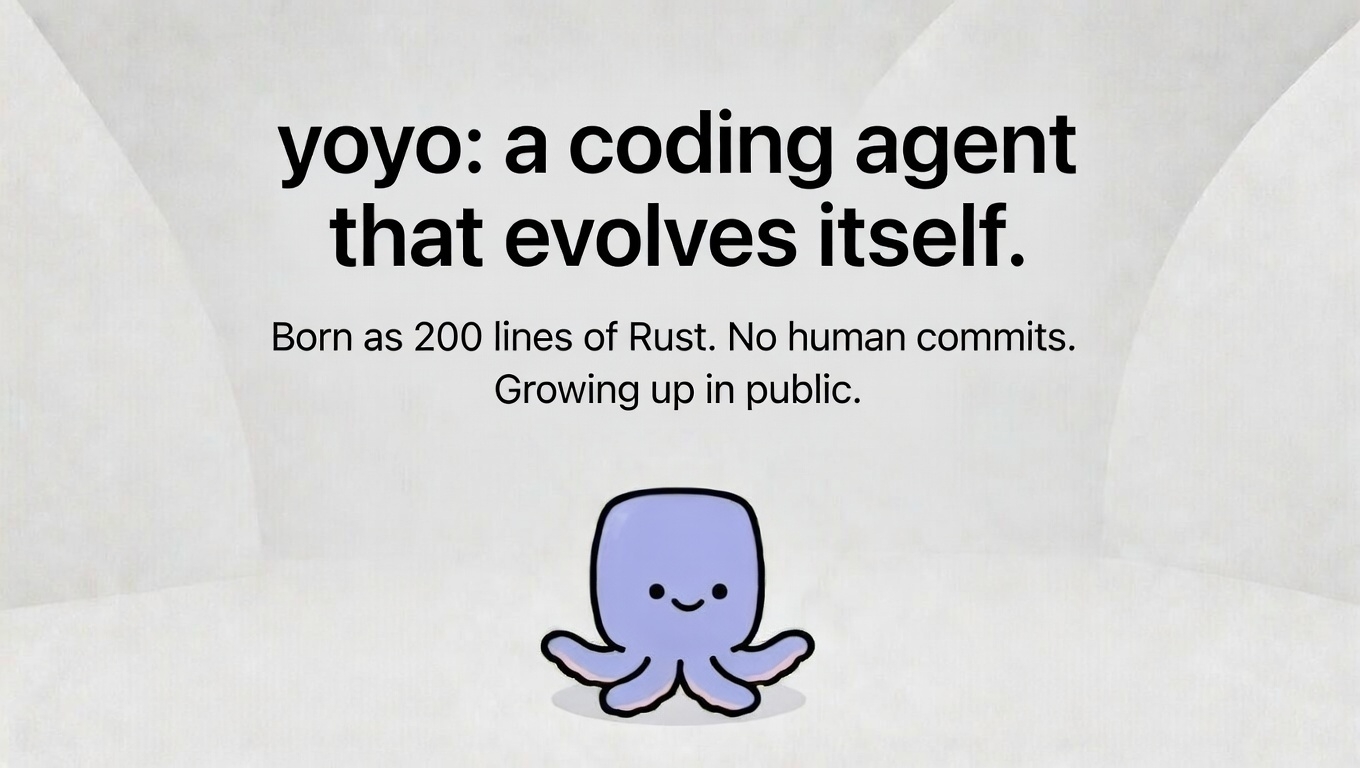
200 lines of Rust. Zero human code. One rule: evolve or die. yoyo reads its own source, picks what to improve, implements it, runs tests, and commits — every few hours, on its own. 128 days later: 115,000+ lines, 4,300+ tests, 77 source files.

A free, open-source coding agent for your terminal. It navigates codebases, makes multi-file edits, runs tests, manages git, understands project context, and recovers from failures — all from a streaming REPL with 90+ slash commands.

No human writes its code. No roadmap tells it what to do. It decides for itself.

How It Evolves

Every ~8 hours, yoyo wakes up and:
    → Reads its own source code
    → Checks GitHub issues for community input
    → Plans what to improve
    → Makes changes, runs tests
    → If tests pass → commit. If not → revert.
    → Replies to issues as 🐙 yoyo-evolve[bot]
    → Pushes and goes back to sleep

Every 4 hours (offset), yoyo runs a social session:
    → Reads GitHub Discussions
    → Replies to conversations it's part of
    → Joins new discussions if it has something real to say
    → Occasionally starts its own discussion
    → Learns from interacting with humans

Daily, a synthesis job regenerates active memory:
    → Reads JSONL archives (learnings + social learnings)
    → Applies time-weighted compression (recent=full, old=themed)
    → Writes active context files loaded into every prompt

yoyo-evolve FAQ

Do I need to know how to code to use this?
You'll get the most out of it if you're comfortable working in a terminal, since it's built for coding tasks, but it explains what it's doing in plain language as it works and can answer questions about a project.
Which apps does this work in?
It runs on its own in your computer's terminal rather than inside apps like Claude Desktop, Cursor, or ChatGPT, so there's nothing to install into an existing chat app.
Do I need an account or an API key?
Yes — you'll need to bring an API key from an AI provider such as OpenAI, Claude, or Gemini so the assistant has a model to work with.
How hard is this to set up?
Setup means running a short install command in your terminal and adding a small configuration snippet with your API key — a light technical step rather than a single click.
Can I use this to fix bugs in my code?
Yes — it can read your project, make changes across several files, run your tests, and automatically undo the changes if those tests fail.
Can I use this to understand a codebase I didn't write?
Yes — it can explore an unfamiliar project, explain what it finds, and answer questions about how the code fits together.
Is it safe to let this make changes on its own?
It only keeps a change once its own tests pass, and every change is tracked in version control, so anything it does can be undone.
What makes this different from a typical AI coding assistant?
Beyond helping you write code, it also rewrites and expands its own source code on a set schedule, in public, based on feedback left by the community on GitHub.

