remote-swe-agents

MCP.Pizza Chef: aws-samples

Give it a task through a web page, a Slack message or a GitHub issue, and it starts its own machine in the cloud, works the problem, and opens a pull request when it is done. Because everything runs in your account, you pay Amazon for what it uses and nothing while it sits idle. This is a published sample from Amazon rather than a finished product, so getting it running means deploying cloud infrastructure yourself. It uses other MCP tools rather than being one.

Coding

Use This MCP client To

Hand off a bug fix and get a pull request back Start a coding task from Slack while away from my laptop Point a single instruction at several projects at once Turn a filed issue into a finished change automatically Watch what the agent is doing and what it is costing me

README

Remote SWE Agents

English | 日本語

This is an example implementation of a fully autonomous software development AI agent. The agent works in its own dedicated development environment, freeing you from being tied to your laptop!

TL;DR: This is a self-hosted, fully open-source solution on AWS that offers a similar experience to cloud-based asynchronous coding agents, such as Devin, OpenAI Codex, or Google Jules.
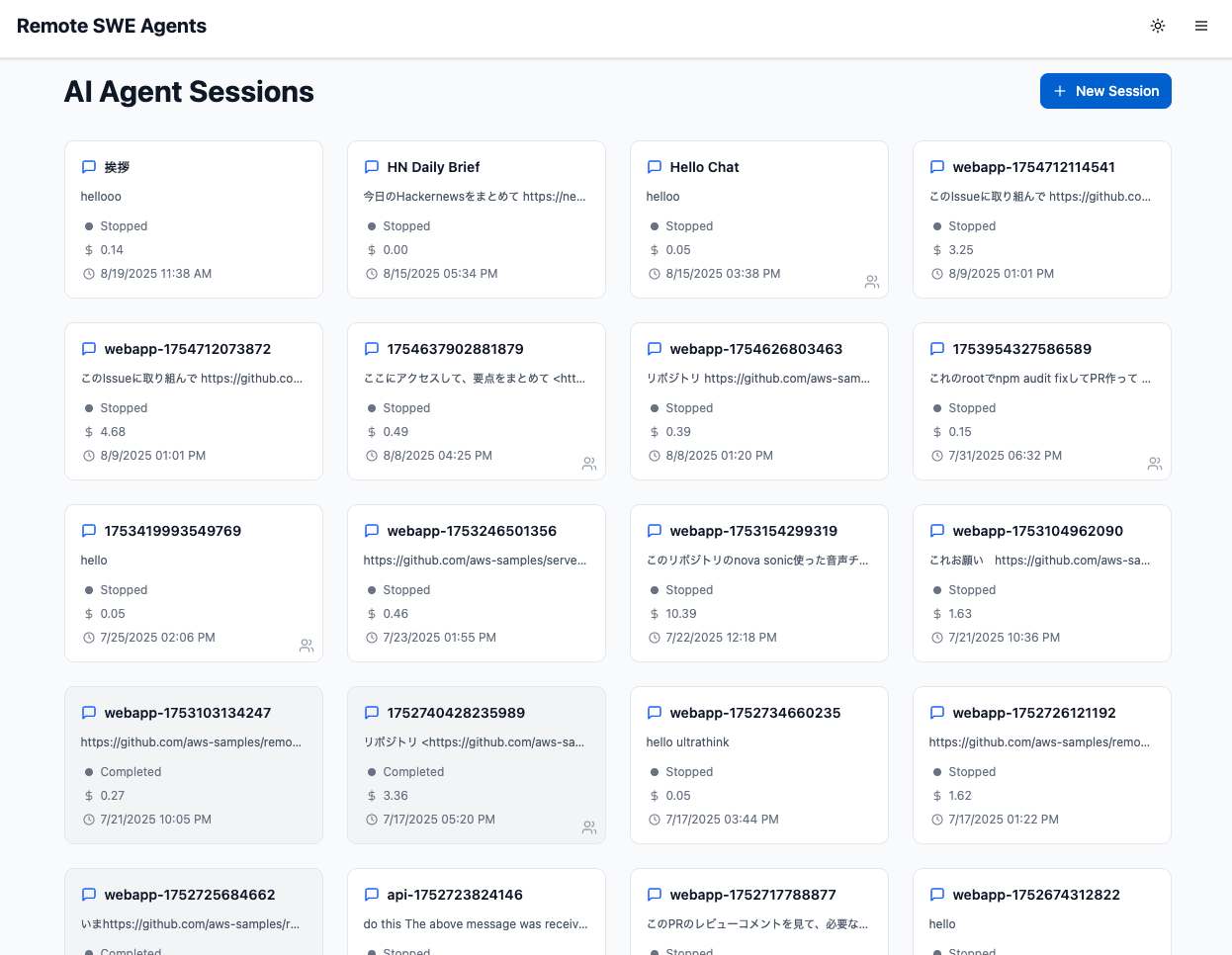
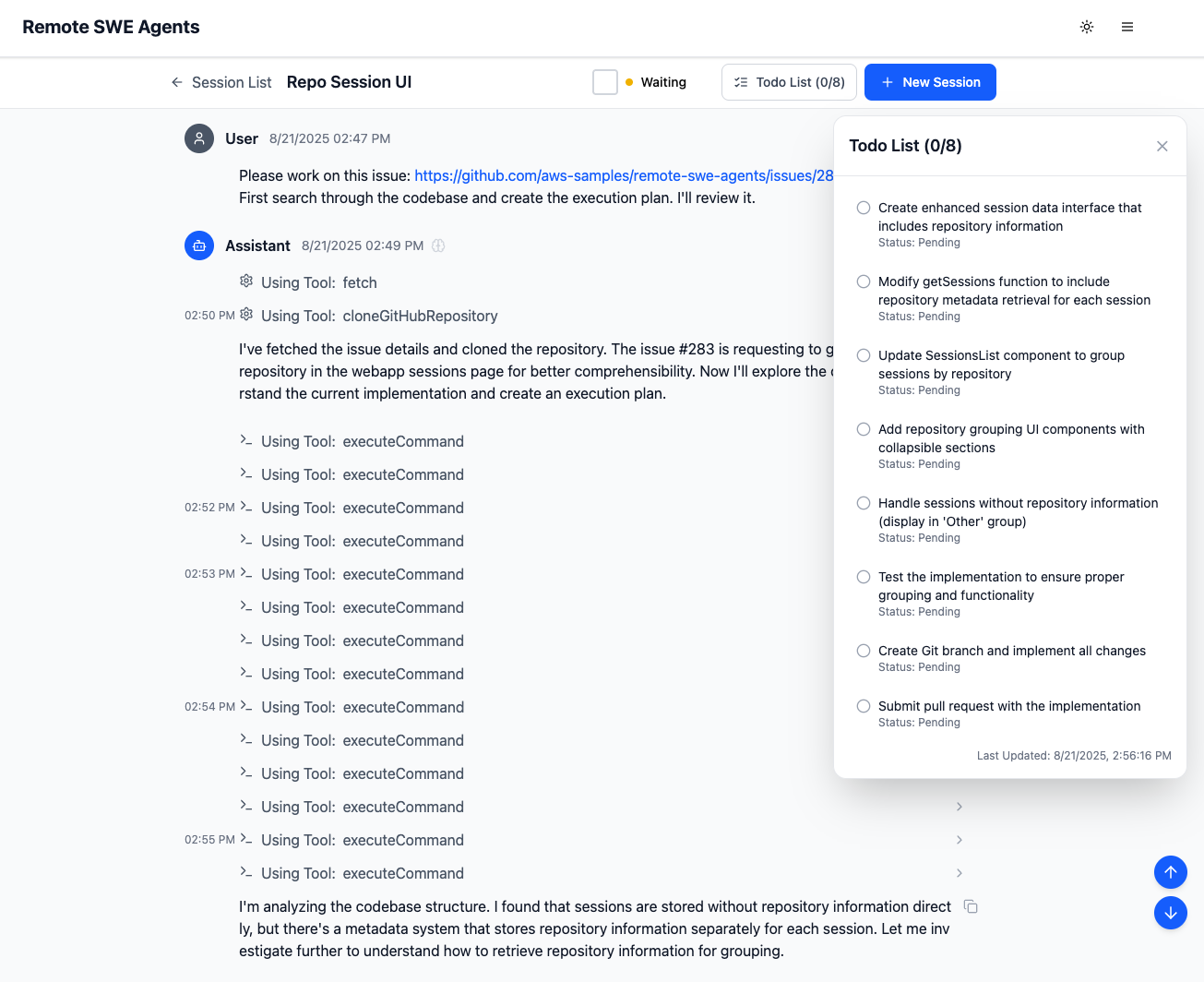
List sessions Chat View
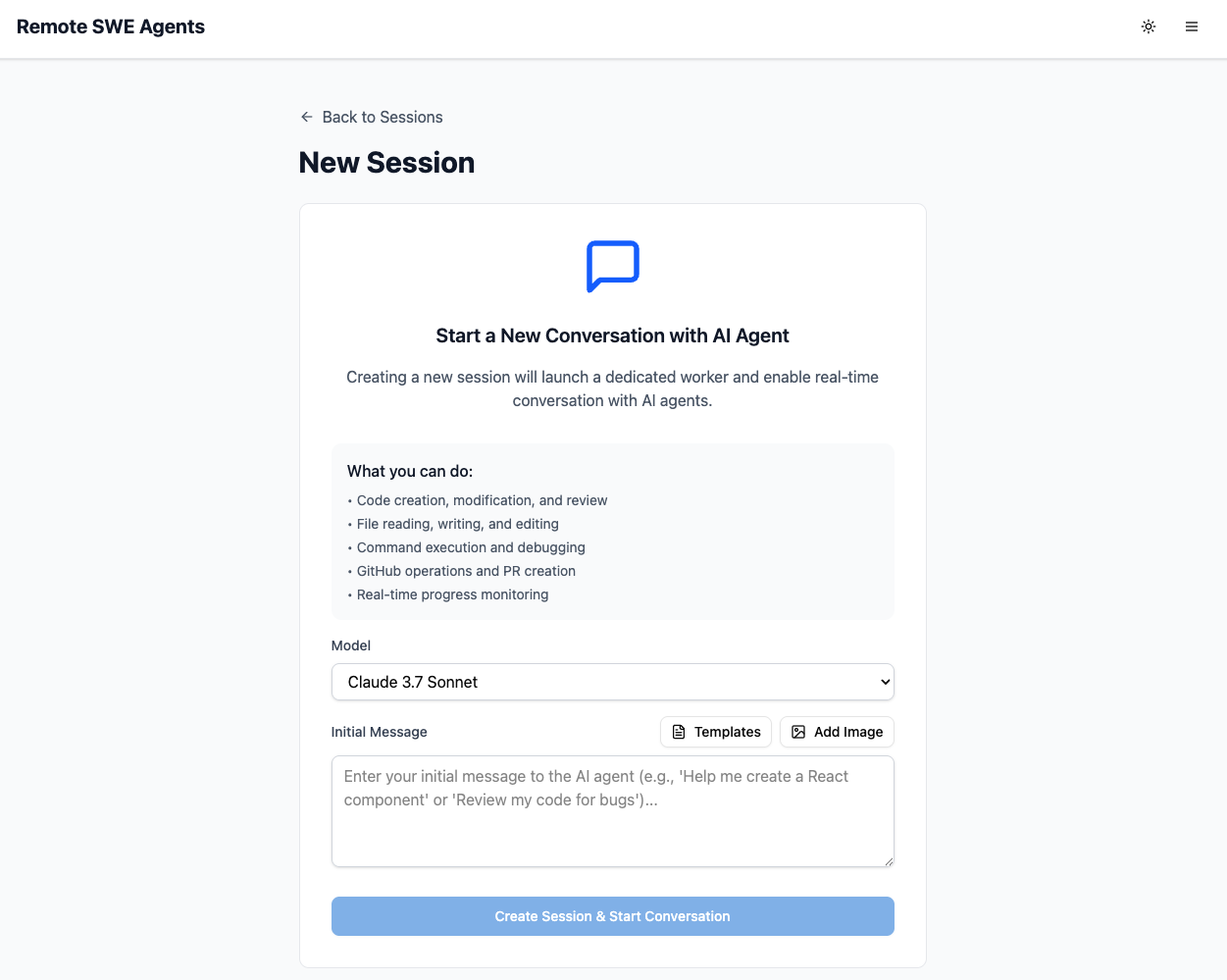
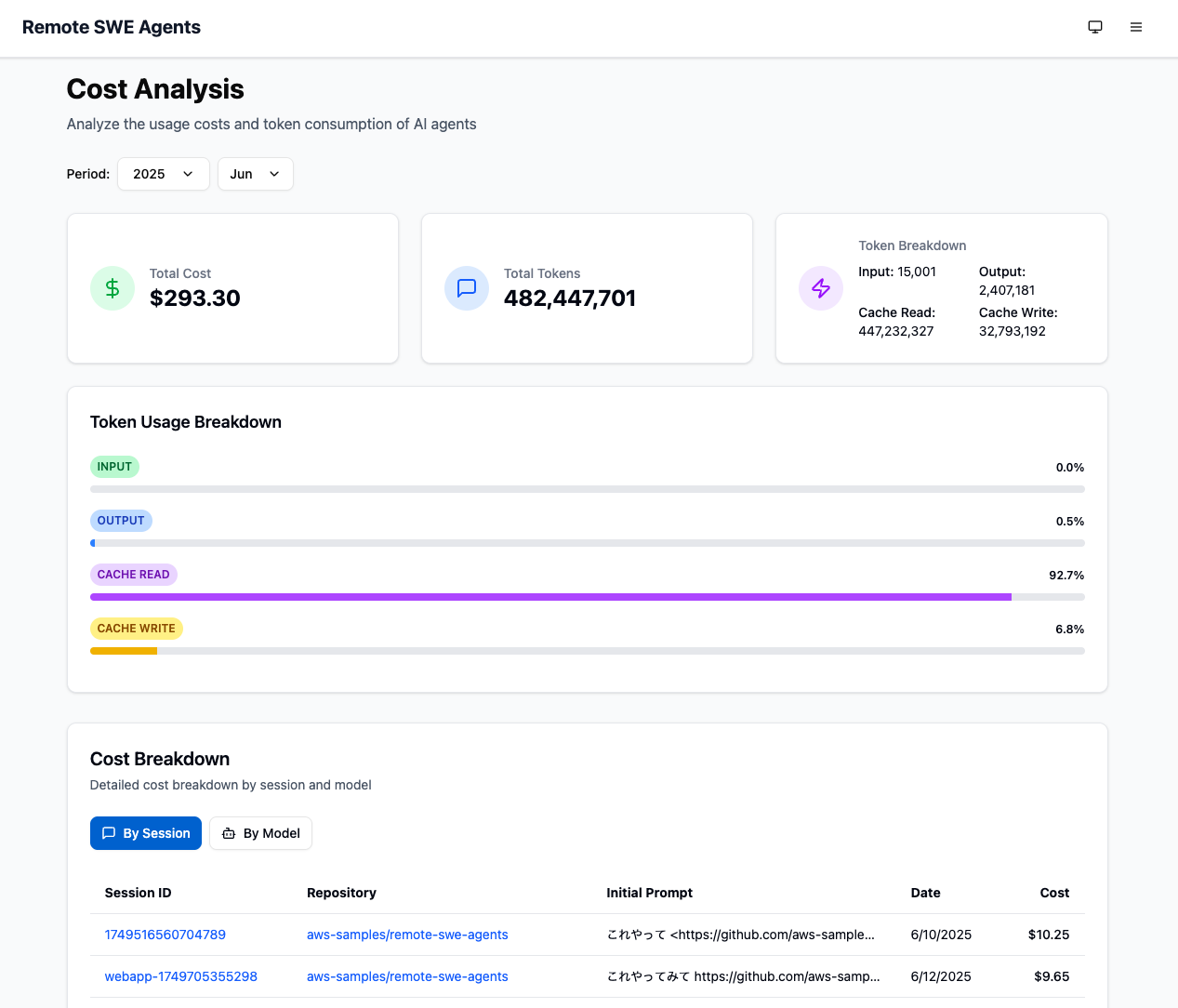
New session Cost View

Key Features

  • Fully autonomous software development agent - AI-powered development workflow automation
  • Web-based management interface - Modern Next.js webapp for session management and real-time monitoring
  • Slack App integration - You can call the agent from Slack.
  • REST API integration - RESTful endpoints for programmatic integration
  • Powered by AWS serverless services with minimal maintenance costs
  • No upfront or fixed costs while you don't use the system
  • MCP support through integration with MCP servers
  • Can work on OSS forked repositories

Examples

Some of the agent sessions by Remote SWE agents:

remote-swe-agents FAQ

Can I add this to Claude or Cursor like a normal MCP tool?
No — it works the other way round. This is the agent itself, and it connects out to MCP tools. You run it as its own service rather than plugging it into a chat app.
How hard is setup?
Hard. You need an Amazon Web Services account, Node, Docker and comfort with command-line deployment. The deployment itself takes about ten minutes once those are in place.
What does it cost?
There is no licence fee. You pay Amazon for the computing and model usage it consumes, and nothing while nobody is using it.
Can I use this to fix something while I am away from my computer?
Yes — message it in Slack or file an issue, and it works on its own machine and reports back with a pull request.
Does it change my code without asking?
It opens pull requests for you to review rather than pushing straight to your main branch.
Is it supported by Amazon?
It is an official Amazon sample project, not a supported product, so there is no help desk behind it. It is actively worked on, with code changes as recently as August 2026.