


This implementation provides a Git changes analyzer that generates commit messages using OpenAI's GPT models.
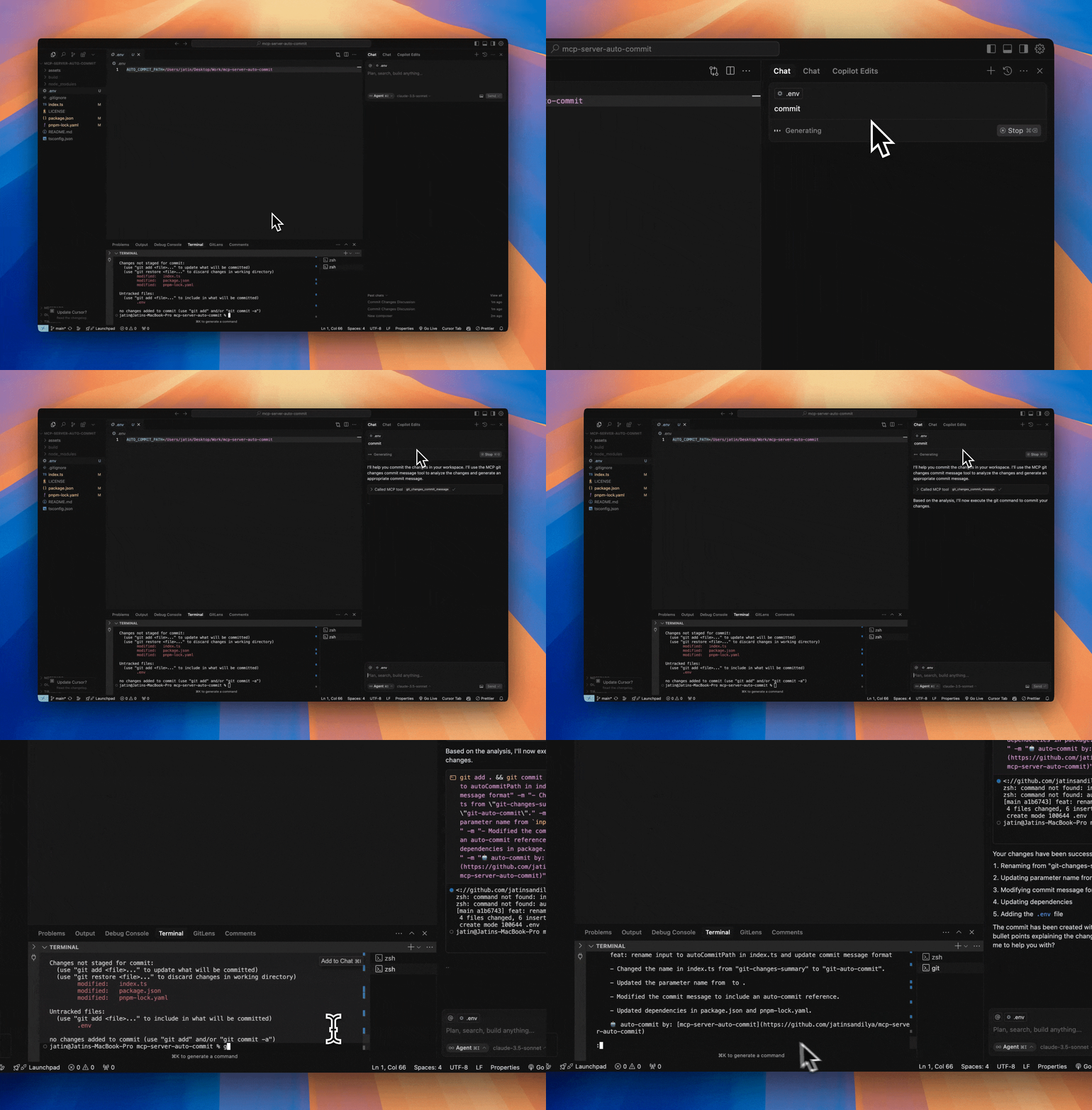
- Analyzes git changes in your repository (both staged and unstaged)
- Generates conventional commit messages using GPT-4o-mini
- Provides detailed summaries of:
- 📝 Modified files
- ✨ Newly added files
- 🗑️ Deleted files
- 📄 Detailed changes (up to 10 lines per file)
- Built with @modelcontextprotocol/sdk
- Adds an auto-commit signature to each commit
mcp-server-auto-commit/
├── index.ts        # Main server implementation with git analysis tool
├── package.json    # Project dependencies
├── tsconfig.json   # TypeScript configuration
└── build/         # Compiled JavaScript output
- Node.js installed
- OpenAI API key
- Git repository to analyze
- pnpm package manager
- Clone this repository:
git clone https://github.com/jatinsandilya/mcp-server-auto-commit.git
cd mcp-server-auto-commit- Install dependencies:
pnpm install-
Set up your OpenAI API key using one of these methods:
- Set as an environment variable:
OPENAI_API_KEY=your-api-key - Pass as a command line argument:
--key your-api-key - Add to a
.envfile in the project root
- Set as an environment variable:
-
Build the project:
pnpm run buildThis will generate the /build/index.js file - your compiled MCP server script.
- Go to Cursor Settings -> MCP -> Add new MCP server
- Configure your MCP:
- Name: git-auto-commit
- Type: command
- Command:
node ABSOLUTE_PATH_TO_MCP_SERVER/build/index.js --key your-api-key(Replaceyour-api-keywith your actual OpenAI API key if not set in environment)
Add the following MCP config to your Claude Desktop configuration:
{
  "mcpServers": {
    "git-auto-commit": {
      "command": "node",
      "args": ["ABSOLUTE_PATH_TO_MCP_SERVER/build/index.js", "--key", "your-api-key"]
    }
  }
}This tool analyzes the current git changes in your repository and generates a commit message using OpenAI's GPT-4o-mini model. It provides:
- List of modified files with status indicators
- List of newly added files
- List of deleted files
- Detailed changes for each file (limited to 10 lines per file for readability)
- A generated commit message following conventional commits format
- An auto-commit signature
Usage parameters:
autoCommitPath: Optional path to analyze specific directory/file. If not provided, uses current working directory.
The implementation in index.ts showcases:
- Setting up the MCP server with proper configuration
- Handling command line arguments and environment variables
- Integrating with OpenAI's API using GPT-4o-mini model
- Git operations using child processes
- Error handling and fallback mechanisms
- Detailed change analysis and formatting
To modify or extend the implementation:
- Update the server configuration in
index.ts:
const server = new McpServer({
  name: "git-auto-commit",
  version: "0.0.1",
});-
The tool is defined using
server.tool()with proper parameter validation using Zod schema. -
Build and test your changes:
pnpm run buildFeel free to submit issues and enhancement requests!
MIT