

ragrabbit

ragrabbit

MCP.Pizza Chef: madarco

The piece that plugs into Claude Desktop or Cursor is small and honest: a single tool that asks your own RagRabbit installation for the most relevant pages, plus one readable summary file. Everything that makes it useful happens beforehand, in a self-hosted web app you deploy yourself with a database and a paid OpenAI account, then point at your site to crawl. Worth knowing: the search route on that installation carries no password at all, so anyone who learns your web address can query your content and spend your credit.

Web/Research
Writing

Use This MCP server To

Ask questions about my own documentation without leaving chat Pull the right help page for a customer question Check what my site already says before writing a reply Give my assistant my product docs as a reference Search my crawled site for a policy I half remember

README

RagRabbit  RagRabbit 

Self Hosted Site AI Search, LLMs.txt, MCP Server that crawls your content. 1-Click Deploy on Vercel.
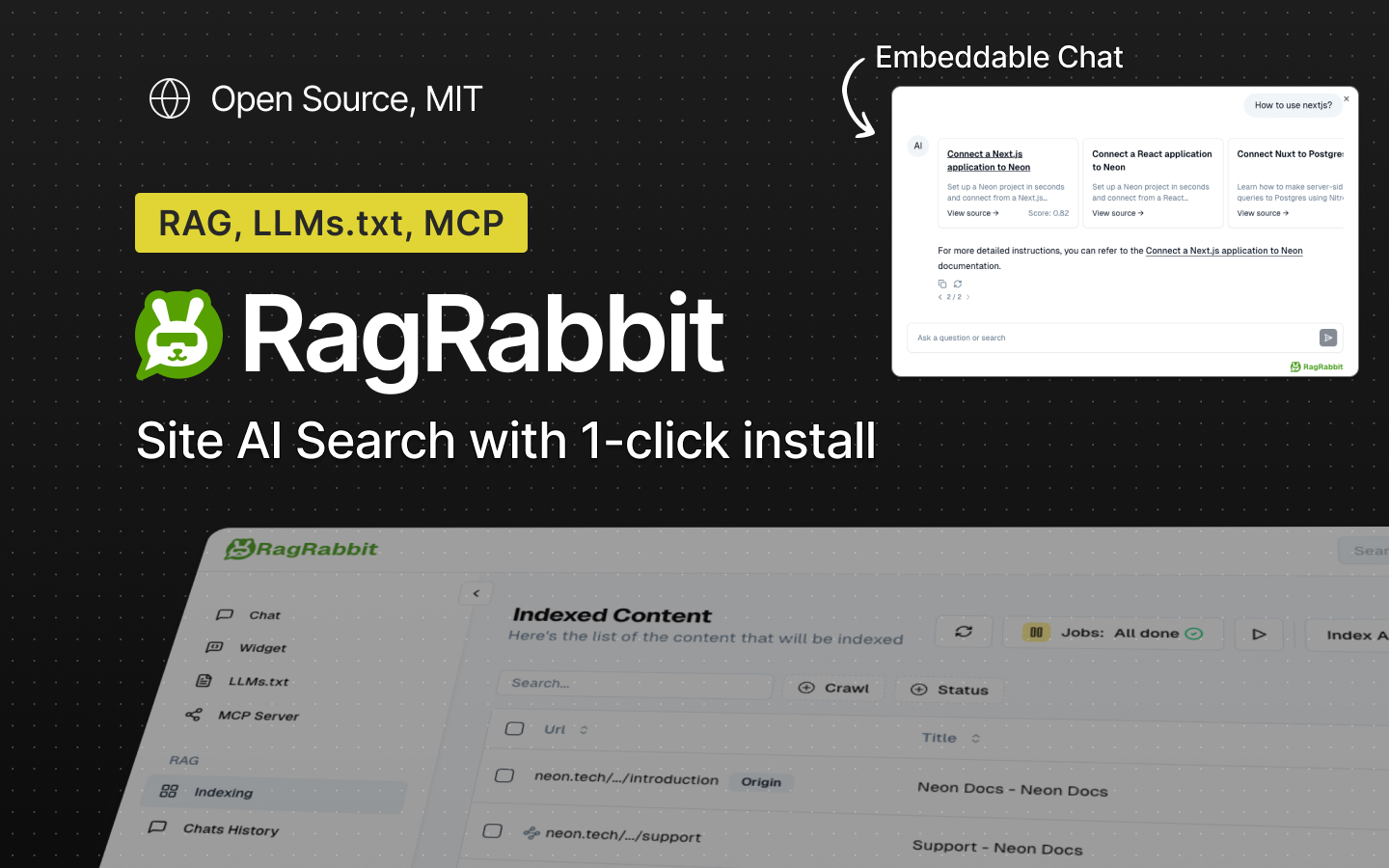
RagRabbit

Deploy with Vercel

How it works

RagRabbit is a Next.js Turborepo app that uses Llamaindex with pgVector.

Features

  • πŸ’¬ Chat Widget: Embeddable AI Chat agent and instant Search
  • πŸ•ΈοΈ Website Crawler: scrapes and index pages with pgVector and PostgreSQL
  • πŸ“„ LLMs.txt Generation: fully customizable wiht ToC reorder
  • πŸ”Œ MCP Server: npx @ragrabbit/mcp to access your docs from Claude Desktop and Cursor IDE
  • πŸ› οΈ Flexible: Authentication, Open Source, API Keys access
  • πŸš€ Easy Deployment: One-click setup on Vercel

Integrations:

Demo

View RagRabbit Demo Page

RagRabbit Demo

Install

To install on Vercel:

Deploy with Vercel

Requirements:

  • Node.js 20.x
  • PostgreSQL w/ pgVector
  • OpenAI API Key
  • (Optional) Trigger.dev API Key

Configuration

Set the following environment variables:

  • OPENAI_API_KEY

For username/password login:

  • ADMIN_USER
  • ADMIN_PASSWORD

For email login:

  • RESEND_AUTH=true
  • To restrict access to those emails: RESEND_ALLOWED_EMAILS="test@test.com,foo@bar.com"
  • To not send emails but logs the login link instead (in Vercel logs): SIMULATE_EMAILS=true

See .env.example for the complete list.

How to use

Use the Indexing section to add a new url/website to index, either a single url or a website to crawl recursively:

RagRabbit Indexing RagRabbit Crawl Modal

Then start the Job Runner (keep the tab open until it finish)

RagRabbit Job Runner

In the LLM.txt section you can preview the generated LLM.txt file:

RagRabbit LLM.txt

You can then embed the widget in your site with the following snippet:

Chat Button

Embed a button at the bottom of your page:

<script src="https://<your deployed app>/widget.js"></script>

RagRabbit Embed Widget Button

Chat Widget

Insert a search input anwhere in your page:

RagRabbit Widget

<script src="https://ragrabbit.com/widget.js?type=search"></script>
<ragrabbit-search></ragrabbit-search>

To use with React.js

"use client";

import Script from "next/script";

export function RagRabbitSearch() {
  return (
    <>
      <Script src="/widget.js?type=search" strategy="lazyOnload" />
      <style>{`
        ragrabbit-search .ragrabbit-search-input {
            padding: 6px 12px;
        }
      `}</style>
      <div className="ml-auto min-w-[300px] flex-1 sm:flex-initial">
        {/* @ts-ignore - Custom element will be mounted by external script */}
        <ragrabbit-search></ragrabbit-search>
      </div>
    </>
  );
}

MPC Server

The MCP Server allows any supported AI Clients to retrieve pages from your documentation using semantic search.

Claude Desktop

Add a custom mcp server with the name of your product, so that Claude AI can use it when looking for info about it.

in claude_desktop_config.json (Claude -> Settings -> Developer -> Edit Config)

{
  "mcpServers": {
    "<name_of_your_documentation_no_spaces>": {
      "command": "npx",
      "args": ["@ragrabbit/mcp", "http://<RagRabbit install>/", "<name of your documentation>"]
    }
  }
}

In Cursor IDE

Go to Cursor -> Settings -> Cursor Settings -> MCP

And add a new MCP of type command with the command:

npx @ragrabbit/mcp", "http://<RagRabbit install>/", "<name of your documentation>"

Arguments:

  • ragrabbit-url: (Required) The base URL of your RagRabbit instance, eg https://my-ragrabbit.vercel.com/
  • name: (Required) Custom name for the documentation search service (defaults to "RagRabbit") so that AI will know to use it when looking for info

Configuration Options

Chat button

You can configure the chat button by adding the following parameters to the widget.js script tag:

buttonText
<script src="https://ragrabbit.com/widget.js?buttonText=Ask%20AI"></script>

Search widget

You can configure the search widget by adding the following parameters and use the mountSearch call:

searchPlaceholder
<div id="search-container"></div>
<script>
  window.mountSearch("search-container", { searchPlaceholder: "Search documentation..." });
</script>

Integrations

Fumadocs

Create a component to replace the Search Dialog:

pnpm add @ragrabbit/search-react
"use client";
import type { SharedProps } from "fumadocs-ui/components/dialog/search";
import { RagRabbitModal } from "@ragrabbit/search-react";

export default function SearchDialog({ open, onOpenChange }: SharedProps) {
  return <RagRabbitModal
    domain="http://localhost:3000/"
    open={open}
    onOpenChange={onOpenChange}
    />;
}

Then set it in the layout.tsx:

<RootProvider
  search={{
    SearchDialog,
  }}
>
  ...
</RootProvider>

Optionally add the Floating Chat button:

"use client";
import { RagRabbitChatButton } from "@ragrabbit/search-react";

export default function ChatButton() {
  return <RagRabbitChatButton domain="http://localhost:3000/" />;
}

And add it to the layout.tsx:

<body className="flex flex-col min-h-screen">
  <ChatButton />
  ...

Development

# Start the db (Docker needed)
pnpm dev:utils # Starts postgresql with pgvector, Storybook and Drizzle ORM Studio

# Start the app
cd apps/saas
pnpm dev

Directory structure:

RagRabbit is a monorepo with Turborepo a Next.js app and a modular design with separate packages.

apps/
β”œβ”€β”€ docs -> the documentation site
β”œβ”€β”€ saas -> the main application
└── web -> the web site
packages/
β”œβ”€β”€ db -> the database with Drizzle ORM
β”œβ”€β”€ auth -> the authentication with Auth.js
β”œβ”€β”€ core -> shared utils
β”œβ”€β”€ design -> the design system
β”œβ”€β”€ rag -> the LLM and RAG package with LlamaIndexTS
β”œβ”€β”€ jobs -> job runner with Trigger.dev
└── storybook -> a Next.js Storybook app
.cursorrules -> Fine tuned Cursor rules with all the locations to work with the monorepo

Author

Marco D'Alia - @madarco - Linkedin

License

MIT

ragrabbit FAQ

Can I install this and search any website?
No. It only talks to a RagRabbit installation you have set up and pointed at your own pages. On its own it has nothing to search.
What does it actually cost?
The code is free, but the installation behind it needs somewhere to run, a database, and an OpenAI account with credit, which is charged every time pages are indexed or searched.
How many things can it do?
One. It offers a single document search, plus one plain-text summary of your site it can read. Everything else in the project is the website side, not the assistant side.
Can I use this to answer support questions from my docs?
Yes, and that is the main point of it. Once your pages are crawled, the assistant can pull the closest matching page and quote from it.
Is it safe to leave the installation running?
Treat the address as semi-public. The search route accepts requests from anyone with no password and no request limit, so publishing that address effectively publishes your indexed content.
The project mentions key-based access. Does that protect the search?
Not on this path. The assistant sends no key whatsoever when it searches, so that protection does not apply to the part described here.
How hard is setup?
The snippet you paste into your assistant is trivial. Getting to the point where it returns anything means deploying a whole web app first, which is developer territory.