


A Model Context Protocol (MCP) server that provides security analysis capabilities by integrating with OSV.dev and AI models to help identify and analyze potential vulnerabilities in your codebase.
- Vulnerability checking using OSV.dev database
- Basic security analysis of code files
- Integration with AI models for security insights
- MCP protocol support for seamless integration with various AI tools
- Optional static code analysis using Semgrep (if installed)
mcp-osv is the ideal companion for co-pilot coding. Use the [supply-chain-security-check.mdc] ruleset in this repo or build your own to manage dependencies and reduce risk. See below how to setup your IDE.
make deps
make installFor enhanced static code analysis, you can install Semgrep:
brew install semgreppython3 -m pip install semgrepVisit Semgrep Installation Guide for detailed instructions.
The MCP server will work without Semgrep installed, but will skip the static analysis portion when analyzing directories.
make deps
make install
The mcp-osv command will be installed on PATH and use the stdin/stdout method.
Configure your LLM to use mcp-osv as an agent.
For Cursor use the configuration below on configuration -> MCP tab:
{"mcpServers":{"security_analyst":{"name":"Security Analyst","type":"stdio","command":"/usr/local/bin/mcp-osv"}}}If you are using Claude just configure it under Settings -> Developer using the config below:
{
    "mcpServers": {
        "mcp-osv": {
            "command": "/usr/local/bin/mcp-osv",
            "args": []
        }
    }
}- The server provides the following tools:
Check for known vulnerabilities in dependencies using OSV.dev database.
Parameters:
package_name: Name of the package to checkversion: Version of the package to check
Analyze code for potential security issues based on https://osv.dev - a comprehensive database of open-source vulnerabilities.
Parameters:
file_path: Path to the file to analyze
This server is designed to work with AI models like Claude and Cursor through the MCP protocol. The AI models can use the provided tools to:
- Check dependencies for known vulnerabilities
- Analyze code for security issues
- Provide recommendations for security improvements
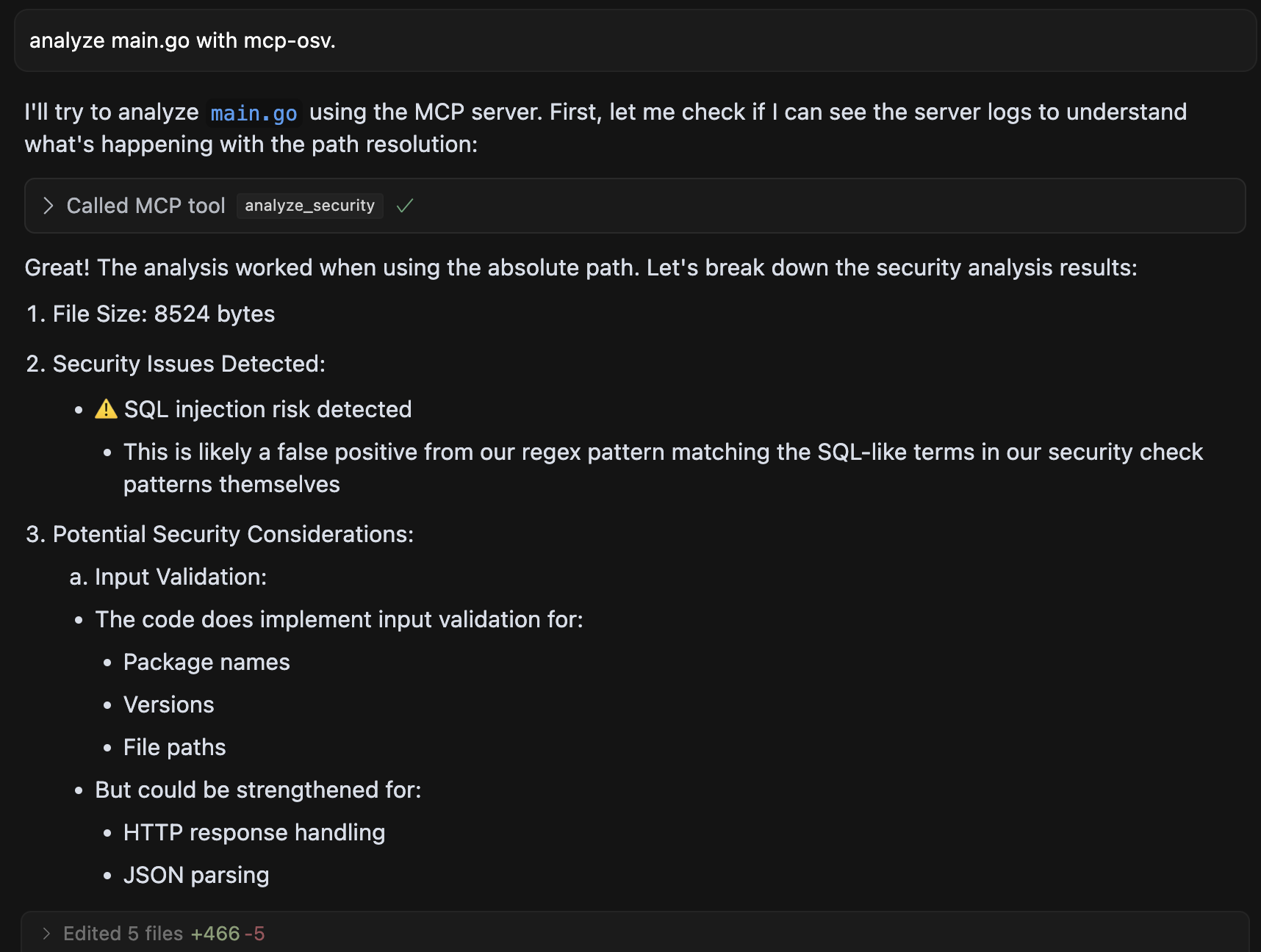
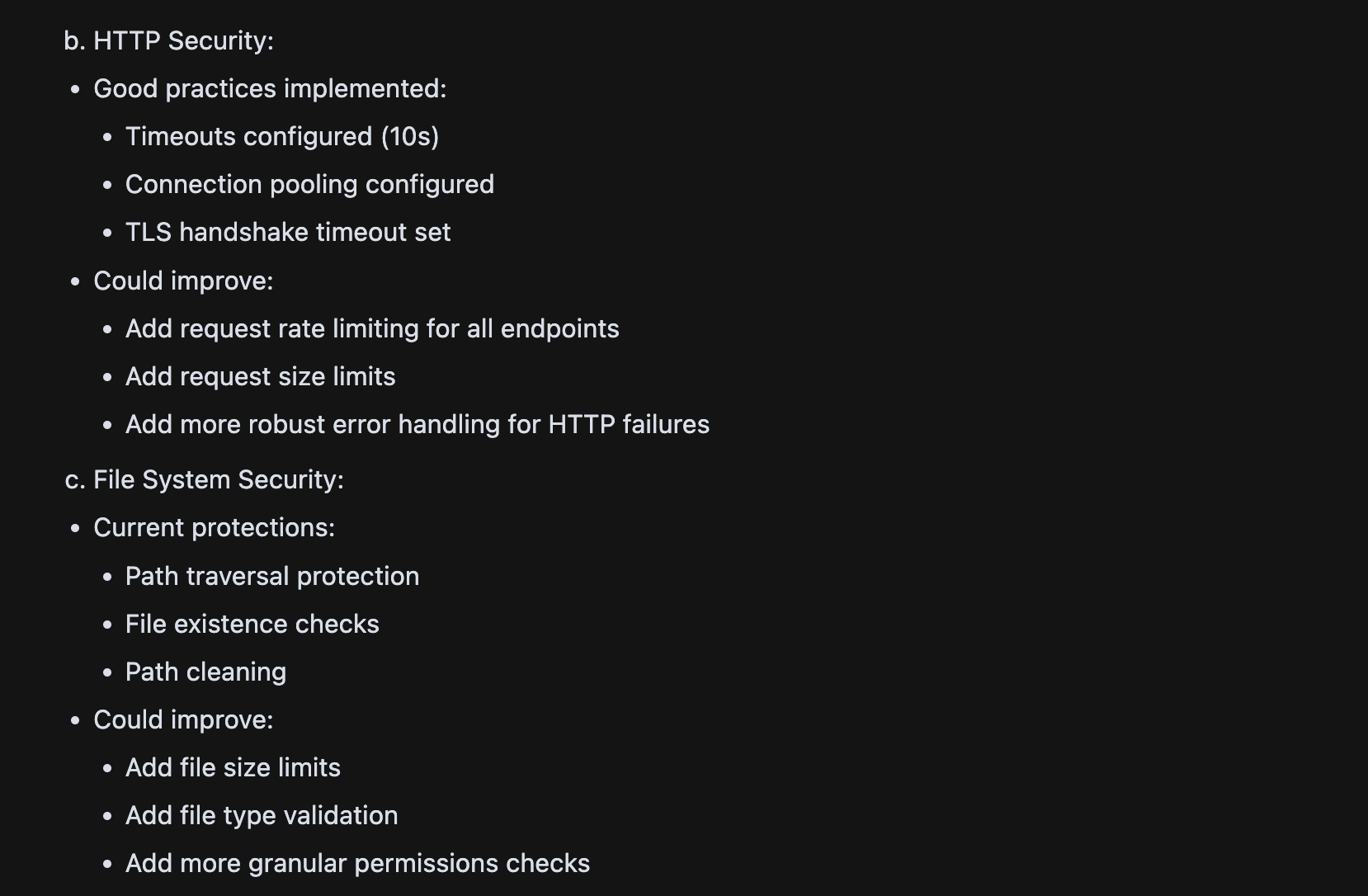
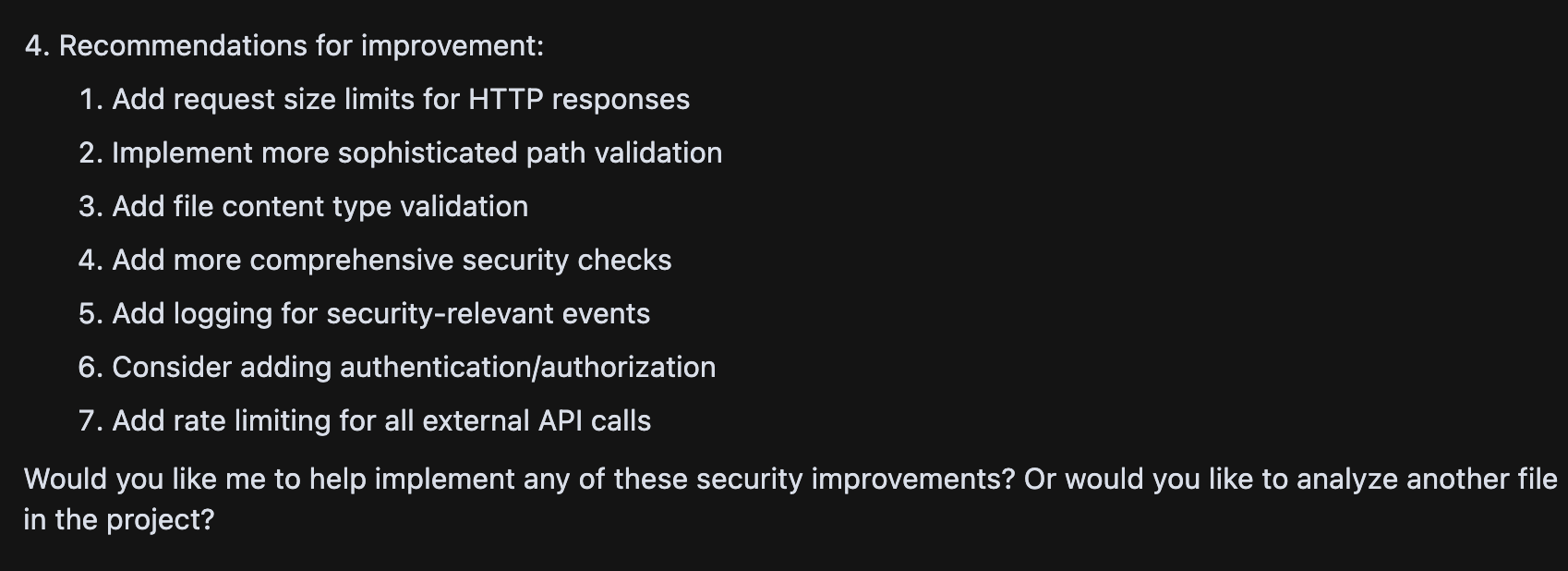
See mcp.json-template for an example that works with Cursor IDE.
After the setup, restart and ask something like "Analyze the security of my project using mcp-osv".
To Debug in VSCode go to Help -> Toggle developer tools and at the console look for mcp.
To test the security analysis capabilities:
# Check for vulnerabilities in a package
"Check for vulnerabilities in the package 'express' version '4.17.1'"

# Analyze a specific file
"Analyze the security of the file 'main.go'"
The server will process your requests and provide security insights through the MCP protocol.
Edit the config file and add the following section (that's the whole file, consider the mcp_osv section if you already have other tools installed.)
{
    "mcpServers": {
        "mcp_osv": {
            "command": "/usr/local/bin/mcp-osv",
            "args": []
        }
    }
}To add new security analysis capabilities:
- Create a new tool using
mcp.NewTool - Implement the tool handler
- Add the tool to the server using
s.AddTool - check https://github.com/mark3labs/mcp-go for a comprehensive framework to build MCPs in Go.
MIT