Rootly-MCP-server

MCP.Pizza Chef: rootlyhq

Rootly MCP Server is an MCP server that integrates the Rootly API, enabling developers to resolve production incidents quickly without leaving their IDE. Compatible with MCP editors like Cursor, Windsurf, and Claude, it streamlines incident management workflows by providing real-time access to Rootly's incident data and actions directly within the development environment.

Use This MCP server To

Resolve production incidents directly from IDEs Integrate Rootly incident data into MCP-compatible editors Automate incident status updates via Rootly API Fetch and display incident details in real-time Trigger Rootly incident workflows from code editors Monitor incident progress without switching apps Streamline incident response with in-IDE Rootly commands

README

Rootly MCP Server

An MCP server for Rootly API that you can plug into your favorite MCP-compatible editors like Cursor, Windsurf, and Claude. Resolve production incidents in under a minute without leaving your IDE.
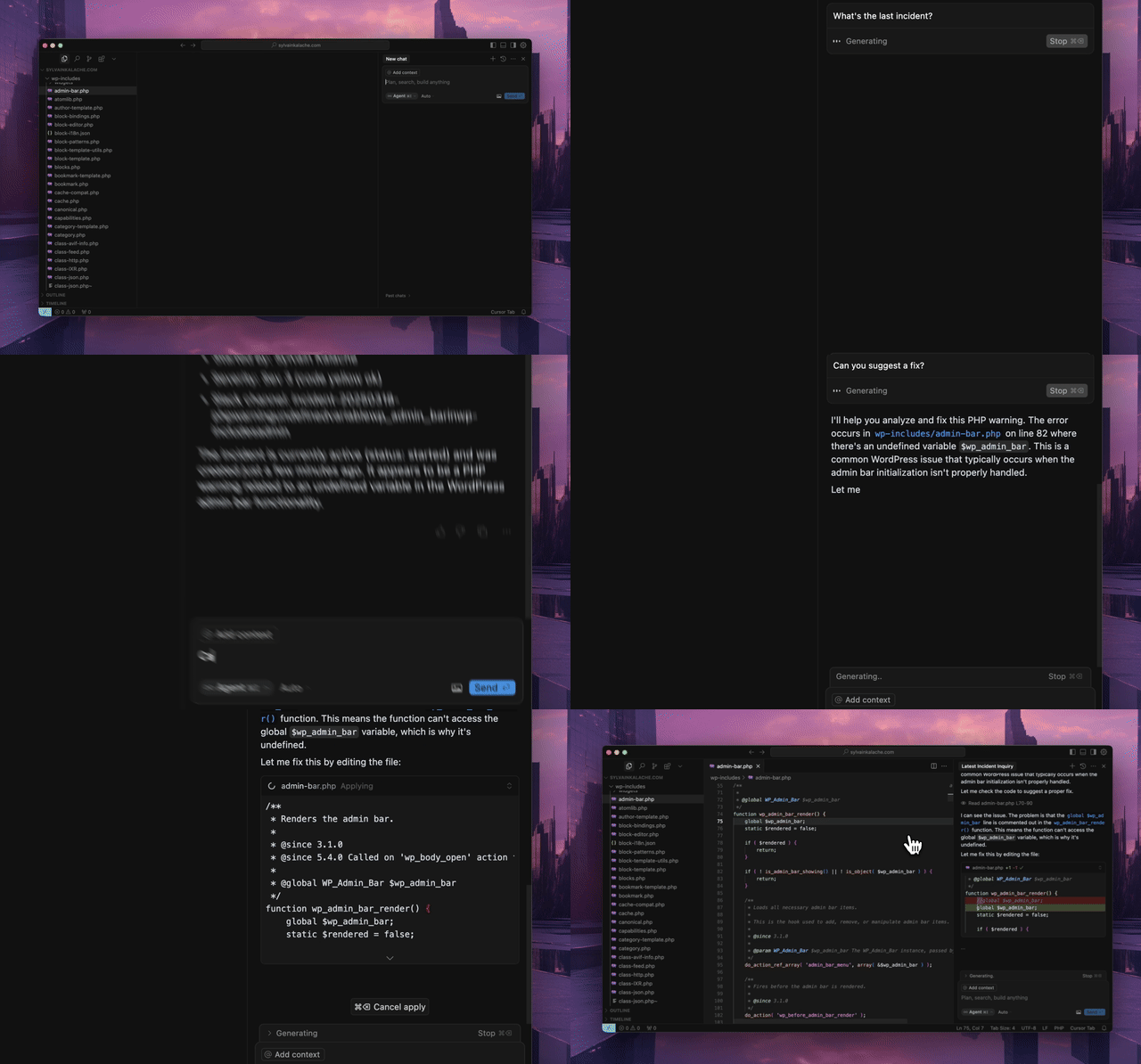
Demo GIF

Prerequisites

  • Python 3.12 or higher
  • uv package manager
    curl -LsSf https://astral.sh/uv/install.sh | sh
  • Rootly API token

Run it in your IDE

Install with our PyPi package or by cloning this repo.

To set it up in your favorite MCP-compatible editor (we tested it with Cursor and Windsurf), here is the config :

{
  "mcpServers": {
    "rootly": {
      "command": "uvx",
      "args": [
        "--from",
        "rootly-mcp-server",
        "rootly-mcp-server"
      ],
      "env": {
        "ROOTLY_API_TOKEN": "<YOUR_ROOTLY_API_TOKEN>"
      }
    }
  }
}

If you want to customize allowed_paths to access more Rootly API paths, clone the package and use this config.

{
    "mcpServers": {
      "rootly": {
        "command": "uv",
        "args": [
          "run",
          "--directory",
          "/path/to/rootly-mcp-server",
          "rootly-mcp-server"
        ],
        "env": {
          "ROOTLY_API_TOKEN": "<YOUR_ROOTLY_API_TOKEN>"
        }
      }
    }
  }

Features

Rootly-MCP-server FAQ

How do I install the Rootly MCP server?
Install via PyPi package or clone the GitHub repo, then configure with your Rootly API token.
What are the prerequisites for running Rootly MCP server?
Requires Python 3.12+, the 'uv' package manager, and a valid Rootly API token.
Which MCP-compatible editors support Rootly MCP server?
Tested with Cursor, Windsurf, and Claude, but compatible with any MCP editor supporting external servers.
How does Rootly MCP server improve incident management?
It allows real-time incident resolution and monitoring directly within your IDE, reducing context switching.
Can I customize the Rootly MCP server configuration?
Yes, you can configure command arguments and environment variables like the API token for your setup.
Is the Rootly MCP server secure?
It uses scoped API tokens and runs locally or in your environment, ensuring secure access to Rootly data.
Does Rootly MCP server support multiple incident workflows?
Yes, it supports triggering and managing various Rootly incident workflows via MCP commands.
Can I use Rootly MCP server with multiple LLM providers?
Yes, it works with MCP clients connected to models like OpenAI, Claude, and Gemini.