Model Context Protocol (MCP) server for Slack Workspaces. The most powerful MCP Slack server — supports Stdio, SSE and HTTP transports, proxy settings, DMs, Group DMs, Smart History fetch (by date or count), may work via OAuth or in complete stealth mode with no permissions and scopes in Workspace 😏.
Important
We need your support! Each month, over 30,000 engineers visit this repository, and more than 9,000 are already using it.
If you appreciate the work our contributors have put into this project, please consider giving the repository a star.
This feature-rich Slack MCP Server has:
- Stealth and OAuth Modes: Run the server without requiring additional permissions or bot installations (stealth mode), or use secure OAuth tokens for access without needing to refresh or extract tokens from the browser (OAuth mode).
- Enterprise Workspaces Support: Possibility to integrate with Enterprise Slack setups.
- Channel and Thread Support with
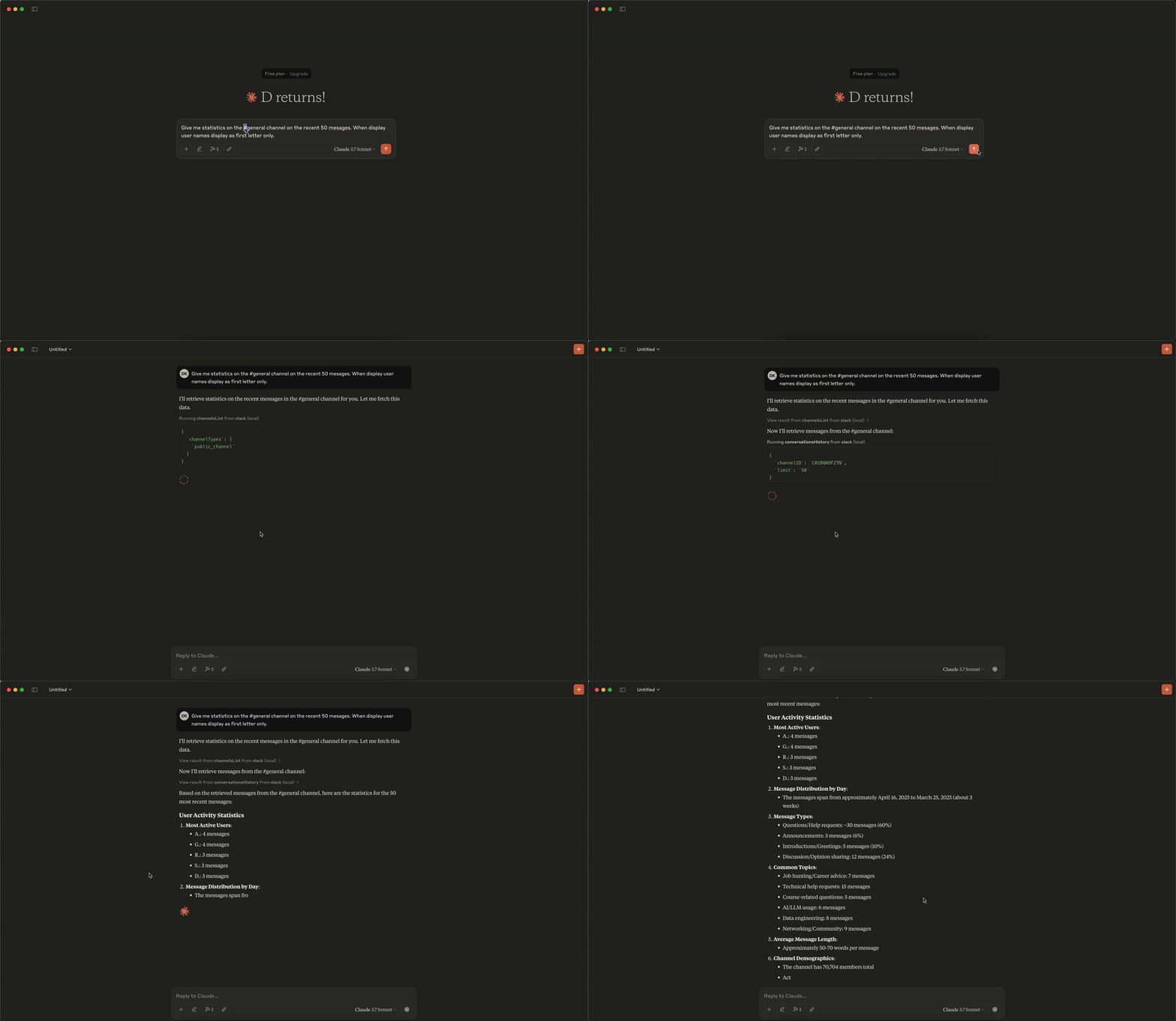
#Name@Lookup: Fetch messages from channels and threads, including activity messages, and retrieve channels using their names (e.g., #general) as well as their IDs. - Smart History: Fetch messages with pagination by date (d1, 7d, 1m) or message count.
- Unread Messages: Get all unread messages across channels efficiently with priority sorting (DMs > partner channels > internal), @mention filtering, and mark-as-read support.
- Search Messages: Search messages in channels, threads, and DMs using various filters like date, user, and content.
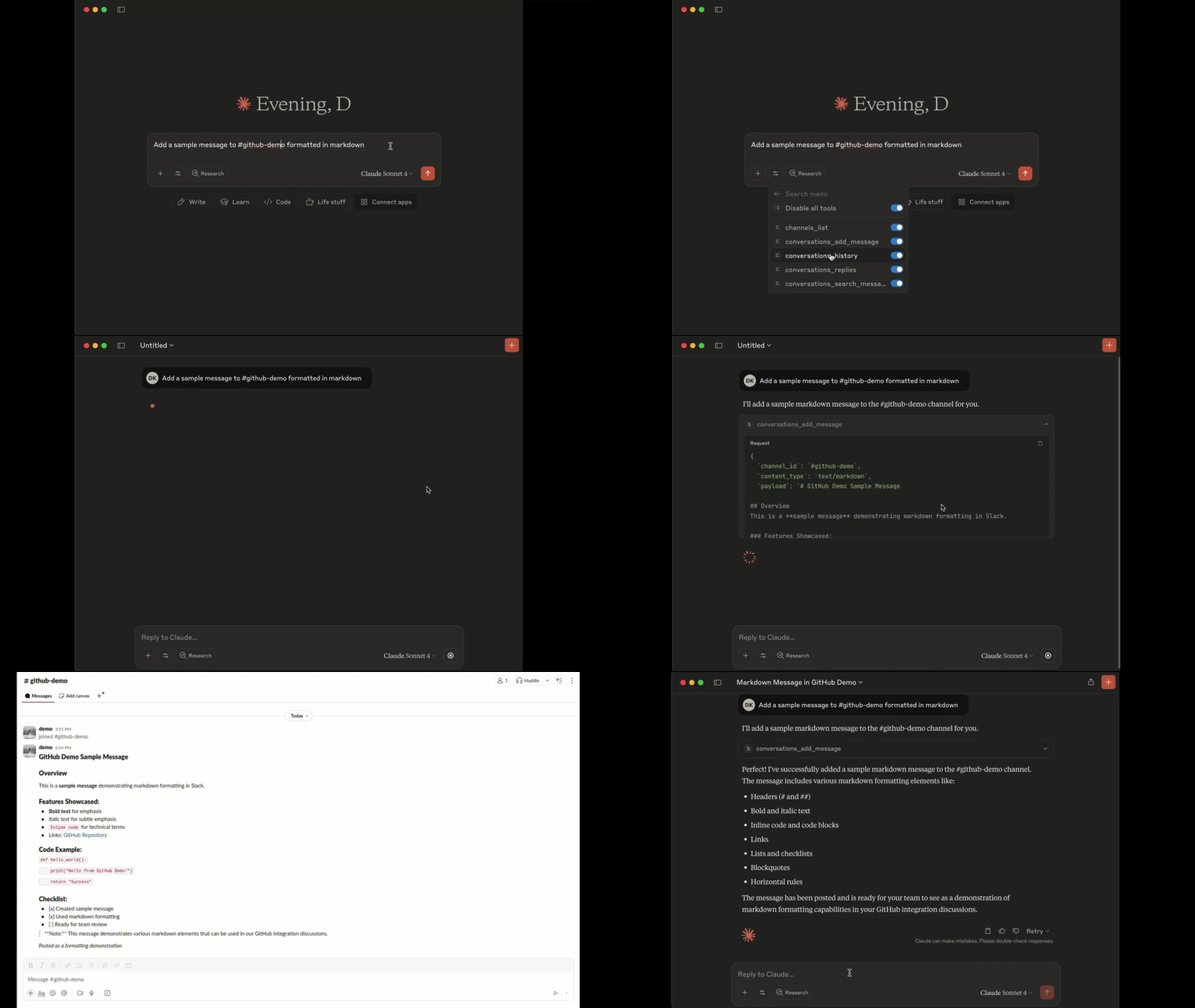
- Safe Message Posting: The
conversations_add_messagetool is disabled by default for safety. Enable it via an environment variable, with optional channel restrictions. - DM and Group DM support: Retrieve direct messages and group direct messages.
- Embedded user information: Embed user information in messages, for better context.
- Cache support: Cache users and channels for faster access.
- Stdio/SSE/HTTP Transports & Proxy Support: Use the server with any MCP client that supports Stdio, SSE or HTTP transports, and configure it to route outgoing requests through a proxy if needed.