say-mcp-server

MCP.Pizza Chef: bmorphism

The say-mcp-server is an MCP server designed to leverage macOS's built-in 'say' command to provide text-to-speech functionality. It allows applications using the MCP protocol to convert text into spoken audio with extensive customization options. This server requires macOS and Node.js 14 or higher. It integrates easily into MCP configurations, enabling developers to add voice output capabilities to their workflows or applications on macOS systems. The server supports plain text and basic punctuation for natural speech pauses, making it ideal for accessibility, notifications, and interactive voice feedback.

Unmaintained · No commits in 21 months.

Use This MCP server To

Convert text to speech on macOS systems Add voice notifications to applications Enable accessibility features with speech output Provide spoken feedback in AI assistants Automate reading of text content aloud

README

say-mcp-server

Say Server MCP server

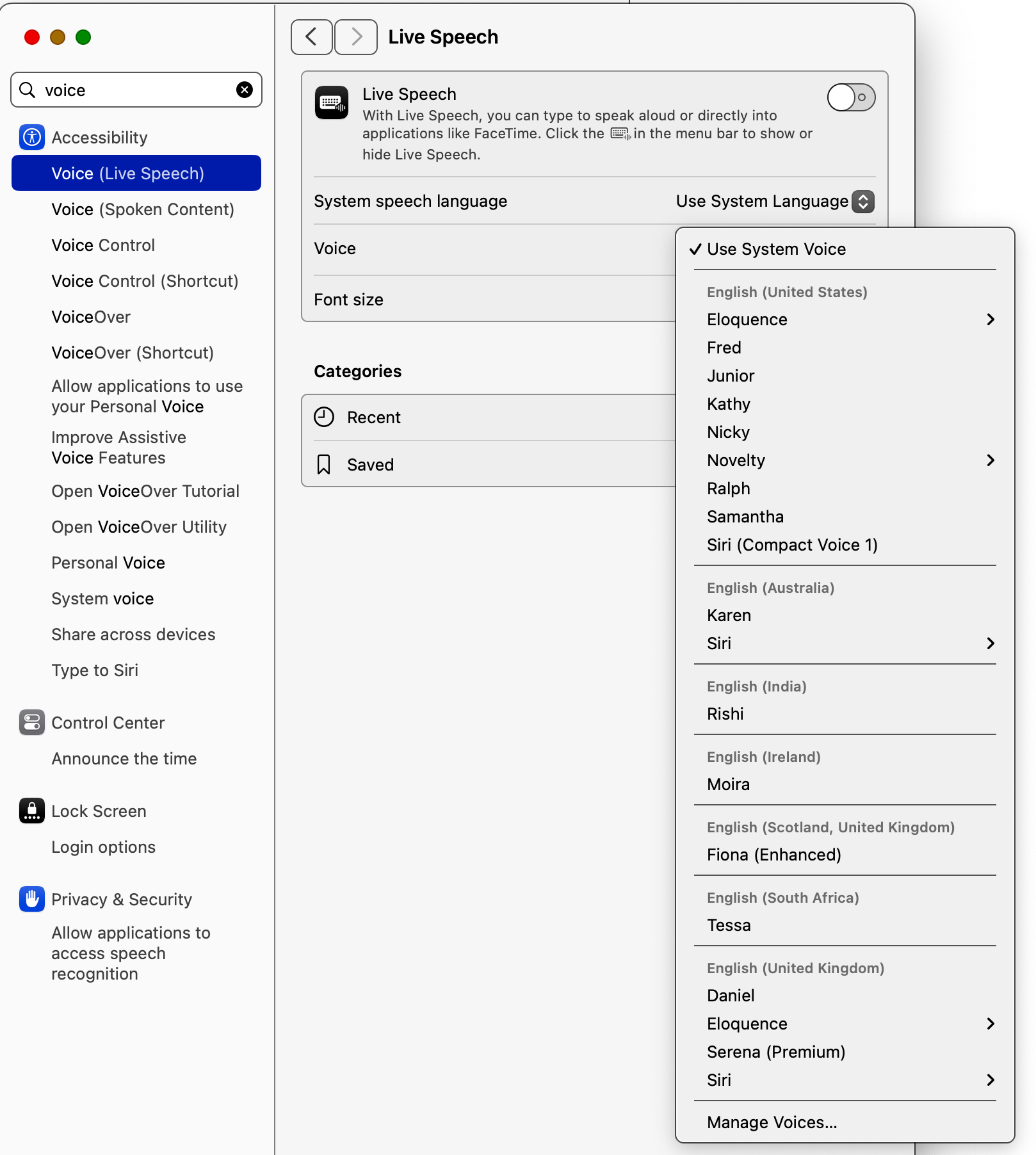
macOS System Voice Settings

An MCP server that provides text-to-speech functionality using macOS's built-in say command.

Requirements

  • macOS (uses the built-in say command)
  • Node.js >= 14.0.0

Configuration

Add the following to your MCP settings configuration file:

{
  "mcpServers": {
    "say": {
      "command": "node",
      "args": ["/path/to/say-mcp-server/build/index.js"]
    }
  }
}

Installation

npm install say-mcp-server

Tools

speak

The speak tool provides access to macOS's text-to-speech capabilities with extensive customization options.

say-mcp-server FAQ

How do I install say-mcp-server?
Install it via npm using 'npm install say-mcp-server'.
What are the system requirements for say-mcp-server?
It requires macOS with the built-in 'say' command and Node.js version 14 or higher.
How do I configure say-mcp-server in MCP?
Add the server configuration to your MCP settings file specifying the command 'node' and the path to the server's index.js file.
Can I customize the voice or speech parameters?
Yes, the 'speak' tool supports extensive customization using macOS's text-to-speech options.
Does say-mcp-server support other operating systems?
No, it relies on macOS's native 'say' command and is only compatible with macOS.
Is say-mcp-server compatible with multiple LLM providers?
Yes, it can be used with any MCP host integrating models like OpenAI, Claude, or Gemini.
What text formats does say-mcp-server support?
It supports plain text and basic punctuation to control speech pauses.
How do I invoke the text-to-speech functionality?
Use the 'speak' tool provided by the server, passing the text you want to be spoken aloud.