


A Python-based server for managing and analyzing code context for AI-assisted development.
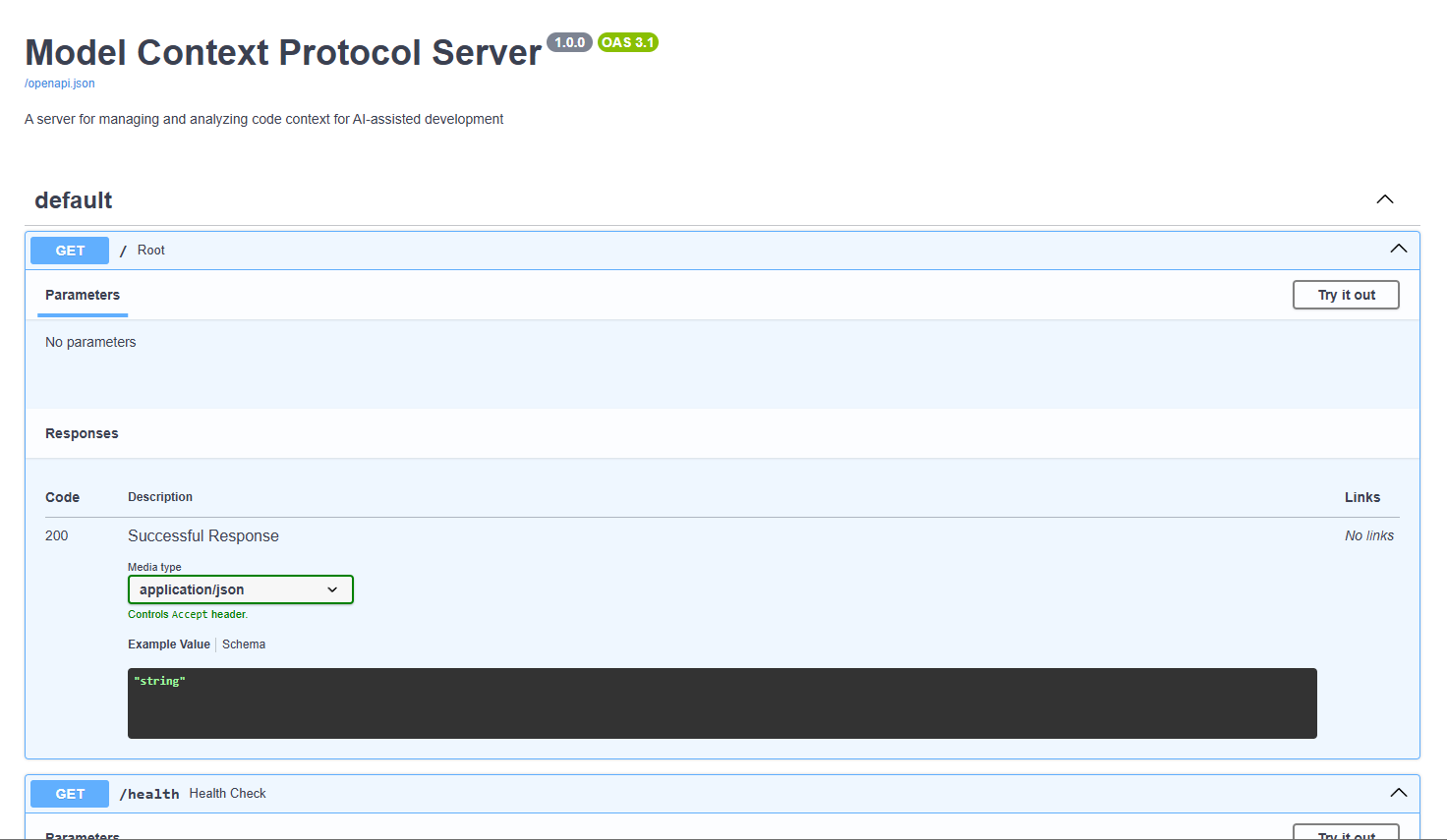
- Real-time code analysis and context generation
- Automatic file change detection
- Secure authentication and authorization
- RESTful API for context management
- Project structure analysis
- Dependency tracking
- Cross-platform support (Windows, Linux, macOS)
POST /token- Get authentication tokenPOST /analyze- Analyze a projectGET /context- Get context for a file or projectGET /dependencies- Get project dependenciesGET /structure- Get project structure
- JWT-based authentication
- Password hashing with bcrypt
- CORS protection
- Environment-based configuration
- Clone the repository:
git clone https://github.com/non-npc/Vibe-Model-Context-Protocol-Server.git
cd mcps- Create a virtual environment:
python -m venv venv
source venv/bin/activate # On Windows: venv\Scripts\activate- Install dependencies:
pip install -r requirements.txt- Configure environment variables:
- Copy
.env.exampleto.env - Update the values in
.envas needed
Start the server:
python -m mcps.main- Get token:
curl -X POST "http://localhost:8000/token" -H "Content-Type: application/x-www-form-urlencoded" -d "username=admin&password=admin"- Analyze project (replace with actual token):
curl -X POST "http://localhost:8000/analyze" -H "Authorization: Bearer <token>" -H "Content-Type: application/json" -d '{"project_path": "/path/to/your/project"}'- Get context:
curl -X GET "http://localhost:8000/context" -H "Authorization: Bearer <token>"Access the API:
- The server will be running at
http://localhost:8000 - API documentation is available at
http://localhost:8000/docs
- Install development dependencies:
pip install -r requirements-dev.txt- Run tests:
pytest- Fork the repository
- Create a feature branch
- Commit your changes
- Push to the branch
- Create a Pull Request