Feishu-MCP

MCP.Pizza Chef: cso1z

Feishu documents (Lark, outside China) become something you work on by asking: create a document, add headings, lists, code blocks, tables, maths formulas, images, and Mermaid diagrams, update or delete sections, browse folders, and search across your files. With the personal sign-in level it also lists, creates, and updates Feishu tasks and looks up colleagues by name. You register a Feishu app of your own first and supply its credentials, then paste a short block into Cursor, Cline, Windsurf, or Claude Code.

Communication
Notes
Writing

Use This MCP server To

Draft a Feishu doc from an outline I dictate Find the doc where we wrote down last quarter's plan Insert a flowchart into a document without opening a drawing tool Turn meeting notes into Feishu tasks for the right people Add a formatted table to a document I already started List everything sitting in a shared folder

README

飞书 MCP 服务器

npm version MIT License

为 Cursor、Windsurf、Cline 和其他 AI 驱动的编码工具提供访问、编辑和结构化处理飞书文档的能力,并支持飞书任务管理和用户信息查询,基于 Model Context Protocol 服务器实现。

现已支持 feishu-tool 独立 CLI 工具,可在终端或脚本中直接调用所有飞书工具,无需启动 MCP 服务器。配合 Feishu-Skill 可让 Claude Code 等 AI Agent 自动选择最合适的方式操作飞书。

本项目让 AI 编码工具能够:

  • 文档处理:直接获取、理解、创建和编辑飞书文档,显著提升文档处理的智能化和效率
  • 任务管理:列取、创建、更新、删除飞书任务,支持子任务和成员管理(需 user 认证)
  • 用户信息:按名称搜索或按 ID 批量获取飞书用户,便于任务分配和文档协作(需 user 认证)

完整覆盖飞书文档的真实使用流程,助你高效利用文档资源:

  1. 文件夹目录获取:快速获取和浏览飞书文档文件夹下的所有文档,便于整体管理和查找。
  2. 内容获取与理解:支持结构化、分块、富文本等多维度内容读取,AI 能精准理解文档上下文。
  3. 智能创建与编辑:可自动创建新文档、批量生成和编辑内容,满足多样化写作需求。
  4. 高效检索与搜索:内置关键字搜索,帮助你在大量文档中迅速找到目标信息。
  5. 任务管理与用户查询:支持飞书任务 CRUD 及用户信息搜索,便于在文档中关联任务和人员。

本项目让你在飞书文档的日常使用流程中实现智能获取、编辑和搜索,并扩展任务与用户管理能力,提升内容处理效率和体验。

💡项目推荐:

使用 Claude Code 推荐配合 claude-ip-guard —— 自动检测 IP 地理位置并拦截受限地区访问,防止因网络切换导致 Claude 封号。

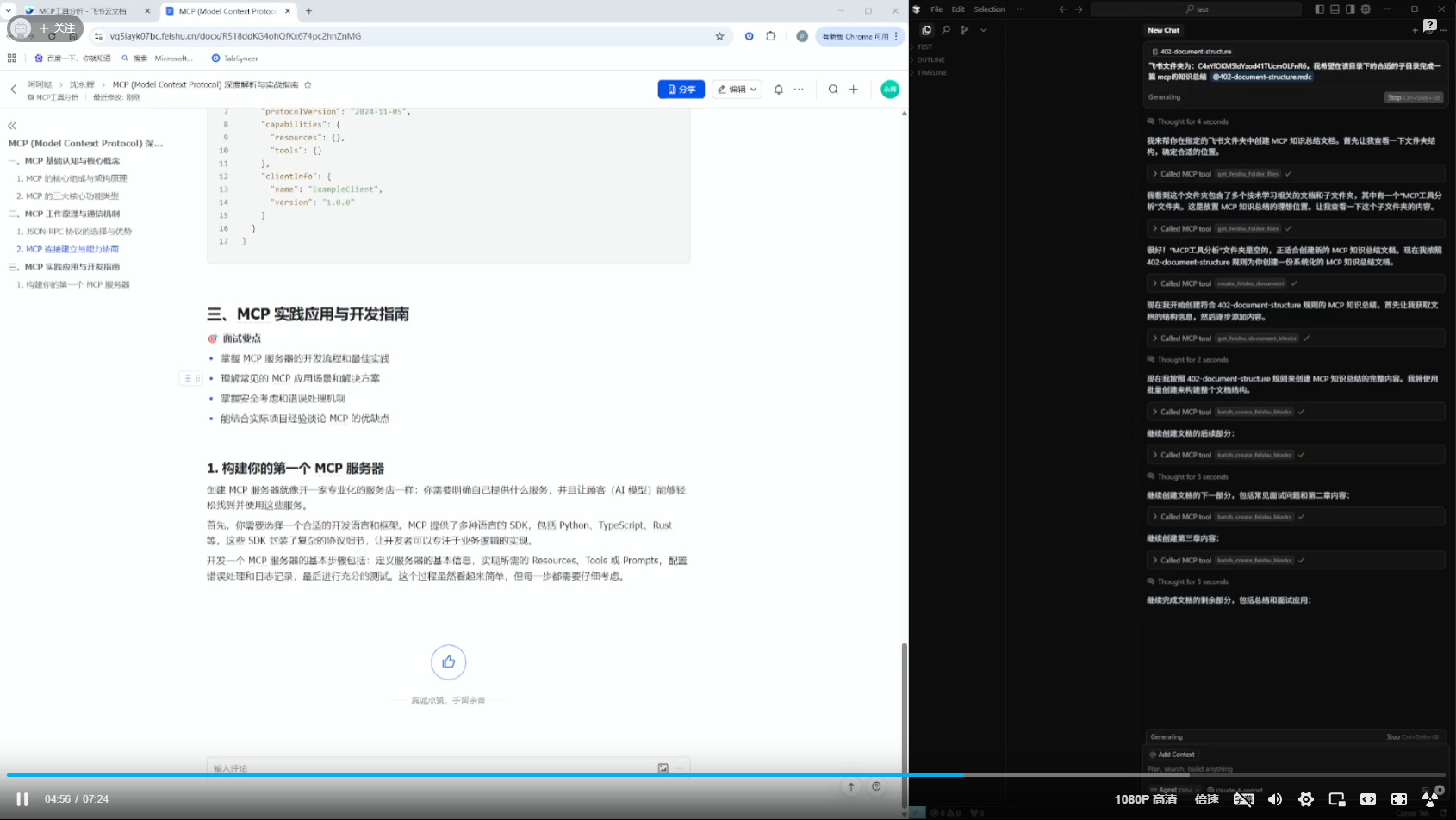
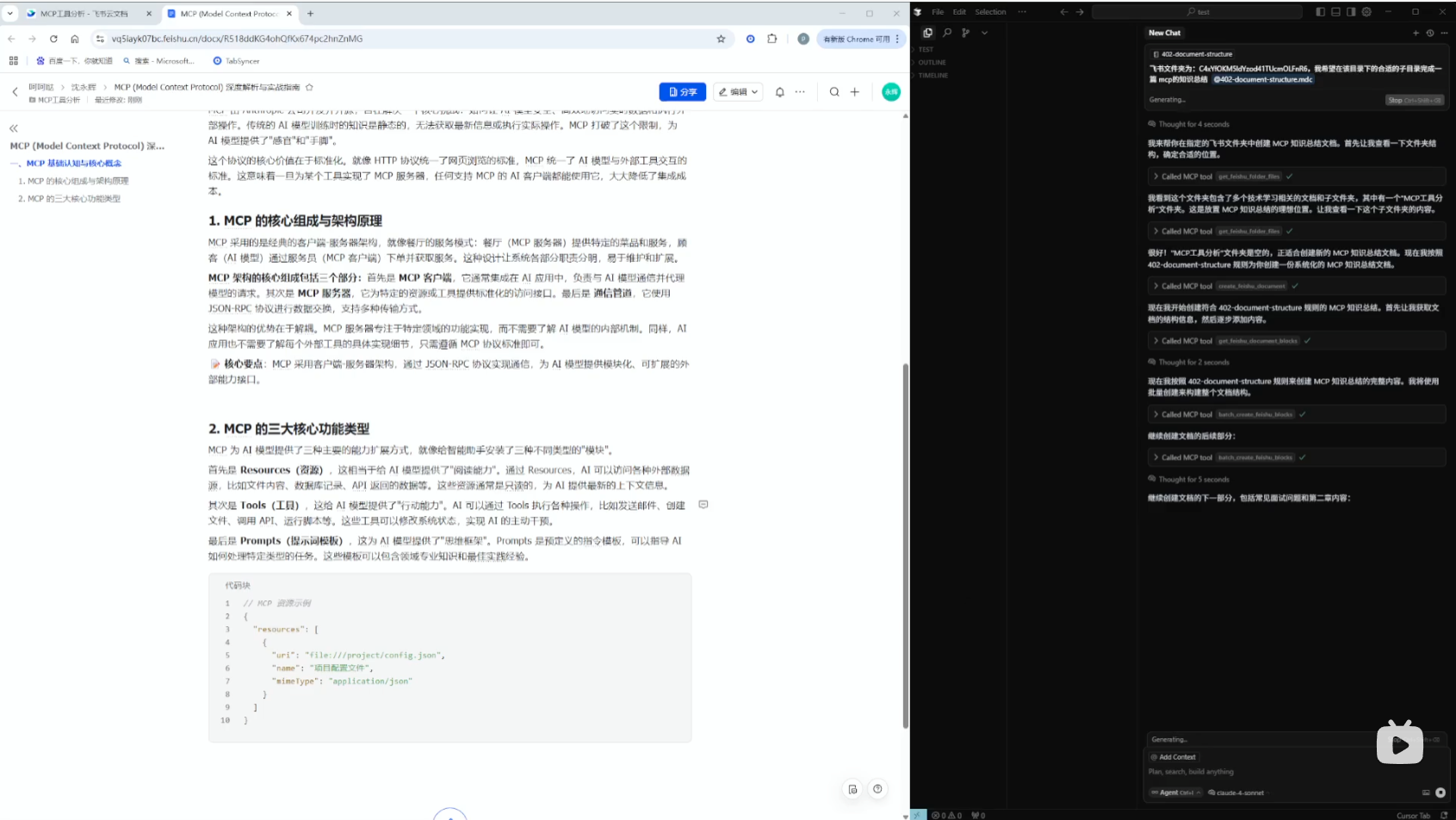
🎬 使用演示视频

你可以通过以下视频了解 MCP 的实际使用效果和操作流程:

飞书 MCP 使用演示 飞书 MCP 使用演示

⭐ Star 本项目,第一时间获取最新功能和重要更新! 关注项目可以让你不错过任何新特性、修复和优化,助你持续高效使用。你的支持也将帮助我们更好地完善和发展项目。⭐


Feishu-MCP FAQ

Do I need anything from Feishu first?
Yes. You register a Feishu app of your own and supply its credentials. The project links a step-by-step guide for that.
Which apps does it work with?
Cursor, Cline, Windsurf, Claude Code, and other tools that accept a short settings block. There is also a command-line version.
Can I use this to create and assign tasks?
Yes. Listing, creating, updating, and deleting tasks is supported, including subtasks and members, but it needs the personal sign-in level rather than the app-level one.
Does it work with Lark, the international version?
The project presents itself as covering Feishu and Lark, though most of its documentation is written in Chinese.
How much formatting can it handle?
Bold, italic, colours, headings up to nine levels, code blocks, ordered and bulleted lists, tables, images, maths formulas, and Mermaid diagrams.
How hard is setup?
The paste-in step is short, but registering the Feishu app and granting it the right permissions beforehand takes some patience.