mcp-context-forge

MCP.Pizza Chef: IBM

ContextForge sits between your AI assistant and every tool or service it needs to reach, combining them behind one connection so you don't have to set each one up separately. It keeps track of which tools are available, applies safety checks before anything runs, and can turn ordinary web services into tools your assistant can use directly. Built by IBM, it runs on your own computer or server using Docker or Python, and works with VS Code and other apps that support the Model Context Protocol. Setting it up takes real technical comfort — expect to need a developer's help.

Coding
Data

Use This MCP server To

Give my AI assistant access to many tools through one connection Turn a plain web service into a tool my assistant can use Set safety rules that block risky actions before they happen Keep one organized list of every tool my assistant can reach Track what my assistant is doing across all its connected tools Let separate AI agents work together through one shared connection

README

ContextForge

An open source registry and proxy that federates MCP, A2A, and REST/gRPC APIs with centralized governance, discovery, and observability. Optimizes Agent & Tool calling, and supports plugins.

ContextForge Banner

Build Python Package  Dependency Review  Tests & Coverage  Lint & Static Analysis

Async License  PyPI  Docker Image 

ContextForge is an open source registry and proxy that federates tools, agents, and APIs into one clean endpoint for your AI clients. It provides centralized governance, discovery, and observability across your AI infrastructure:

  • Tools Gateway — MCP, REST, gRPC-to-MCP translation, and TOON compression
  • Agent Gateway — A2A protocol, OpenAI-compatible and Anthropic agent routing
  • API Gateway — Rate limiting, auth, retries, and reverse proxy for REST services
  • Plugin Extensibility — 40+ plugins for additional transports, protocols, and integrations
  • Observability — OpenTelemetry tracing with Phoenix, Jaeger, Zipkin, and other OTLP backends

It runs as a fully compliant MCP server, deployable via PyPI or Docker, and scales to multi-cluster environments on Kubernetes with Redis-backed federation and caching.
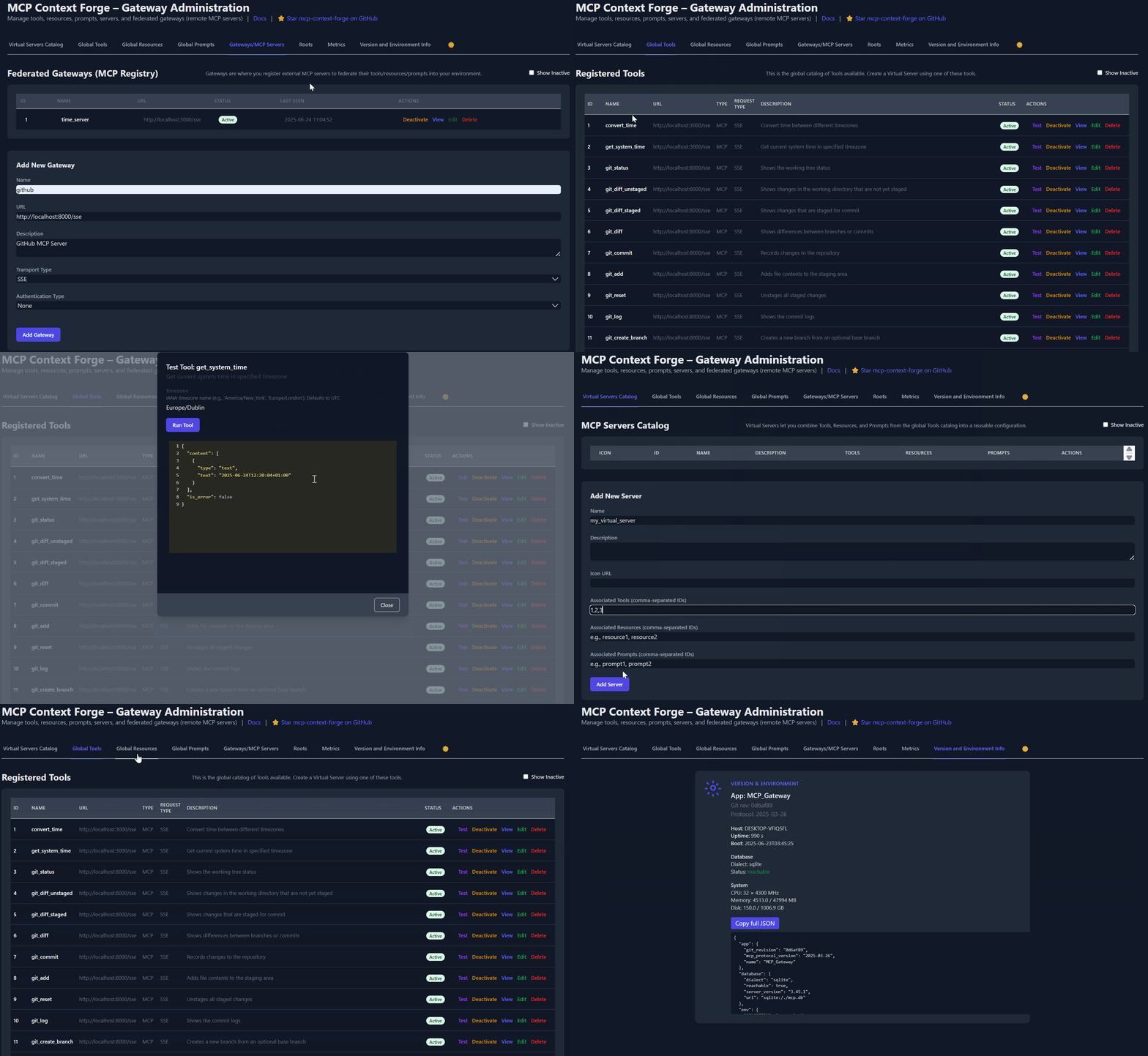
ContextForge

Table of Contents

mcp-context-forge FAQ

Do I need an account or key to use this?
Yes — you'll need to set up authentication, such as a basic login or a security token, to control who can use your gateway, since it's meant to run as your own private service rather than a shared public one.
Which apps can I use this with?
It works with VS Code and any app that speaks the Model Context Protocol, and it can connect assistants built on Claude, GPT-style models, or Gemini through one shared setup.
How hard is this to set up?
It's a developer-level setup — you'll install it with Docker or Python and edit some configuration files, so it suits someone comfortable with a command line rather than a first-time user.
Can I use this to combine several AI tools into one connection for my assistant?
Yes — that's its main job. It brings together separate tools, web services, and other AI agents so your assistant only needs to connect to one place instead of many.
Can I use this to add safety rules before my assistant takes an action?
Yes — you can set up checks that review requests before they run, so risky or unwanted actions can be blocked automatically.
Do I need to know how to code to use this?
You don't need to write code to use the tools it exposes, but setting up and configuring the gateway itself does require some technical know-how.
Can I see what my assistant is doing once it's connected?
Yes — it keeps activity logs and can send detailed monitoring information to tools like Jaeger or Zipkin so you can review what happened.
Does this work if my team is spread across many servers?
Yes — it's built to scale across multiple servers and locations, making it a good fit for larger teams rather than a single personal computer.

