mcp-server-browserbase

MCP.Pizza Chef: browserbase

A cloud browser does the visiting for you: your assistant opens a page, follows links, fills things in, and reads back whatever you asked for, all described in ordinary sentences rather than clicks. Browserbase runs a hosted version you can point at with a single line of settings; running your own copy needs a Browserbase account key and a Google Gemini key. The project itself is archived and no longer updated.

Archived · repository is archived and kept only as a reference
Data
Web/Research

Use This MCP server To

Read a page and pull out the details I care about Fill in a web form by describing what to enter Click through a few pages and report back what changed Collect the same information from a list of websites Check a site that needs a real browser to load properly

README

Browserbase MCP Server

Archived

This repository is archived and no longer maintained.

It was originally published as a reference implementation and is retained for historical purposes. It should not be interpreted as representative of Browserbase's current production services or implementation.
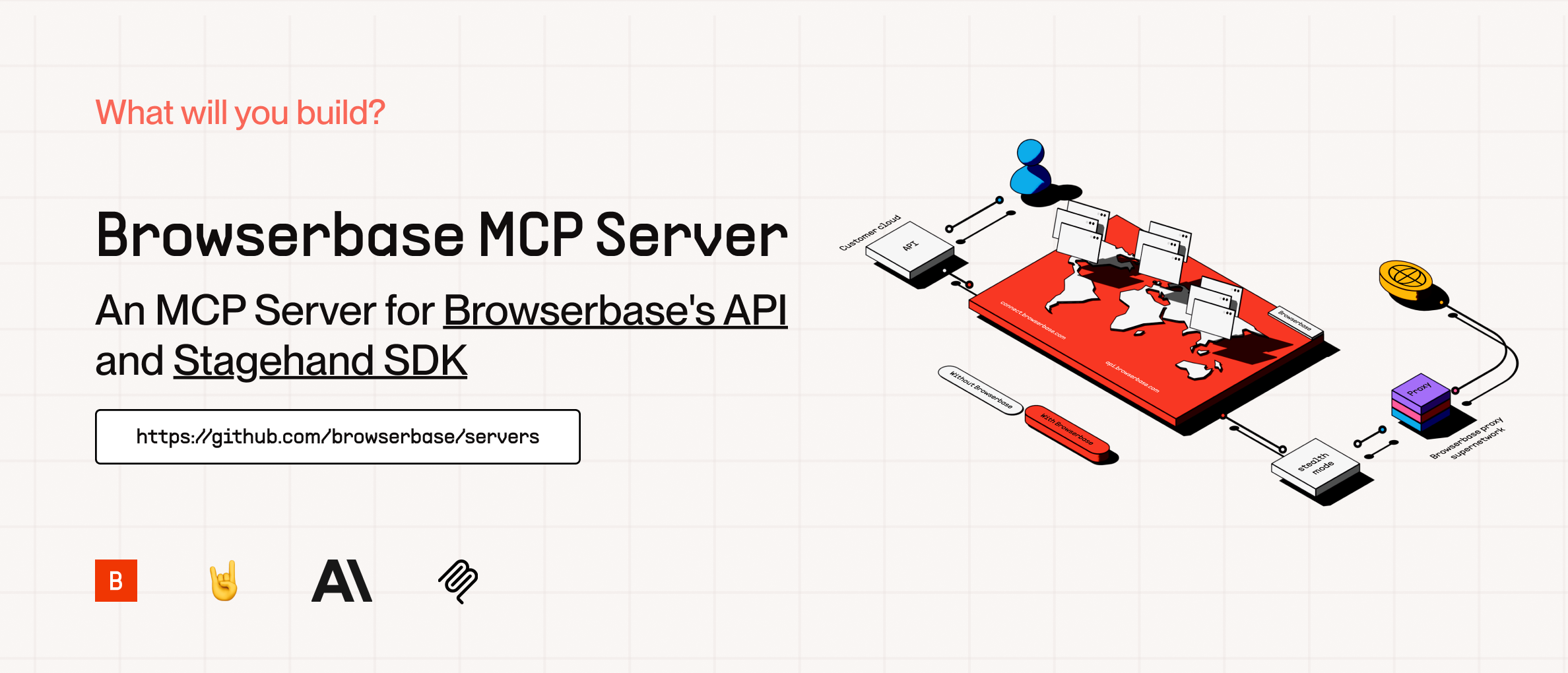
cover

The Model Context Protocol (MCP) is an open protocol that enables seamless integration between LLM applications and external data sources and tools. Whether you're building an AI-powered IDE, enhancing a chat interface, or creating custom AI workflows, MCP provides a standardized way to connect LLMs with the context they need.

This server provides cloud browser automation capabilities using Browserbase and Stagehand. It enables LLMs to interact with web pages, extract information, and perform automated actions.

This is a self-hostable version of the Browserbase hosted MCP server with the same tools and functionality. We recommend using the hosted version for the easiest setup.

Tools

This server exposes 6 tools that match the hosted Browserbase MCP server:

Tool Description Input
start Create or reuse a Browserbase session (none)
end Close the current Browserbase session (none)
navigate Navigate to a URL { url: string }
act Perform an action on the page { action: string }
observe Observe actionable elements on the page { instruction: string }
extract Extract data from the page { instruction?: string }

How to Setup

We currently support 2 transports for our MCP server, STDIO and SHTTP. We recommend you use SHTTP with our hosted MCP server to take advantage of the server at full capacity.

SHTTP (Hosted MCP):

Use the Browserbase hosted MCP server at https://mcp.browserbase.com/mcp. This is the easiest way to get started -- we host the server and provide the LLM costs for Gemini, the best performing model in Stagehand.

For full setup instructions, see the Browserbase MCP documentation.

If your client supports SHTTP:

{
  "mcpServers": {
    "browserbase": {
      "type": "http",
      "url": "https://mcp.browserbase.com/mcp"
    }
  }
}

If your client doesn't support SHTTP:

{
  "mcpServers": {
    "browserbase": {
      "command": "npx",
      "args": ["mcp-remote", "https://mcp.browserbase.com/mcp"]
    }
  }
}

STDIO (Self-Hosted):

You can either use our server hosted on NPM or run it completely locally by cloning this repo.

Note: If you want to use a different model you have to add --modelName to the args and provide that respective key as an arg. More info below.

To run via NPM (Recommended)

Go into your MCP Config JSON and add the Browserbase Server:

{
  "mcpServers": {
    "browserbase": {
      "command": "npx",
      "args": ["@browserbasehq/mcp"],
      "env": {
        "BROWSERBASE_API_KEY": "",
        "BROWSERBASE_PROJECT_ID": "",
        "GEMINI_API_KEY": ""
      }
    }
  }
}

That's it! Reload your MCP client and you're ready to go.

To run 100% local:

Option 1: Direct installation
git clone https://github.com/browserbase/mcp-server-browserbase.git
cd mcp-server-browserbase
npm install && npm run build
Option 2: Docker
git clone https://github.com/browserbase/mcp-server-browserbase.git
cd mcp-server-browserbase
docker build -t mcp-browserbase .

Then in your MCP Config JSON run the server:

Using Direct Installation
{
  "mcpServers": {
    "browserbase": {
      "command": "node",
      "args": ["/path/to/mcp-server-browserbase/cli.js"],
      "env": {
        "BROWSERBASE_API_KEY": "",
        "BROWSERBASE_PROJECT_ID": "",
        "GEMINI_API_KEY": ""
      }
    }
  }
}
Using Docker
{
  "mcpServers": {
    "browserbase": {
      "command": "docker",
      "args": [
        "run",
        "--rm",
        "-i",
        "-e",
        "BROWSERBASE_API_KEY",
        "-e",
        "BROWSERBASE_PROJECT_ID",
        "-e",
        "GEMINI_API_KEY",
        "mcp-browserbase"
      ],
      "env": {
        "BROWSERBASE_API_KEY": "",
        "BROWSERBASE_PROJECT_ID": "",
        "GEMINI_API_KEY": ""
      }
    }
  }
}

Configuration

The Browserbase MCP server accepts the following command-line flags:

Flag Description
--proxies Enable Browserbase proxies for the session
--verified Enable Browserbase Verified Identity (Only for Scale Plan Users)
--advancedStealth Deprecated alias for --verified
--keepAlive Enable Browserbase Keep Alive Session
--contextId <contextId> Specify a Browserbase Context ID to use
--persist Whether to persist the Browserbase context (default: true)
--port <port> Port to listen on for HTTP/SHTTP transport
--host <host> Host to bind server to (default: localhost, use 0.0.0.0 for all interfaces)
--browserWidth <width> Browser viewport width (default: 1024)
--browserHeight <height> Browser viewport height (default: 768)
--modelName <model> The model to use for Stagehand (default: google/gemini-2.5-flash-lite)
--modelApiKey <key> API key for the custom model provider (required when using custom models)
--experimental Enable experimental features (default: false)

These flags can be passed directly to the CLI or configured in your MCP configuration file.

Note: These flags can only be used with the self-hosted server (npx @browserbasehq/mcp or Docker).

Model Configuration

Stagehand defaults to using Google's Gemini 2.5 Flash Lite model, but you can configure it to use other models like GPT-4o, Claude, or other providers.

Important: When using any custom model (non-default), you must provide your own API key for that model provider using the --modelApiKey flag.

{
  "mcpServers": {
    "browserbase": {
      "command": "npx",
      "args": [
        "@browserbasehq/mcp",
        "--modelName",
        "anthropic/claude-sonnet-4.5",
        "--modelApiKey",
        "your-anthropic-api-key"
      ],
      "env": {
        "BROWSERBASE_API_KEY": "",
        "BROWSERBASE_PROJECT_ID": ""
      }
    }
  }
}

Note: The model must be supported in Stagehand. Check out the docs here.

Links

License

Licensed under the Apache 2.0 License.

Copyright 2025 Browserbase, Inc.

mcp-server-browserbase FAQ

Is this still maintained?
No. The repository is archived and kept only as a reference. Browserbase points people to its hosted version instead.
Do I need an account?
Yes, a Browserbase account gives you the key it needs. The hosted version also covers the model costs for you.
Can I use this to gather prices from a shopping site?
Yes — you can ask it to open the page, find the items, and read the prices back to you.
How hard is setup?
The hosted version is a few lines pasted into your assistant's settings. Running it yourself means installing it or building a container first.
Does the browser run on my computer?
No, it runs in the cloud on Browserbase, so pages load away from your machine.
Which assistants work with it?
Any assistant that supports MCP connections. Ones that cannot reach a hosted address directly can use the small bridging command shown in the setup notes.