

AndroJack-mcp

MCP.Pizza Chef: VIKAS9793

Android development moves fast, and AI coding helpers often give outdated or wrong advice. AndroJack-mcp connects your AI assistant to the latest official Android information in real time. This means your AI can help you write, update, and debug Android apps with accurate, current knowledge. It works with popular apps like Claude, VS Code, and Cursor, and requires only a simple config snippet to set up—no special accounts or keys needed.

Coding
Other

Use This MCP server To

Get real-time, accurate Android coding help Check Android dependencies live while coding Avoid outdated or incorrect Android API usage Migrate Android projects with up-to-date guidance Use Android knowledge inside Claude, VS Code, or Cursor Ensure AI coding suggestions match latest Android standards

README

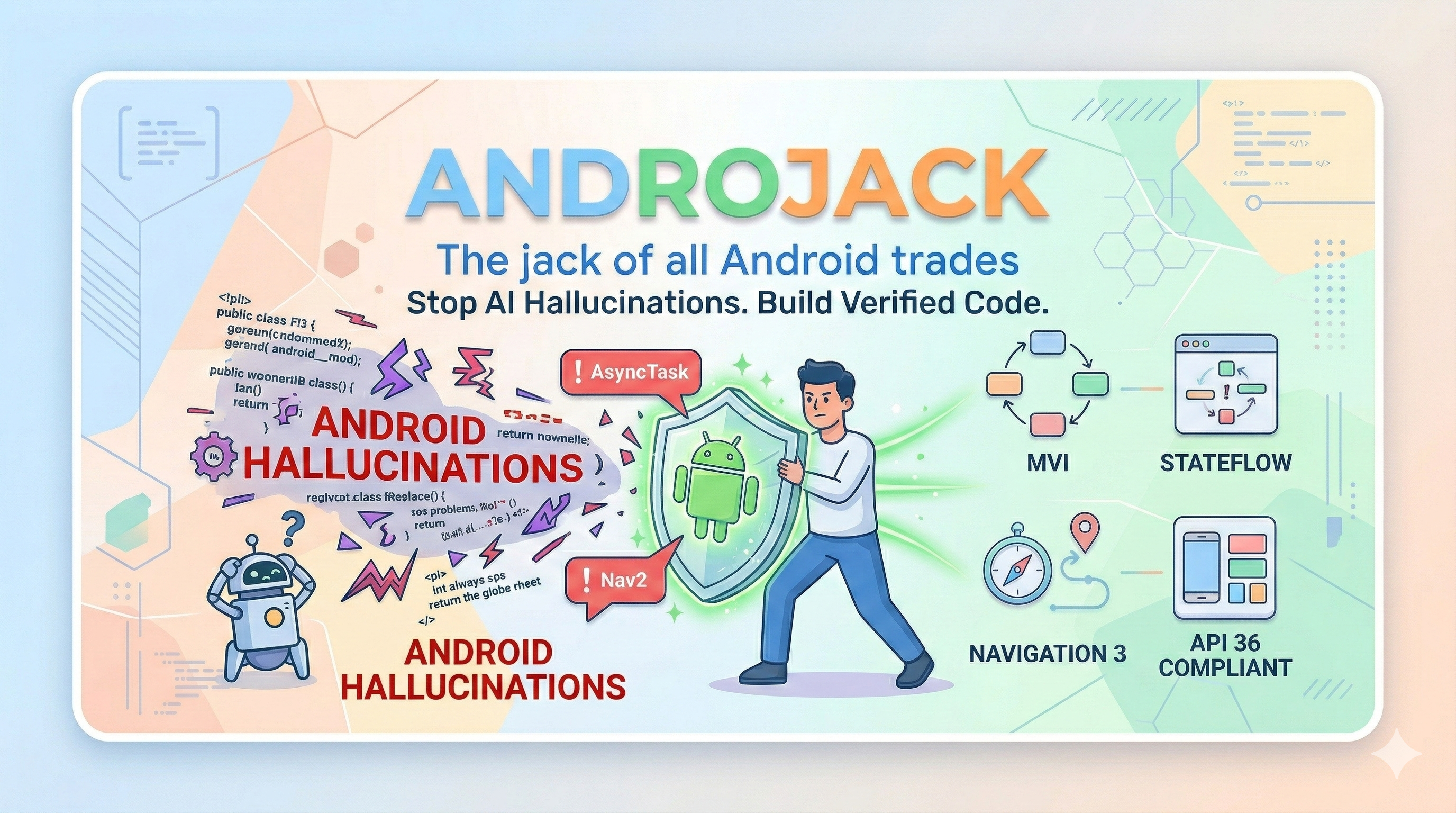
AndroJack Banner

AndroJack — The Jack of All Android Trades

An MCP server that equips your AI coding assistant with live, verified Android knowledge — so it builds from official sources, not from memory.


npm version VS Code Extension GitHub stars npm downloads Tools MCP Spec TypeScript Node.js Android API License: MIT Security Policy


Install in VS Code Install in Claude Desktop Install in Cursor Add to Kiro View on npm


Official Product Page Watch AndroJack in Action on YouTube


Also works with: Windsurf · VS Code Copilot · Google Antigravity · JetBrains AI — see Manual Config below ↓

VS Code distribution: Also live on the VS Code Marketplace as AndroJack MCP for VS Code.

PM / APM docs: Product strategy, JTBD, personas, roadmap, user stories, competitive analysis, and GTM materials live under product-management/README.md.

AndroJack-mcp FAQ

Can I use AndroJack-mcp to get accurate, up-to-date Android coding help?
Yes — it provides your AI assistant with live, verified Android knowledge from official sources, reducing mistakes and outdated info.
Does AndroJack-mcp work with popular AI apps like Claude and VS Code?
Yes — it supports Claude.ai, Claude Desktop, Cursor, VS Code, Windsurf, and others.
Do I need an API key or special account to use AndroJack-mcp?
No — it requires no API keys or accounts, making setup straightforward.
How hard is it to set up AndroJack-mcp?
It uses a copy-paste-config setup, so you just add a small config snippet to your existing app.
Can I use AndroJack-mcp to keep my Android code up-to-date with the latest APIs?
Yes — it tracks real-time Android dependencies and modern architectures to keep your code current.












