
wanaku

MCP.Pizza Chef: wanaku-ai

Plumbing rather than a tool in its own right, Wanaku is a gateway your organisation runs itself. It gathers many separate connections behind one address, keeps them grouped into namespaces, and lets a team point every assistant at a single place. On its own it can do nothing useful: the abilities come from the connectors you attach, drawing on Apache Camel's large catalogue of adapters for databases, message systems and business software. Expect genuine installation work, since it runs on Java and expects an identity server.

Data
Other

Use This MCP server To

Give my whole team one address for every tool Put several existing connectors behind a single sign-in Keep each team's tools separated into their own space Control which colleagues can reach which company systems Connect an assistant to a database or business system Try a new tool from a web dashboard before rolling it out

README

Wanaku - A MCP Router that connects everything

License Build Release

The Wanaku MCP Router is a router for AI-enabled applications powered by the Model Context Protocol (MCP).

This protocol is an open protocol that standardizes how applications provide context to LLMs.

The project name comes from the origins of the word Guanaco, a camelid native to South America.

Key Features

  • Unified Access - Centralized routing and resource management for AI agents
  • MCP-to-MCP Bridge - Act as a gateway or proxy for other MCP servers
  • Extensive Connectivity - Leverage 400+ Apache Camel components for integration
  • Secure by Default - Built-in authentication and authorization via Keycloak (optional — can run without auth)
  • Kubernetes-Native - First-class support for OpenShift and Kubernetes deployments
  • Extensible Architecture - Easy to add custom tools and resource providers
  • Multi-Namespace Support - Organize tools and resources across isolated namespaces

Quick Start

Getting started is a single command. Download the CLI from releases page, unpack, and then just run:

wanaku start local

Access http://localhost:8080 to enter the dashboard:
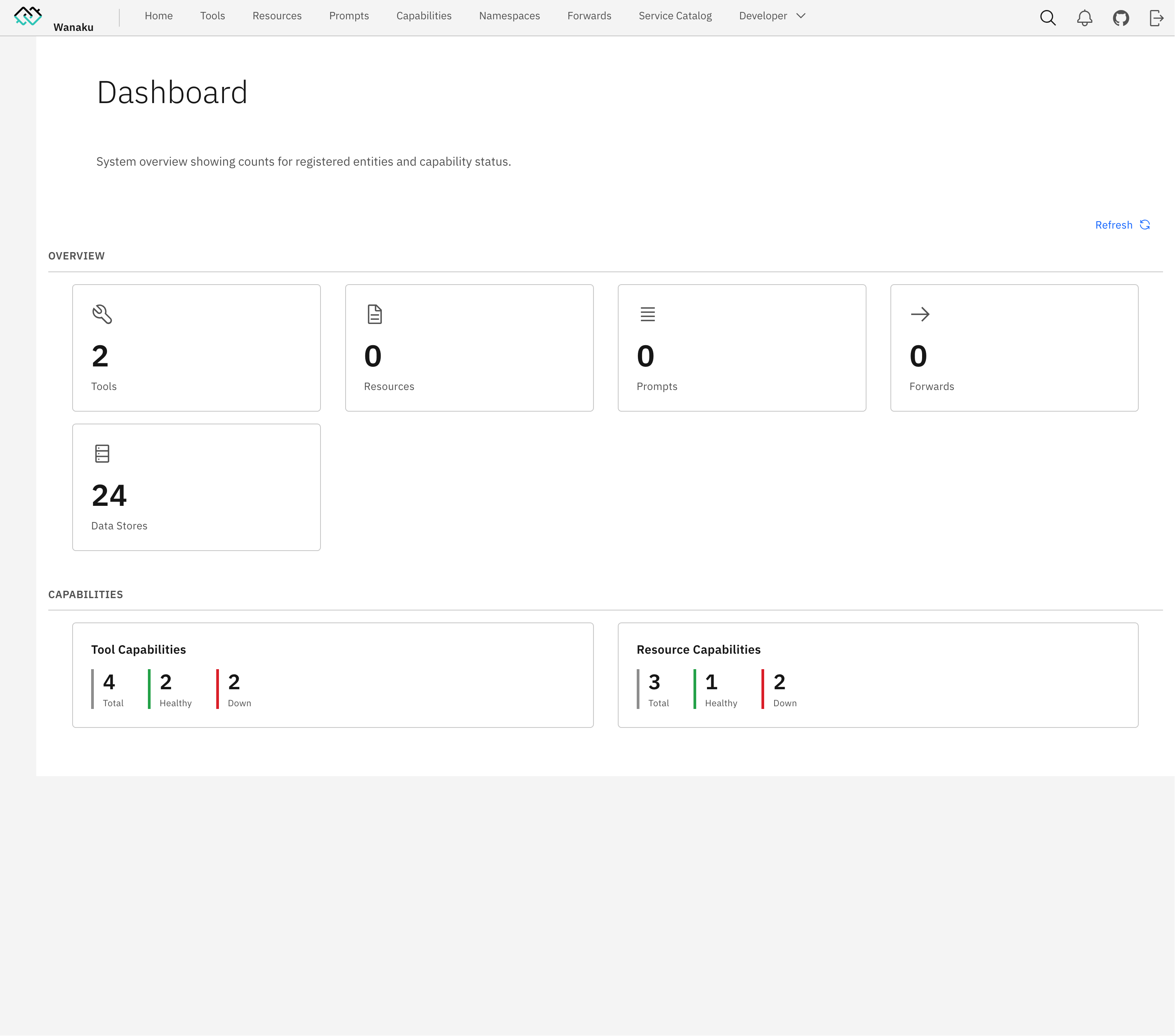
Wanaku Dashboard

Learn Wanaku

The easiest way to learn Wanaku is by following the guided tutorial.

Basic Usage

The reference documentation, including the complete installation and configuration instructions, is available on the usage guide.

Documentation

The Wanaku Documentation website contains additional documentation, covering several of components that are part of the project - some of which are hosted in different repositories (i.e.: such as the Camel Integration Capability, the Java SDK, etc.).

Community

Contributors working on the project may want to refer to the development version of the documentation including

  • Pre-release Usage Guide - Pre-release usage guide
  • Architecture - System architecture and components
  • Building - Build and package the project
  • Contributing - Contribution guidelines
  • Security - Security policy and best practices

License

This project is licensed under the Apache 2.0 License - see the LICENSE file for details.

wanaku FAQ

What does it actually do on its own?
Nothing you would notice. It is a router, so its whole job is to sit in front of other connections, tidy them into one address and decide who may use what. The useful abilities arrive when you attach connectors to it.
Do I need a key or a login?
No key for the gateway itself. Sign-in protection is switched on by default and expects a Keycloak identity server running alongside it, which is a real piece of setup. You can turn protection off with a single setting, and there is also a public space whose tools are reachable without signing in — do not put anything sensitive there.
How hard is it to set up?
Hard. There is a one-command starter that downloads and launches everything locally, but a proper installation means Java, an identity server and, for teams, a Kubernetes or OpenShift deployment.
Is it still being developed?
Yes, very actively. Changes land most weeks, it has tagged releases, and it is published under the permissive Apache 2.0 licence, so workplace use is fine.
Which apps does it work in?
Any assistant that can connect to a web address rather than a local program. You give the app the gateway's address and it sees whatever tools that space contains.
Can I use this to let my team query an internal database?
Yes, and it is the intended use. You add the database connector once, at the gateway, and everyone's assistant reaches it through the same controlled address instead of each person wiring up their own.
Is this worth it for one person?
Probably not. Running an extra gateway and identity server to reach a couple of tools is more work than connecting to those tools directly. The payoff comes with several people and many systems.