CloddsBot

CloddsBot

MCP.Pizza Chef: alsk1992

A self-hosted trading terminal that connects to prediction markets like Polymarket and Kalshi, crypto exchanges such as Binance and Hyperliquid, and on-chain markets on Solana and several EVM chains. It watches for setups, places orders, and applies risk limits while you are away. You install it on your own machine and supply your own exchange credentials plus an Anthropic key. You can talk to it from a browser window or from Telegram, Discord, WhatsApp, Slack and other chat apps.

Communication
Data

Use This MCP server To

Check live odds on a Polymarket event without opening the site Set up a bot that buys on a schedule Track what large wallets are buying right now Get a risk check on a token before I buy Run my trading rules overnight and read the report Message my trading agent from Telegram or Discord

README

Clodds Logo

AI-powered trading terminal for prediction markets, crypto & futures
Claude + Odds = Clodds

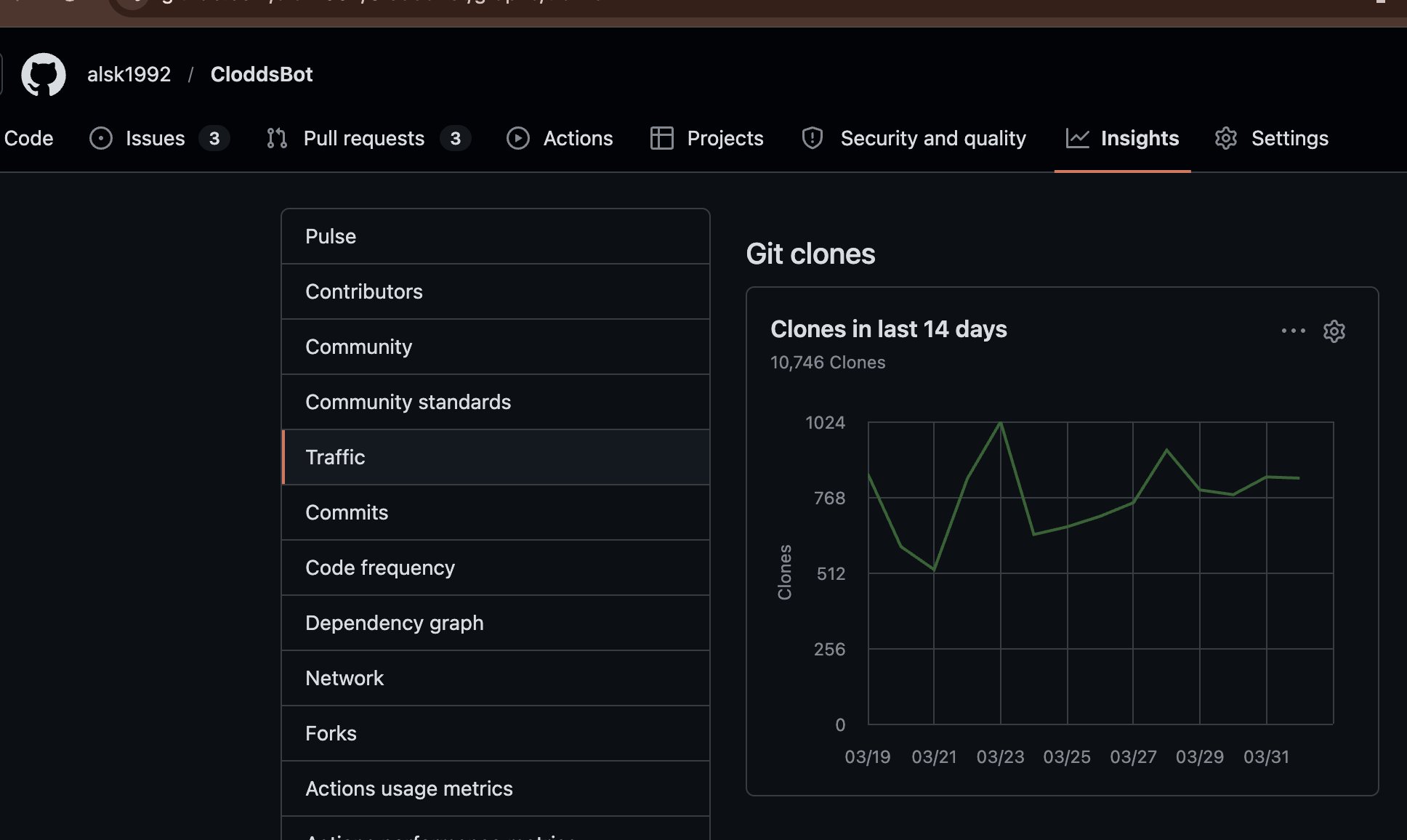
npm version Node.js TypeScript MIT License 119+ Skills 1000+ Markets Built for Colosseum Hackathon 10.7k clones in 14 days

10,746 Git clones in last 14 days

Quick Start • WebChat • Features • Channels • Markets • Launch • Forum • Docs


Clodds is a personal AI trading terminal for prediction markets, crypto spot, perpetual futures with leverage, token launches, and Bittensor subnet mining. Run it on your own machine, chat via any of 21 messaging platforms, trade across 10 prediction markets + 7 futures exchanges (including on-chain Solana perps via Percolator), with full Solana integration (Jupiter, Pump.fun, Raydium, Orca, Bags.fm) and EVM chains (Base, ETH, Arbitrum, Optimism, Polygon via Uniswap V3, 1inch, Virtuals Protocol), mine TAO on Bittensor, and manage your portfolio — all through natural conversation.

Powered by Claude with 118+ trading strategies, whale tracking, arbitrage detection, copy trading, and DCA bots.

🏗️ Built for Colosseum Agent Hackathon on Solana — Developed in 12 days as a fully-featured autonomous trading agent.


CloddsBot FAQ

Can I use this to trade while I am asleep?
Yes — it runs on your own machine and keeps going after you close the chat window.
Does it work with Claude Desktop or Claude Code?
Yes. Running `clodds mcp install` configures both for you.
Do I need my own keys?
Yes. You supply an Anthropic key plus credentials for whichever exchanges you want to trade on.
How hard is setup?
You install it from a terminal with one command, then a wizard walks you through credentials and your chat channel.
Where do my keys live?
Entirely on your own computer. It is self-hosted, so nothing is held by a third-party service.
Can I reach it somewhere other than a terminal?
Yes — 21 messaging apps including Telegram, Discord, WhatsApp, Slack and Signal, plus a built-in web chat.