
Keep image-heavy Codex workflows responsive, resumable, and context-bounded.
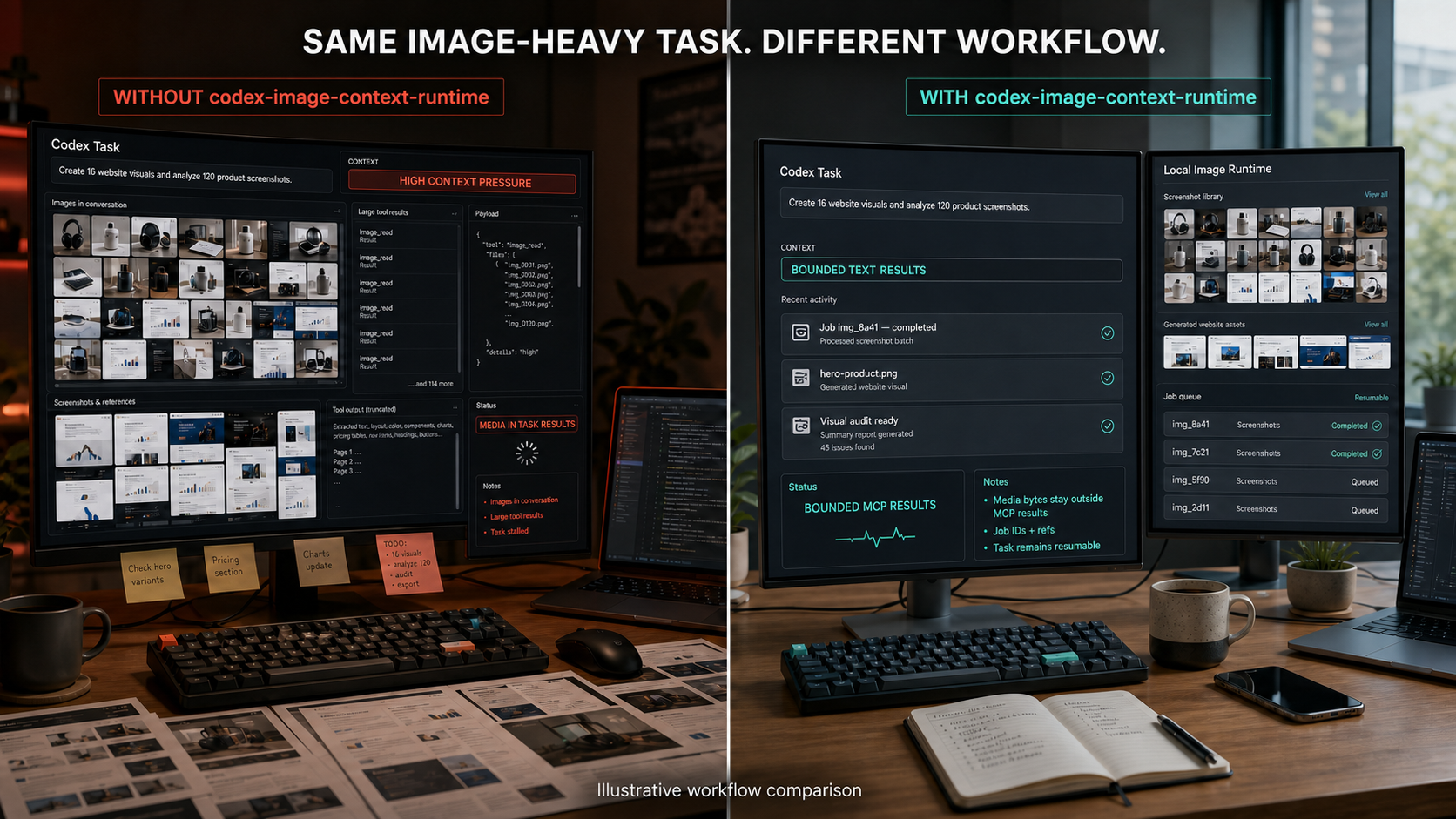
Fictional concept interface—not an actual Codex UI or a measured context, token, speed, or latency benchmark.
Image Context Runtime for Codex is an experimental open-source Codex plugin backed by a durable local MCP runtime. It runs image generation and inspection as persisted jobs, keeps provider-returned media bytes behind the public MCP boundary, and returns only bounded text results, hashes, relative references, and Job IDs.
Use it when Codex is:
- creating short-drama character sheets, location concepts, or storyboards;
- producing image assets for websites and slide decks;
- organizing image-heavy news, books, screenshots, or research;
- generating many visual variations or running repeated visual QA.
Important: This project reduces one source of context pressure. It does not claim that Codex can never slow down, that images use zero tokens, or that explicitly opening an image adds no visual context.
The plugin does not patch or intercept Codex's built-in image features or other image tools. The bounded boundary applies only when Codex uses this plugin's MCP tools and follows its bundled skill.
User-facing shape: a Codex plugin.
Execution shape: a bundled local MCP server plus a durable image-job runtime.
Codex skill
    |
    v
bounded MCP tools
    |
    v
durable local jobs ----> optional OpenAI API
    |
    +----> configured-workspace image artifacts
    |
    +----> bounded text handoffs, hashes, refs, and Job IDs
The plugin is the installable workflow. MCP is the tool boundary. The Runtime owns Job state, controls media transfer, and writes generated artifacts only to configured workspace-relative paths.
- Text-to-image jobs.
- Image inspection jobs.
- Durable status and text handoffs.
- Idempotent submission.
- Restart reconciliation and explicit recovery.
- Offline deterministic mock provider.
- Optional OpenAI Image API and Responses API provider.
- Strict public-result budgets with no MCP image, audio, or resource blocks.
- One authenticated loopback broker shared safely by multiple Codex task bridges.
- Cursor-based Job history and explicit privacy-minimizing terminal-record compaction.
Video generation is intentionally out of scope for v0.2.
- Node.js 22 or later.
- Codex desktop app or Codex CLI with plugin support.
- No API key for the default mock provider.
OPENAI_API_KEYonly when the OpenAI provider is explicitly enabled.