ContextLattice

MCP.Pizza Chef: sheawinkler

ContextLattice keeps a durable record of what you are working on — the goal, the decisions already made, the risks, and the next step — stored on your own machine rather than in someone else's cloud. Open a new chat, or switch to a different assistant entirely, and it rebuilds that picture instead of making you re-explain everything. It also tracks which past approaches actually worked. Installing it means running a container stack yourself, so plan for a technical afternoon.

Coding
Notes

Use This MCP server To

Resume a project without re-explaining it from scratch Carry my working context between different AI assistants Look back at the decisions I made earlier in a project Keep my notes and history on my own computer Save a short progress note at the end of a session See which past approaches actually worked before trying again

README

ContextLattice

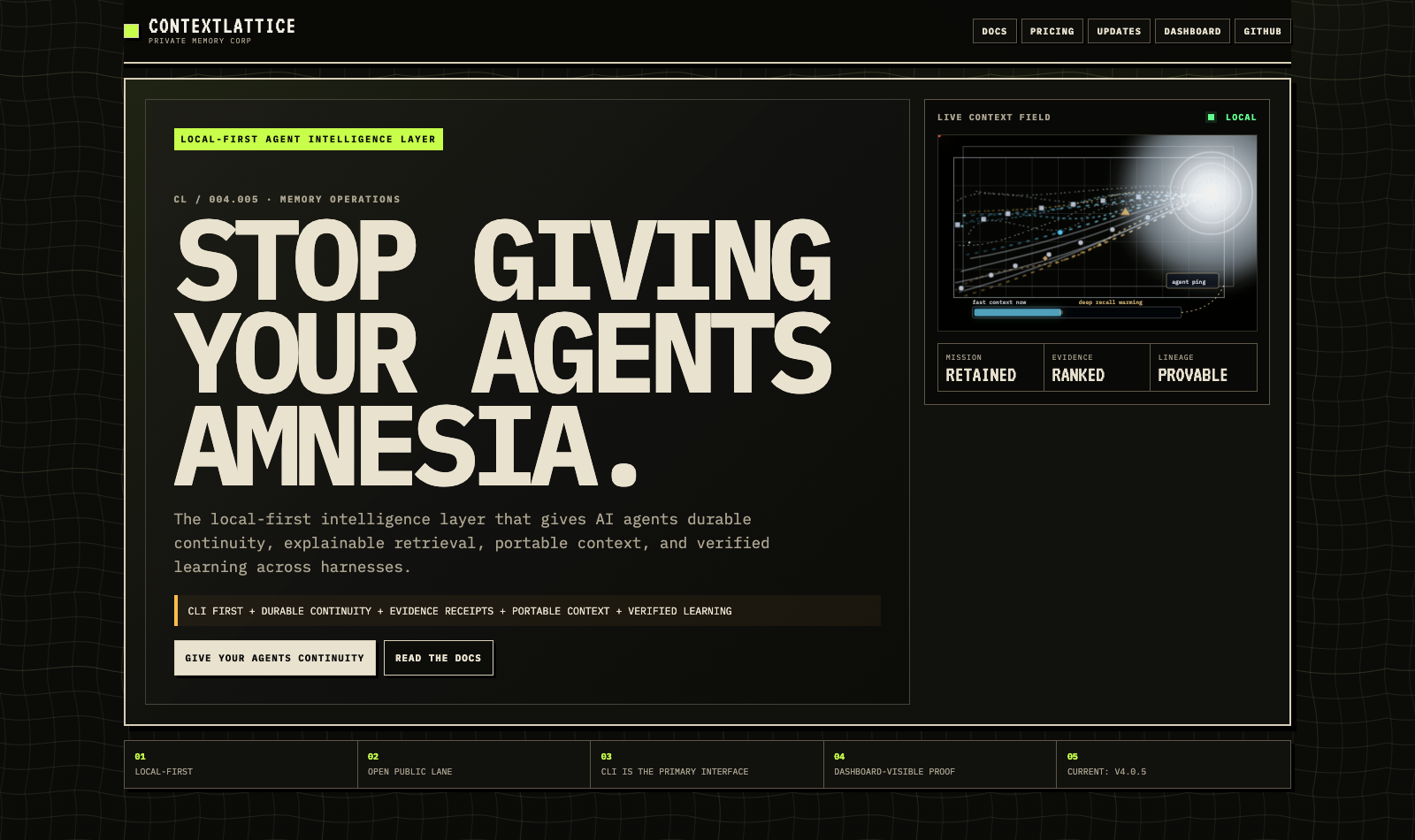
ContextLattice editorial website hero showing a live local context field

Open an agent. Already there.

The local-first intelligence layer that gives AI agents durable continuity, explainable retrieval, portable context, and verified learning across harnesses.

CLI first ContextLattice v4.0.8 Local-first runtime Apache License 2.0

Quickstart · How it works · Agent setup · Architecture · Docs · Updates

Stop replaying the brief

Models can reason. Harnesses can act. Neither reliably retains the mission when a chat, model, tool, account, or computer changes.

ContextLattice gives that work a durable, inspectable context layer. It reconstructs the active objective, selects the evidence that matters, carries it safely, and records what actually worked—without turning every prompt into a transcript dump or making cloud storage mandatory.

Capability What changes
Durable continuity Reopen the objective, decisions, repository state, risks, proof, and next move as one bounded packet.
Explainable retrieval Rank evidence by impact per token and expose source coverage, omissions, opposition, degradation, and receipts.
Portable context Move signed, least-privilege continuation across agents and machines while keeping execution and transport caller-owned.
Verified skill evolution Discover skills without loading every file, evaluate repeated wins on holdouts, and require review before promotion.
Privacy-bounded Aggregate Signal Learn from explicitly opted-in, clipped statistics while raw memory remains local; production activation stays hard-blocked pending independent privacy and utility review.

The CLI is the primary interface. The dashboard makes behavior and proof visible. HTTP and MCP are companion integration surfaces for applications and harnesses.

How it works

Stage ContextLattice does
01 · Reopen Reconstructs the one active mission from durable checkpoints and current state.
02 · Select Retrieves high-signal evidence into a compact Context Pack with provenance.
03 · Move Carries signed, bounded context through Agent Packets, Passports, and encrypted continuation envelopes.
04 · Earn Records outcomes and promotes reusable behavior only after deterministic proof and human approval.
05 · Compound Improves future retrieval while preserving corrections, contradictions, freshness, and retirement semantics.

ContextLattice does not replace your agent harness, choose goals from retrieved text, or execute imported context. Local tools remain execution surfaces; memory and remote content remain evidence.

Quickstart

Requirements: macOS, Linux, or Windows through WSL2; a Compose v2-compatible container runtime; and gmake, jq, rg, python3, and curl. The tested macOS baseline uses OrbStack through its explicit Docker context; see the container runtime decision.

1. Install

git clone https://github.com/sheawinkler/ContextLattice.git
cd ContextLattice
cp .env.example .env
gmake quickstart

gmake quickstart is the prescribed technical install path; installers are bootstrap alternatives. The command prepares environment wiring, asks for a runtime profile, launches the selected local stack, and validates initial readiness.

2. Verify the runtime and retrieval path

curl -fsS http://127.0.0.1:8075/health | jq
contextlattice doctor --pretty
contextlattice state status --pretty
contextlattice context "verify this ContextLattice installation" \
  --project contextlattice \
  --pretty

Healthy containers are only the first check. The state command verifies the canonical gateway-owned storage inventory; the final command exercises the actual context path and reports source coverage, degradation, evidence, and next actions. Existing installs can use the explicit, reversible procedure in gateway state migration.

For a fuller lifecycle proof from the repository:

scripts/agent/agent-runtime-proof-pack --pretty
scripts/agent/agent-adoption-proof-matrix \
  --skip-provider-smoke \
  --progress \
  --pretty

Connect your agents

Run integration from the repository that should use ContextLattice:

cd /path/to/your/project

contextlattice_adopt integrate \
  --repo . \
  --agents codex,claude-code,opencode,hermes-agent,hermes-ultra,omp,mercury-agent,pi,droid \
  --pretty

contextlattice_adopt integrate \
  --repo . \
  --agents codex,claude-code,opencode,hermes-agent,hermes-ultra,omp,mercury-agent,pi,droid \
  --check \
  --pretty

The integration command writes bounded managed blocks while preserving existing instruction text. It does not install Codex, Claude Code, OpenCode, Hermes, OMP, Mercury, Pi, Droid, or another third-party agent harness.

External provider discovery is network-free. Provider execution remains explicit and caller-authorized; see the external-provider boundary.

If an agent is performing the installation, it should follow the quickstart directly, avoid cloning a second checkout when already inside one, report the exact failing command and path, and rerun the deterministic check after any repair.

The daily agent loop

# Confirm readiness when the environment is uncertain.
contextlattice doctor --pretty

# Retrieve scoped context before substantial work.
contextlattice context "debug the current release regression" \
  --project contextlattice \
  --pretty

# Save concise, durable progress.
contextlattice remember \
  "Root cause verified; regression test added; focused checks pass." \
  --project contextlattice \
  --pretty

# Resume without replaying the transcript.
contextlattice resume --project contextlattice --pretty

# Repair stale or wrong recall without silently rewriting history.
contextlattice correct \
  "The prior deployment record is stale." \
  --category stale \
  --project contextlattice \
  --pretty

# Close the loop with the verified outcome.
contextlattice finish \
  "Regression fixed and verified." \
  --success \
  --project contextlattice \
  --pretty

Find a capability without loading every skill body:

contextlattice_skills_index search "browser automation" --pretty

The active Skills Index scans configured Codex, Hermes, Hermes Ultra, and shared agent roots read-only. It reports each harness and root inventory separately, collapses byte-identical SKILL.md files by SHA-256 digest while retaining every source path as provenance, and requires discriminating query-term coverage instead of ranking generic words such as skill, index, or agent. Quarantine discovery remains separate, read-only by default, and never auto-promotes retrieved content.

Architecture

ContextLattice service map ContextLattice retrieval and learning flow

The default local control path is:

Agent or application
        │
        ▼
ContextLattice CLI / HTTP / MCP
        │
        ▼
Gateway :8075
        ├── durable write and outbox fanout
        ├── scoped retrieval and source receipts
        ├── session, objective, graph, and outcome state
        └── dashboard-visible proof and operations

Writes are validated and durably persisted before fanout. Retrieval merges the available sources, ranks bounded evidence, and reports missing or degraded coverage instead of hiding it.

The active application path is Go and Rust. Python remains in build, development, migration, and audit tooling rather than the live request path. The exact runtime and toolset choices are recorded in the v4 runtime decision and container decision.

Public and paid boundaries

The public local lane is account-free and useful on its own. It includes the CLI-first memory lifecycle, Context Packs, sessions, graph and claim surfaces, Skills Index discovery, Agent Packets, public Passport and Mesh contracts, and local proof tooling.

Paid artifacts add governed collaboration, protected activation, workspace operations, advanced analytics, and hosted distribution. They do not turn local memory into a mandatory cloud dependency.

See plans and distribution boundaries for the current contract.

Install options

macOS technical preview: unsigned DMG bootstrap launcher; expect Gatekeeper warnings until Developer ID notarization is configured, and prefer the source/CLI path.

Path Best for Status
Source + gmake quickstart Technical users and terminal-capable agents Recommended
brew tap sheawinkler/contextlattice && brew install --cask contextlattice macOS convenience bootstrap Available
macOS universal DMG Guided macOS bootstrap Unsigned technical preview; expect Gatekeeper warnings
Windows x64 MSI Guided Windows bootstrap Available
Linux bootstrap bundle Guided Linux bootstrap Available

Resource profiles

Profile CPU RAM Storage
Hugging Face / Glama lite 2–4 vCPU 4–8 GB 20–50 GB SSD
Local Lite core 2–4 vCPU 8–12 GB 25–80 GB SSD
Local Lite advanced 4–6 vCPU 12–16 GB 80–140 GB SSD
Local Full 6–8 vCPU 12–20 GB 100–180 GB SSD

For heavier ingest, model storage, or the spike-lab adapters, read the installation and storage guidance before selecting a profile.

Security and privacy

  • Local-first and account-free in the public local lane.
  • API-key protection for operational routes.
  • Deterministic secret-like content filtering at write ingress: redact by default, block when configured, and allow only by explicit operator choice.
  • Provenance and trust isolation on retrieved memory.
  • Signed portable context and encrypted continuation envelopes.
  • Dry-run-first graph repair, source backfill, and quarantine workflows.
  • No automatic execution of retrieved instructions or imported continuation content.

Security reports follow SECURITY.md.

Documentation

Need Start here
Product overview contextlattice.io
Installation Installation guide
CLI and agent lifecycle CLI reference
Harness and app integration Integration guide
Architecture and scaling Architecture · Scaling memory
Troubleshooting Troubleshooting guide
Current behavior and release evidence Updates · v4.0.8 release notes
Roadmap Public roadmap
Agent hooks Agent hook contract
Retrieval trust Retrieval receipts
Skills and verified learning Skill efficacy review · Skill Foundry
Portable context Context Passport and Mesh
Local inference Local model options
Full repository-backed manual Public field manual

The current release baseline is v4.0.8.

License

ContextLattice's public lane is licensed under the Apache License 2.0.

ContextLattice FAQ

Which assistants does this work with?
One setup command wires it into Codex, Claude Code, OpenCode, and several other coding agents at once. It does not install those agents for you.
Does my work leave my computer?
No. It is built local-first, your saved context stays on your machine, and cloud storage is never required.
Can I use this to stop repeating myself every session?
Yes — that is the whole point. It reopens the goal, the decisions, and the next move as one bundle when you start again.
How hard is setup?
This one is for the technically comfortable. You copy the project down, duplicate a settings file, and start a local container stack.
What do I need installed first?
macOS, Linux, or Windows through WSL2, plus a container runtime such as OrbStack or Docker Compose.
Can I see why it surfaced something?
Yes. A dashboard shows what was retrieved and how it ranked, and the command line reports where each piece came from and what was missing.

