Can I use this to move data from a spreadsheet into a database?
Yes — you can drag a spreadsheet source onto the canvas, connect it to a database destination, and Duckle handles moving and cleaning the data for you.
Can I use this to combine information from several different apps into one report?
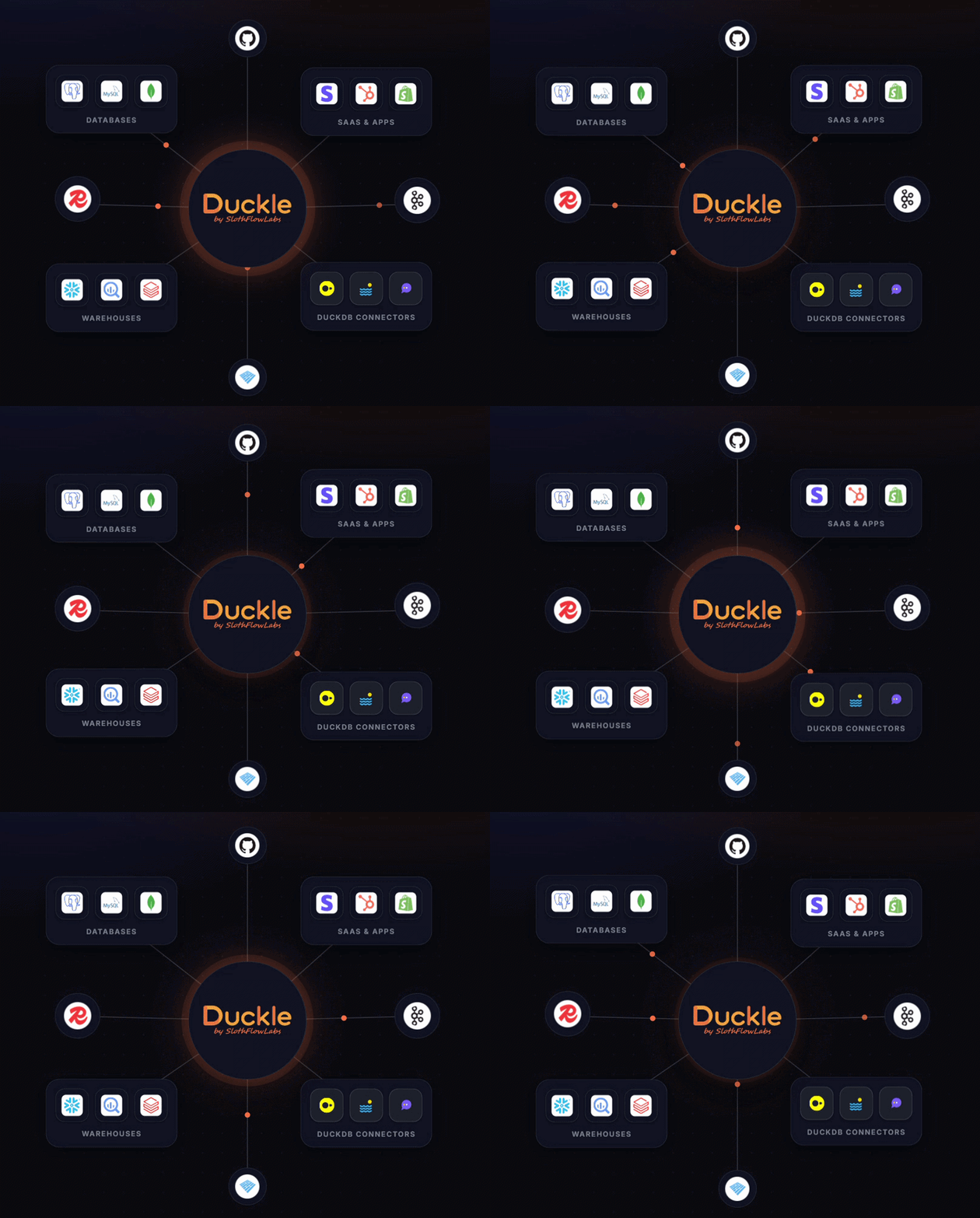
Yes — Duckle connects to more than 160 different apps, databases, and file types, so you can pull them all into a single pipeline and send the combined result wherever you need it.
Do I need to know how to code to use this?
Not necessarily. You can build a pipeline by dragging and connecting pieces on a visual canvas, or describe what you want in plain English to the built-in assistant, Duckie, and it will draft the pipeline for you to check.
Which apps and AI assistants does this work with?
Duckle runs as its own desktop application on your computer, and it connects to Cursor as an AI coding assistant. It is not a plug-in for everyday apps like Gmail or Slack — it is a dedicated tool for moving and shaping your data.
Do I need an account or an API key to use it?
You do not need an account to run Duckle itself, since it works entirely on your own computer. Some individual data sources you connect to, such as certain databases or online services, may still ask for their own login details or a key.
Is this hard to set up?
Setting it up takes some technical comfort. You download and install the program, and connecting it to a coding tool like Cursor, or to an AI assistant such as Claude, ChatGPT, or Gemini, usually involves editing a small settings file.
Does this cost money to use?
The core tool is free and open source, and it runs on your own computer rather than charging a fee for every row of data you move, unlike many hosted data-pipeline services.
Can it check my data for mistakes automatically?
Yes — you can add data quality checks to a pipeline that flag missing values, wrong formats, or other problems before the results move on to the next step.