


Gearboy

MCP.Pizza Chef: drhelius

Gearboy runs classic Game Boy, Game Boy Color, and Super Game Boy cartridges while exposing a built-in toolset your AI assistant can use to pause execution, inspect memory, check hardware status, set breakpoints, and even rewind gameplay. It works with Claude, GitHub Copilot, Codex, and other MCP-compatible assistants inside apps like Cursor, with no API key or account needed — just add a small configuration snippet to get started.

Coding
Other

Use This MCP server To

Pause my game and inspect memory with my AI assistant Set breakpoints so my AI helps me debug a ROM Rewind gameplay to the exact moment something went wrong Ask my AI assistant to check the console's hardware status Search memory for a specific value while a game runs Get AI help stepping through code to find a crash

README

Gearboy

GitHub Workflow Status GitHub Releases) commits) GitHub contributors GitHub Sponsors License Twitter Follow

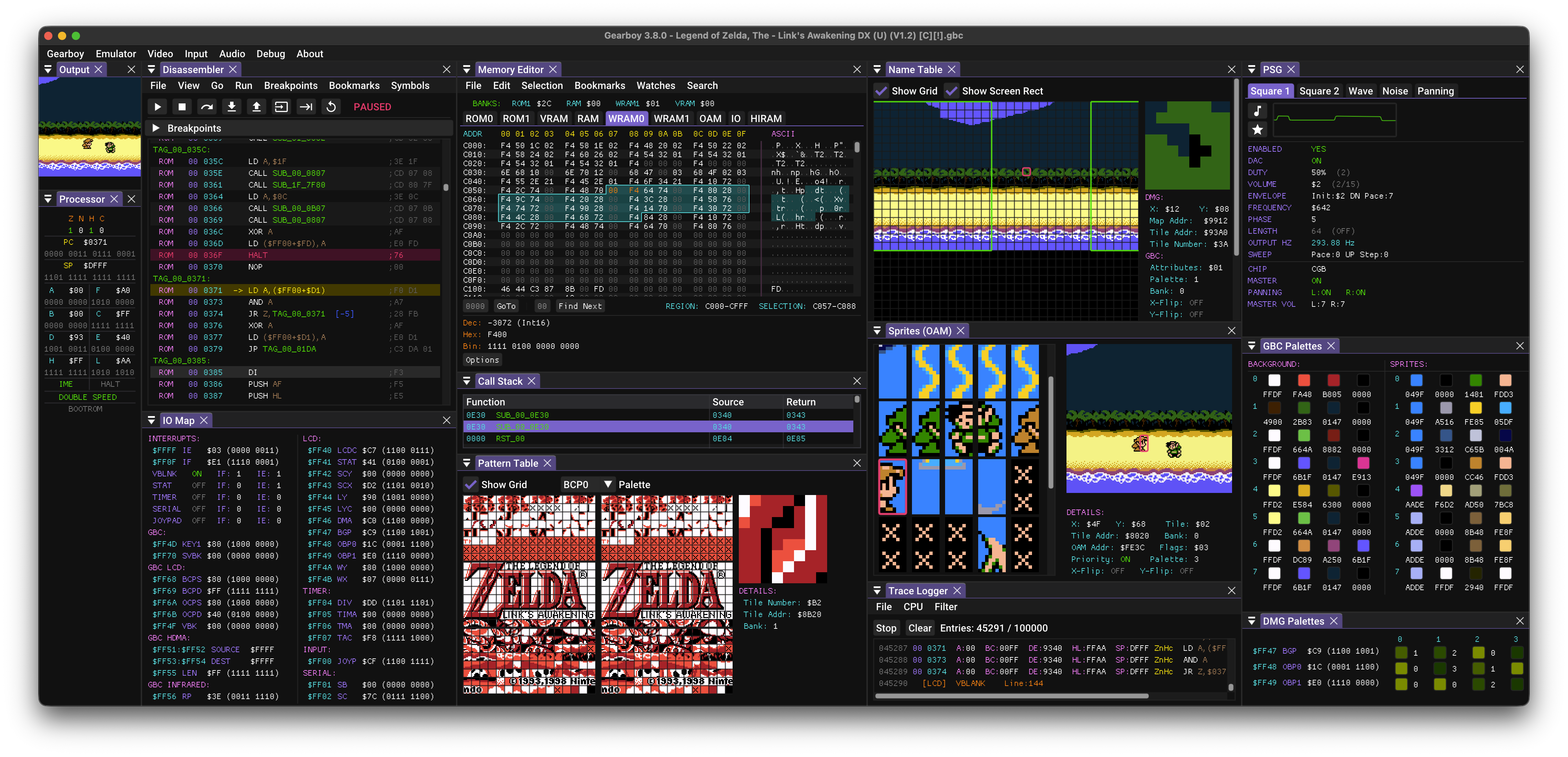
Gearboy is an accurate, cross-platform Game Boy / Game Boy Color / Super Game Boy emulator written in C++ that runs on Windows, macOS, Linux, BSD and RetroArch, with an embedded MCP server for debugging and tooling.

This is an open source project with its ongoing development made possible thanks to the support by these awesome backers. If you find it useful, please consider sponsoring.

Don't hesitate to report bugs or ask for new features by opening an issue.
Downloads

Gearboy FAQ

Can I use this to debug a Game Boy game I'm developing?
Yes — Gearboy lets your AI assistant pause execution, set breakpoints, and inspect memory while your game runs, so you can track down bugs together.
Do I need an API key or account to use this?
No — Gearboy runs entirely on your own computer and doesn't require any account or key to connect your AI assistant.
Which AI assistants and apps does this work with?
Gearboy's built-in server works with Claude, GitHub Copilot, Codex, and other MCP-compatible assistants, and can be set up inside apps like Cursor.
How hard is it to set up?
You add a small configuration snippet to your AI assistant's settings — no coding or building from source required for the standard release.
Can I use this to actually play games, or is it only for debugging?
Yes — Gearboy is a full Game Boy, Game Boy Color, and Super Game Boy emulator, so you can play real cartridges normally and only bring in AI help when you want it.
Does this work on Windows and Mac, or just one platform?
Gearboy runs on Windows, macOS, Linux, BSD, and RetroArch, so most people can use it regardless of their computer.
Can my AI assistant actually control the game, or just look at it?
It can do both — the built-in toolset lets your AI assistant inspect hardware status and memory, and also control execution, like pausing, stepping, and rewinding.
Is this safe to use if I'm not a programmer?
Yes — you don't need to write any code to use the AI features; you just install Gearboy and connect it to your assistant through a short setup step.