

gemini-mcp

gemini-mcp

MCP.Pizza Chef: houtini-ai

Google's Gemini MCP server adds powerful image, video, and chat features to your AI assistant in apps like Claude Desktop, Cursor, and VS Code. By connecting your Google AI Studio Gemini API key, you can generate images, create videos with audio, conduct deep research using live Google search data, and see media previews inline. Setup involves adding a small config snippet and restarting your app—no complex installs needed.

Images/Design
Other
Web/Research

Use This MCP server To

Generate images from text prompts with current Google search data Create short videos with synchronized audio from descriptions Ask questions and get answers grounded in up-to-date Google search results Conduct deep research with multi-step Google search and report synthesis Preview generated images, SVG diagrams, and videos inline in Claude Desktop Embed generated media directly into your chat or coding environment

README

Gemini MCP

Gemini MCP - Google Gemini image generation, video and search grounding inside Claude

npm version MCP Registry Known Vulnerabilities License: Apache 2.0

I've been running this Gemini MCP server in my Claude Desktop setup for months. It's one of the few I leave on permanently — not because Gemini replaces Claude, but because grounded search, image generation, SVG diagrams, and video are things Gemini does well. Having them as tools inside Claude beats switching browser tabs.

Thirteen tools, covering the models people actually come looking for: Nano Banana Pro (gemini-3-pro-image-preview) for image generation, Veo 3.1 for video with synchronised audio, and Gemini 3.1 Pro for chat and deep research with Google Search grounding. Images, SVGs and video preview inline in Claude Desktop through MCP Apps rather than landing as a file path you have to go and open.

One npx command.

Gemini MCP server


Quick Navigation

Get started | What it does | SVG generation | Image output | Configuration | Tools | Models | Requirements


What it looks like

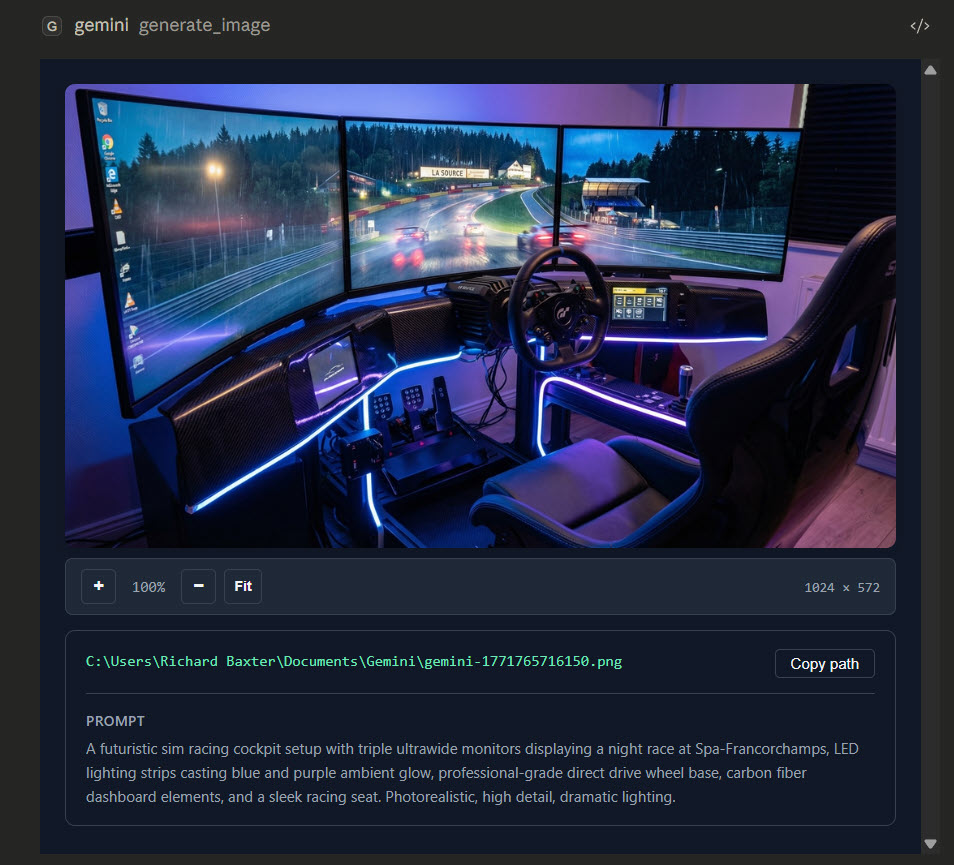
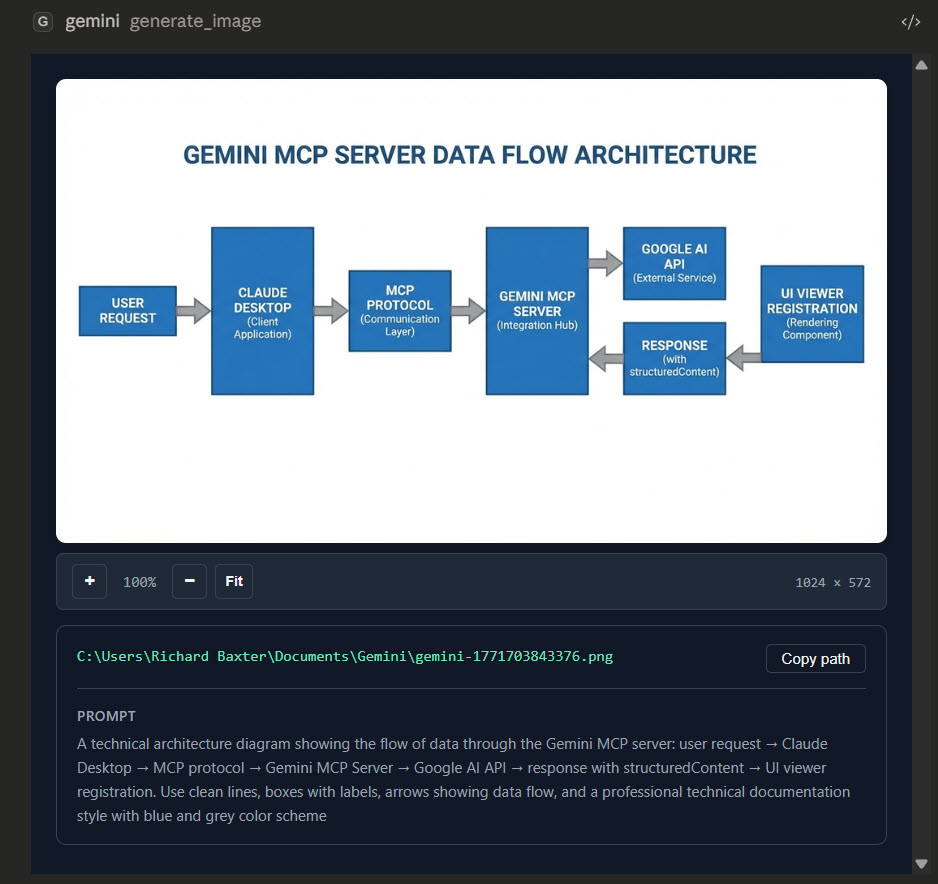
Generated images, SVGs, and videos render inline in Claude Desktop with zoom controls, file paths, and prompt context:

Image generation SVG / diagram generation
Image preview SVG preview

gemini-mcp FAQ

Can I use this to generate images and videos inside Claude Desktop?
Yes — Gemini MCP lets you create and preview images, SVG diagrams, and videos directly within Claude Desktop without switching apps.
Can I ask Gemini MCP to do deep research with current Google search data?
Yes — it performs multiple grounded search iterations and synthesizes detailed reports using Google search results.
Which apps support Gemini MCP?
It works with Claude Desktop, Cursor, VS Code, and Windsurf.
Do I need an API key to use Gemini MCP?
Yes — you need a Google AI Studio Gemini API key to enable the features.
How hard is it to set up Gemini MCP?
Setup is copy-paste-config — you add a small snippet with your API key to your app's config file.
Does Gemini MCP require additional software?
Node.js 18+ is required; ffmpeg is optional for video thumbnail extraction.