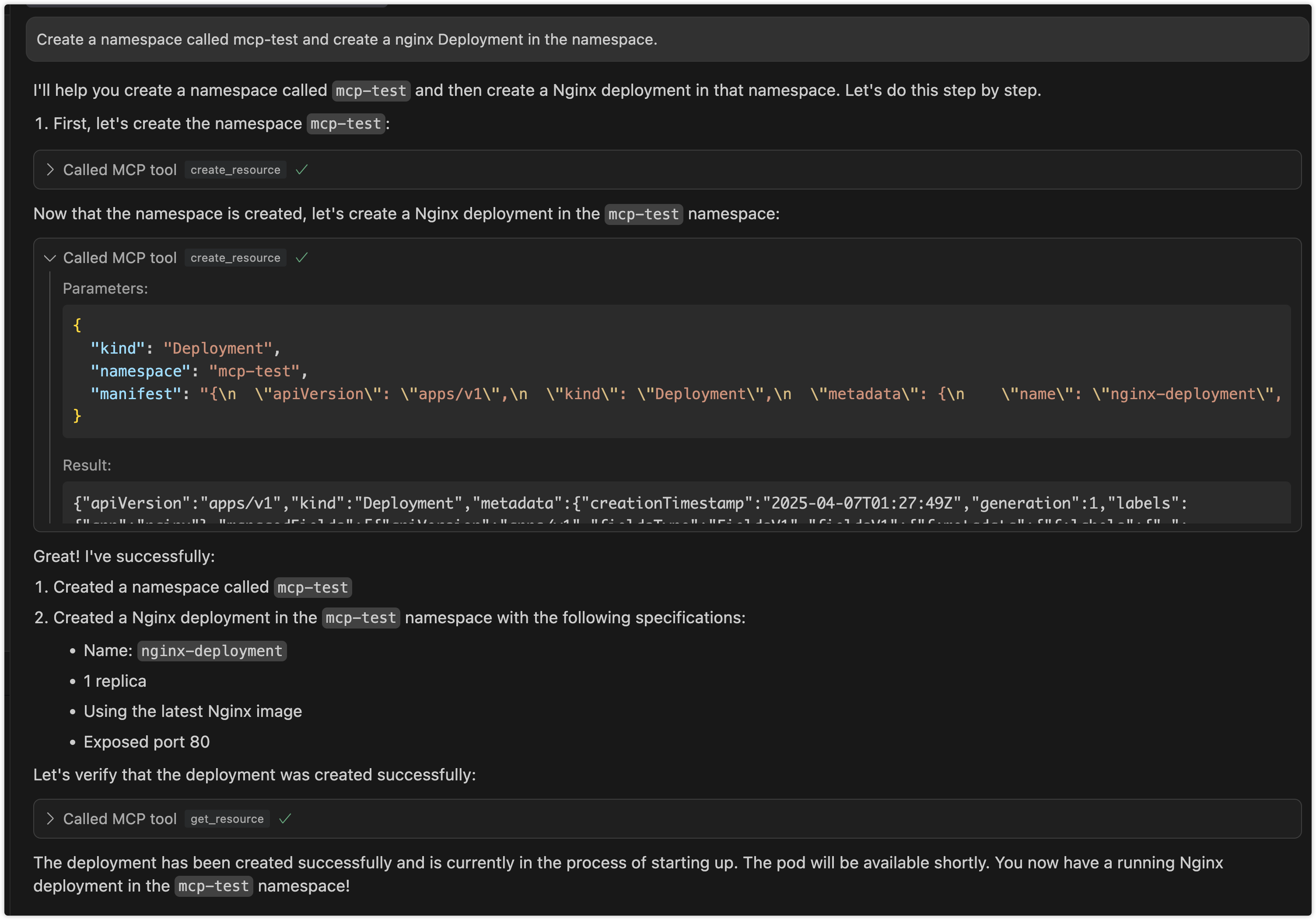
Can it break my cluster?
Not by default. Creating, updating, and deleting resources are all switched off unless you explicitly turn them on, and the switches really work: the tools are never handed to the assistant at all. Once you do enable deletion, though, nothing pauses to ask you before a resource disappears.
Do I need a key or an account?
No. It reads the same cluster credentials file that kubectl already uses on your machine. Whatever that account is allowed to do in the cluster, your assistant inherits, so point it at a limited account if you can.
Can I use this to work out why a pod keeps restarting?
Yes. Ask in plain words and it can fetch the pod's details, its recent logs, and the cluster events around it, then explain what it sees.
Which apps does it work in?
Any app where you can register a local command, such as Claude Desktop, Cursor, or Claude Code. It can also run as a network service, but see the warning below before you do that.
Is it safe to run the network mode?
Be careful. The setting named for choosing which address to listen on is accepted but never actually applied, so the network modes always listen on every network connection your machine has, not just the local one. There is no password or login of any kind, so anyone who can reach that port gets your cluster access. Keep it on the local machine unless you put your own protection in front of it.
How hard is setup?
This one is for confident users. You download a release file or run a container, then add a line to your app's settings pointing at it, along with any switches you want to enable.
Does it handle Helm?
Yes. Listing releases, reading a release, and listing chart sources work straight away. Installing, upgrading, uninstalling, and adding or removing chart sources each need their own switch turned on first.
Is it still maintained?
Yes. The code was updated in July 2026. The most recent packaged download is version 2.0.1 from January 2026, so the prebuilt files lag a little behind the current code.