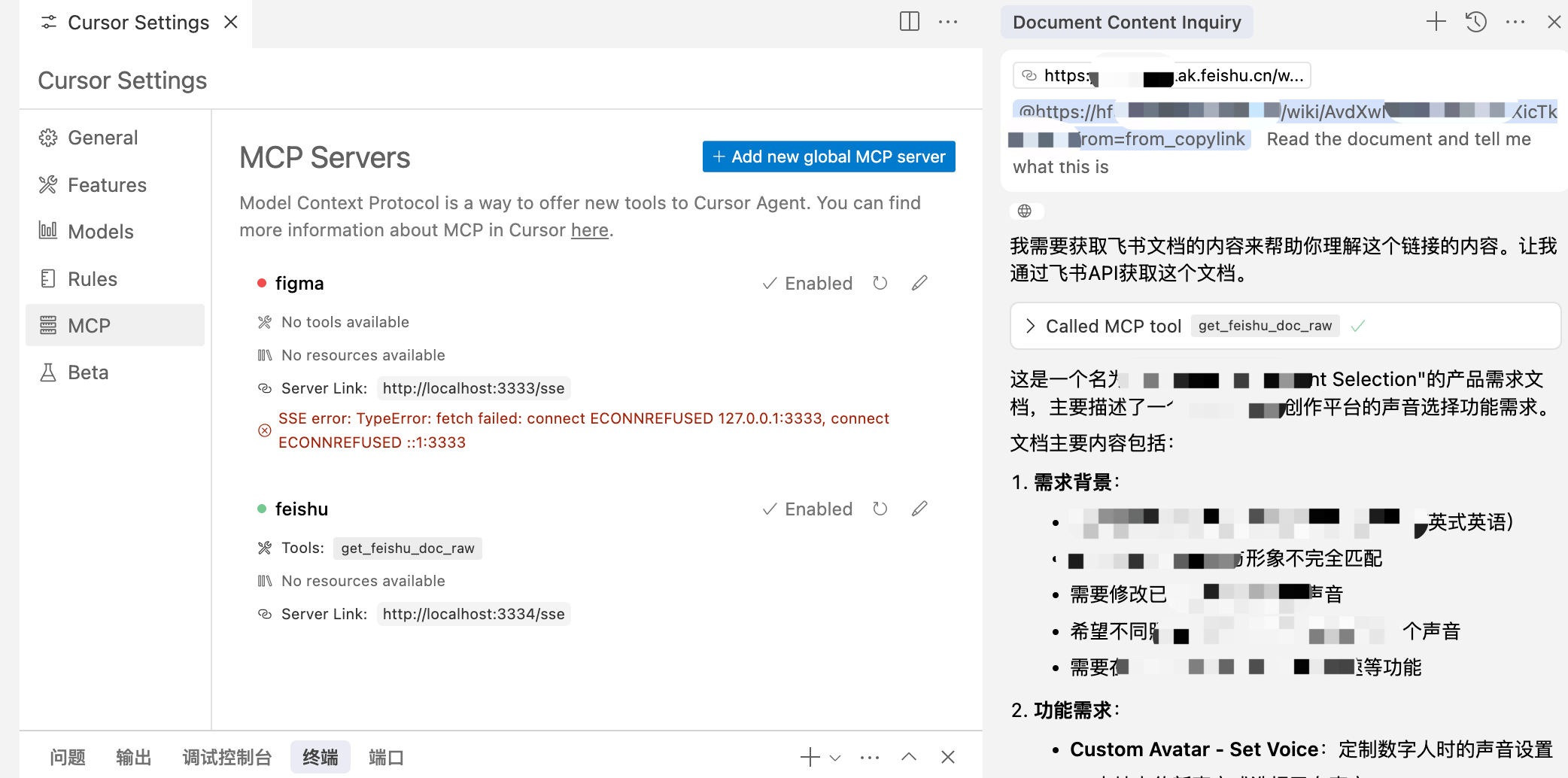
How do I authenticate the lark-tools-mcp server with Feishu?
You must create a Feishu self-built application, obtain the app_id and app_secret, and configure them in the .env file for token-based authentication.
What permissions are required for the Feishu app to work with lark-tools-mcp?
The app needs document read permissions and messaging scopes; detailed authorization steps are in Feishu's official documentation linked in the README.
Can lark-tools-mcp handle contract approvals automatically?
Yes, it supports contract approval workflows by leveraging Feishu's APIs integrated into the MCP server.
Is it possible to use lark-tools-mcp with AI models other than cursor?
Yes, while designed for cursor, it can work with any LLM that supports MCP protocol, including OpenAI, Claude, and Gemini.
How do I deploy and run the lark-tools-mcp server?
Clone the repo, copy .env.example to .env, set your Feishu app credentials, then run 'yarn install' and 'yarn start' to launch the server.
What kind of Feishu documents can lark-tools-mcp read?
It can read and extract plain text from various Feishu document types accessible via the authorized app.
Can I extend lark-tools-mcp with additional Feishu API features?
Yes, the server is modular and can be extended to support more Feishu operations as needed.
Does lark-tools-mcp support real-time interaction with Feishu?
It supports real-time document reading and messaging through API calls, enabling dynamic AI interactions within Feishu.