


An MCP (Model Context Protocol) server that allows running Claude Code in one-shot mode, with bypassed permissions by default and optional native Claude Code permission modes.
Did you notice that Cursor sometimes struggles with complex, multi-step edits or operations? This server, with its powerful unified claude_code tool, aims to make Claude a more direct and capable agent for your coding tasks.
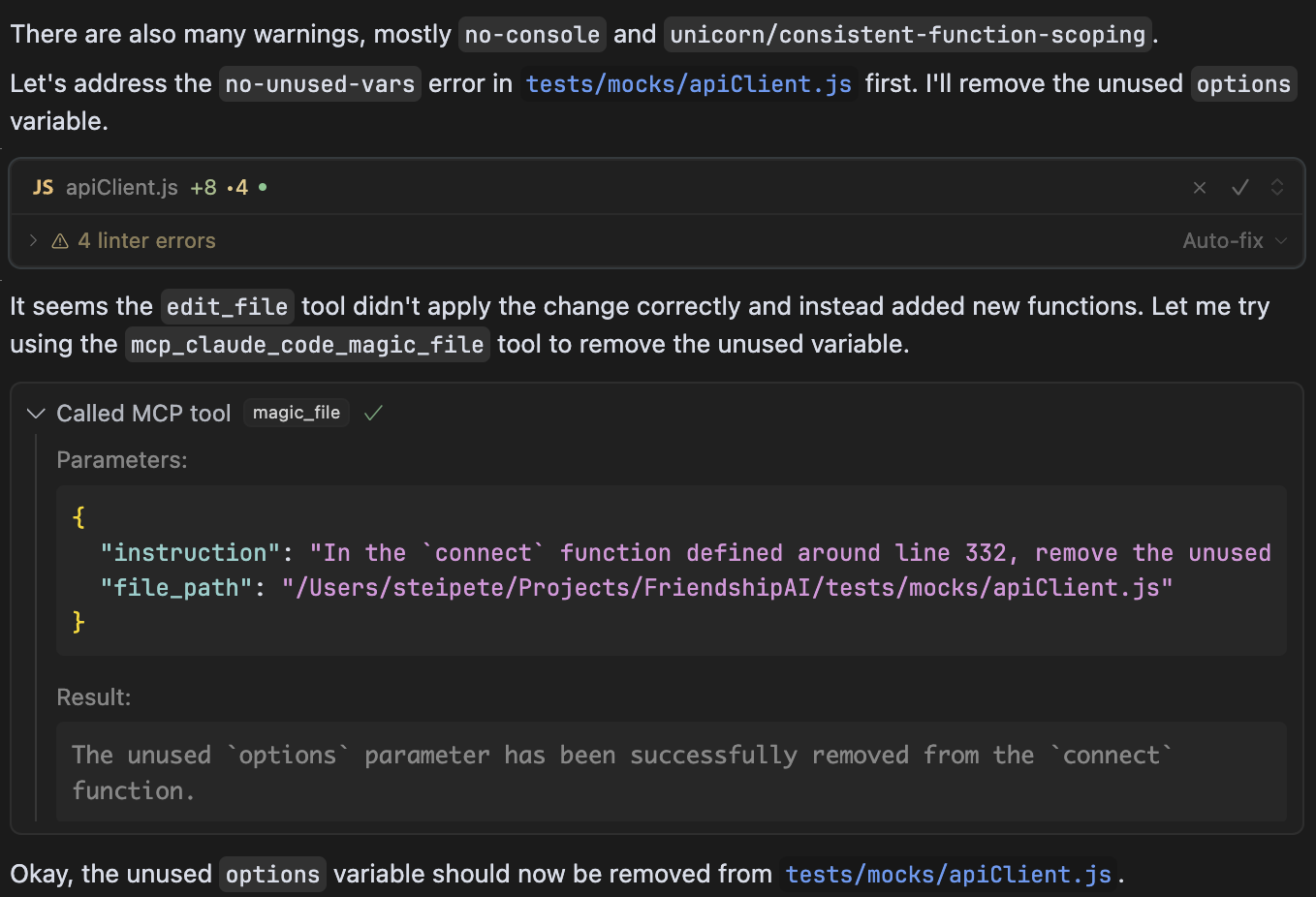
This MCP server provides one tool that can be used by LLMs to interact with Claude Code. When integrated with Claude Desktop or other MCP clients, it allows LLMs to:
- Run Claude Code with all permissions bypassed by default (using
--dangerously-skip-permissions) - Execute Claude Code with a native permission mode when requested
- Access file editing capabilities directly
- Enable specific tools by default
This server is a thin MCP wrapper around the local Claude Code CLI. By default it preserves the historic behavior and starts Claude Code with --dangerously-skip-permissions. Set the tool's permissionMode argument to default, acceptEdits, auto, dontAsk, or plan when you want Claude Code's native permission checks instead. This wrapper is not an OS-level sandbox; for a hard file-system boundary, run the MCP server or Claude CLI inside your own container, VM, or platform sandbox.
The wrapper cannot approve prompts that belong to a parent MCP client, bypass macOS privacy prompts, or make another Claude Code session inherit its settings. If the calling client stalls while waiting for permission checks, fix the caller's MCP permissions or run Claude Code directly instead.
Current alternatives:
- Use Claude Code directly for work that needs its native permission UI:
claude,claude -p, orclaude --permission-mode default. - Use Claude Code's native MCP server when another MCP client should access Claude Code tools:
claude mcp serve. - For Claude Code as the caller, configure tool permissions with
--allowedTools,--disallowedTools, project/user settings, or--permission-prompt-tool.
Use this package when you specifically want one MCP tool that delegates a prompt to a separate Claude Code process. Prefer native Claude Code MCP/permission configuration when permission ownership needs to stay with the active Claude Code session.