




maven-tools-mcp

MCP.Pizza Chef: arvindand

This server connects your AI assistant to live Maven Central data, letting you inspect and manage Java and JVM project dependencies from Maven, Gradle, SBT, or Mill. It helps you find the latest stable versions, compare current dependencies, plan upgrades, audit for security and license risks, and even resolve full pom.xml dependency versions without building. Works with Claude Desktop and VS Code, requires developer setup with Docker, and optionally integrates documentation via Context7.

Coding
Other

Use This MCP server To

Check the latest stable version of a Java library Compare my project's dependencies against current Maven Central versions Plan safe upgrades with detailed version and conflict info Audit dependencies for security risks and license issues Resolve effective versions from my pom.xml without building Get a clear upgrade plan for my JVM project dependencies Fetch documentation for libraries via Context7 integration

README

Maven Tools MCP Server

Java Spring Boot Spring AI MCP Protocol License GitHub release (latest by date) Docker Docker Pulls GitHub stars

Maven Tools MCP Server gives MCP-capable clients a practical way to inspect JVM dependencies using live Maven Central data.

It is built for developers and agents that need more than a plain version lookup: stability filtering, upgrade comparisons, dependency health signals, license data, CVE checks, and optional documentation lookups through Context7.
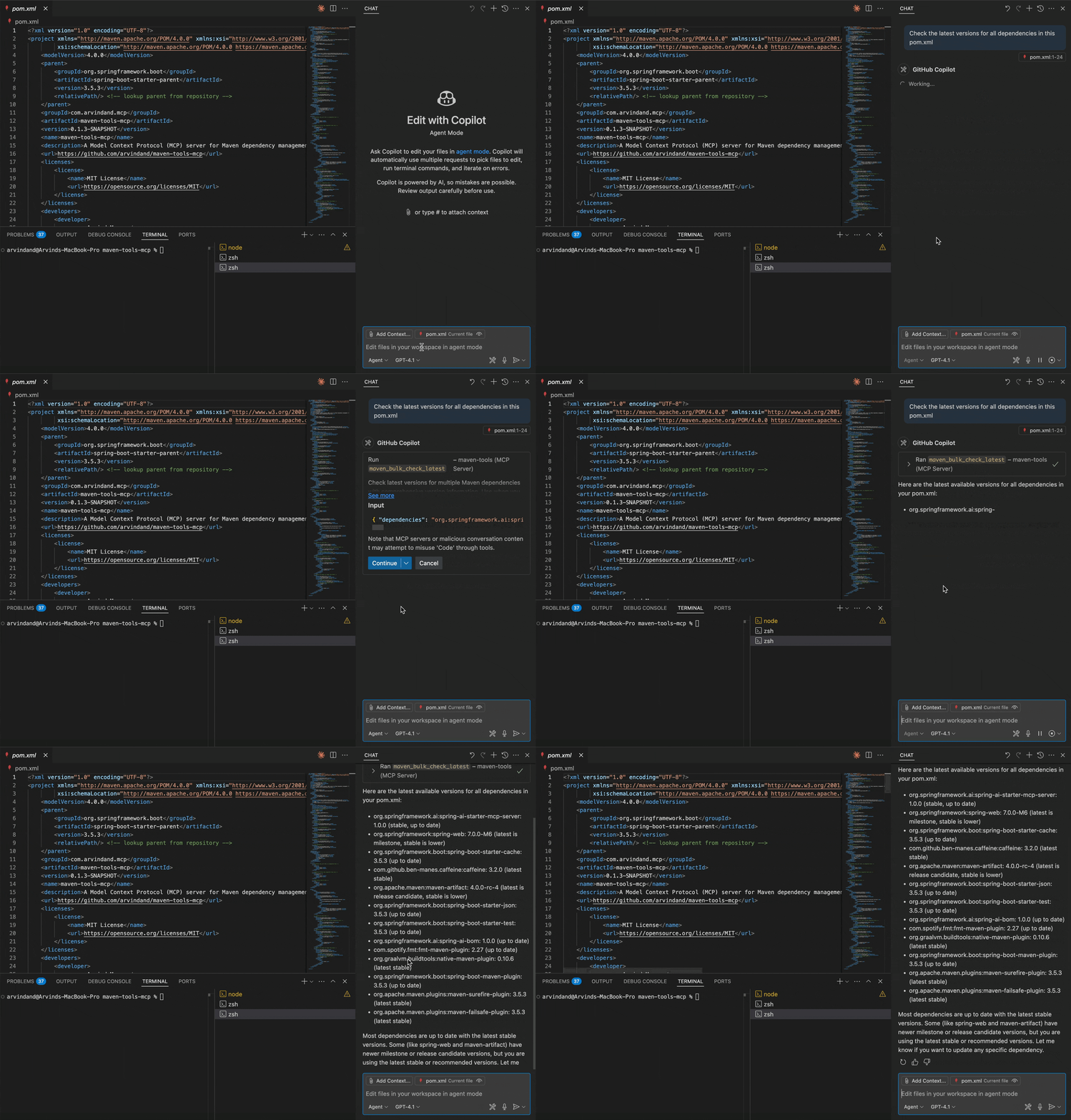
Demo

What It Helps With

Use Maven Tools MCP when you want to:

  • check the latest stable version of a library without leaving your editor
  • compare your current dependency set against what is available now
  • plan upgrades with major/minor/patch context
  • audit a project for stale, risky, or weakly maintained dependencies
  • give an AI assistant structured, current dependency metadata instead of making it scrape docs or web pages
  • resolve a whole pom.xml into per-dependency effective versions — walking the parent chain, applying <dependencyManagement>, importing BOMs — without actually building the project (useful in CI pre-checks, dependency-update PRs, multi-module monorepos, and any project where bumping a library means bumping a BOM instead)
  • get a deterministic, applyable upgrade plan that a non-LLM agent can execute in one round-trip, with majors / conflicts / explicit overrides separated out for human or LLM judgement

This project works with any JVM build tool that relies on Maven Central. The inputs are standard Maven coordinates, so the same data applies to Maven, Gradle, SBT, and Mill projects.

maven-tools-mcp FAQ

Can I use this to check the latest stable version of a Java library?
Yes — it provides up-to-date Maven Central data for Maven, Gradle, SBT, and Mill projects.
Can I audit my project's dependencies for security risks and outdated versions?
Yes — it includes CVE checks, license info, and upgrade recommendations.
Which apps support this MCP server?
It works with Claude Desktop and VS Code.
Do I need an API key or account to use it?
No API key is required for basic use; Context7 API key is optional for enhanced documentation features.
How hard is it to set up?
Setup requires developer skills, including running Docker or similar environment.