
Fire in da houseTop Tip:Paying $100+ per month for Perplexity, MidJourney, Runway, ChatGPT and other tools is crazy - get all your AI tools in one site starting at $15 per month with Galaxy AI Fire in da houseCheck it out free

clay-mcp

MCP.Pizza Chef: clay-inc

Clay MCP Server is a lightweight Model Context Protocol server designed to integrate Clay's API, enabling real-time structured context delivery to LLMs. It facilitates seamless connection between Clay's data environment and AI models, supporting efficient context retrieval and interaction. The server supports easy installation via Smithery or manual setup, making it accessible for developers aiming to enhance AI workflows with Clay's data.

Use This MCP server To

Integrate Clay data into LLM workflows for enriched context Provide real-time Clay context to AI models Enable AI agents to query Clay data dynamically Facilitate multi-step reasoning using Clay's structured data Automate data retrieval from Clay for AI-driven applications

README

Clay Logo

Clay MCP Server

A simple Model Context Protocol (MCP) server for Clay.
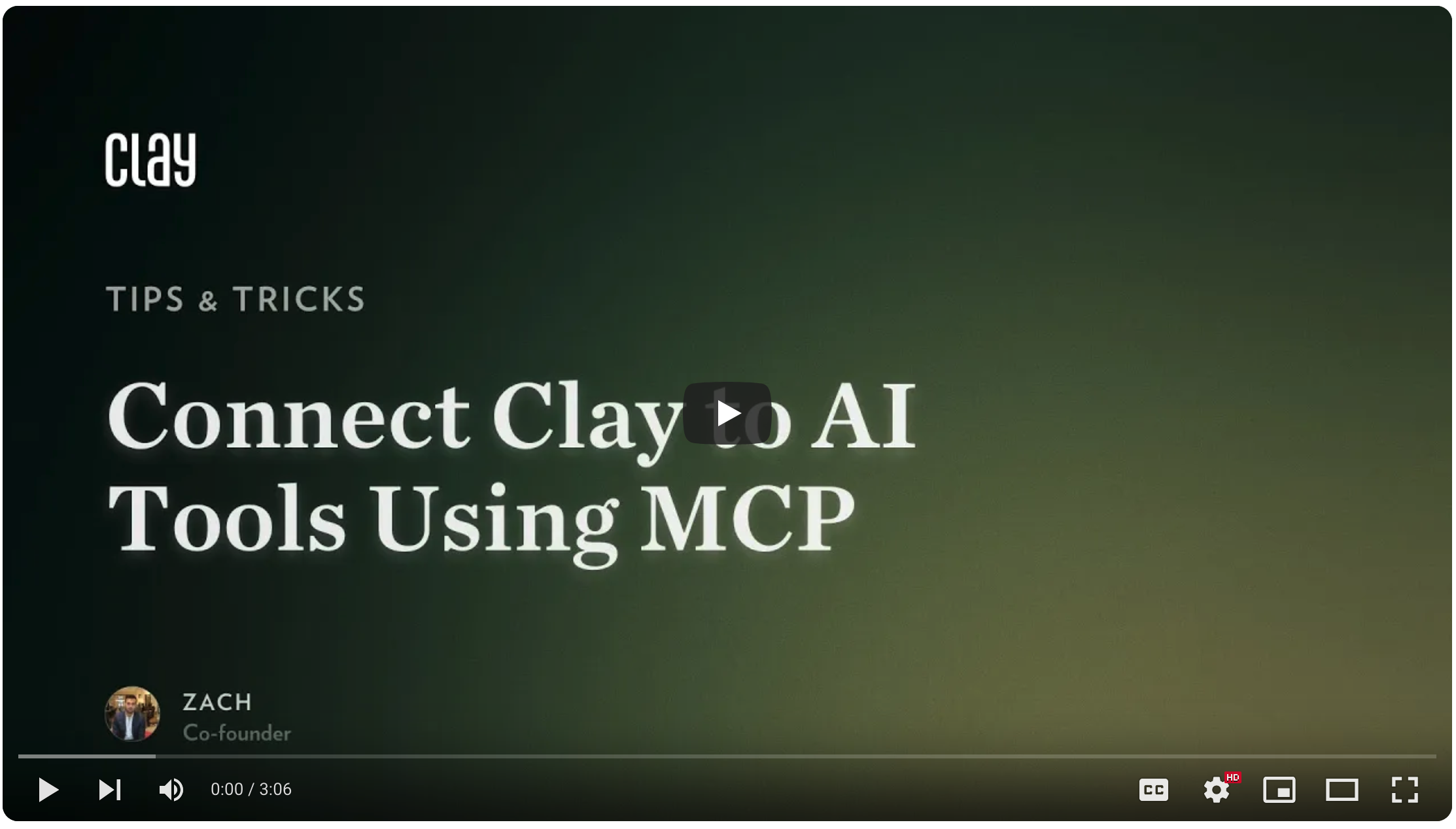
Demo Video

Clay Logo

Getting Started

Via Smithery (fastest)

smithery badge

  1. Click here to log into Clay and generate your Clay API key.
  2. Visit Clay's Smithery page and enter your Clay API key under "Installation".
  3. Under Claude > NPM, copy the NPM command and run it in your terminal.

Manual installation

  1. Edit your claude_desktop_config.json (in the Claude Desktop app, go to Preferences > Developer > Edit Config)
  2. Add the Clay MCP server as below:
{
  "mcpServers": {
    "clay-mcp": {
      "command": "npx",
      "args": ["@clayhq/clay-mcp@latest"],
      "env": {
        "CLAY_API_KEY": "YOUR_CLAY_API_KEY"
      }
    }
  }
}

Features

  • Contact Search: Find contacts by job title, company, location, or specific keywords.
  • Interaction Search: Retrieve past interactions based on various criteria.
  • Contact Statistics: Obtain numerical statistics and percentages related to your contacts.
  • Detailed Contact Info: Access comprehensive information for a specific contact by ID.
  • Add New Contact: Create new contacts with details like name, phone, email, and more.
  • Add Contact Note: Create a note associated with a specific contact.
  • Retrieve Groups: Get all user-defined groups or lists.
  • Create New Group: Create a new group or list.
  • Update Group: Update a group's title or modify its members.
  • Retrieve Notes: Get notes created within a specified date range.
  • Retrieve Events: Fetch meetings and events scheduled within a specified date range.

Examples

  • "Who in my network works at Google as a Product Manager?"
  • "Who have I emailed the most this year?"
  • "How many of my contacts are based in New York?"
  • "Who is John Smith?"
  • "Add a new contact named Jane Doe, who is a Designer at Figma."
  • "Save a note for John Smith: 'Follow up about the Q2 report.'"
  • "Create a group called 'Investors 2025.'"
  • "Add Jane Doe and John Smith to the Investors 2025 group."
  • "What notes did I take last week?"
  • "What meetings do I have scheduled for tomorrow?"

More information

Learn more and reach out at the Clay Library.

clay-mcp FAQ

How do I install the Clay MCP server quickly?
Use Smithery by logging into Clay, generating an API key, and running the provided NPM command.
Can I install the Clay MCP server manually?
Yes, manual installation is supported by editing configuration files and setting your Clay API key.
What is required to authenticate the Clay MCP server?
You need a Clay API key generated from your Clay account settings.
Which LLM providers can work with Clay MCP server?
It is provider-agnostic and works with OpenAI, Anthropic Claude, and Google Gemini models.
Does the Clay MCP server support real-time data updates?
Yes, it provides real-time structured context from Clay to connected LLMs.
Is the Clay MCP server suitable for production environments?
Yes, it is designed to be lightweight and scalable for production use.