
Fire in da houseTop Tip:Paying $100+ per month for Perplexity, MidJourney, Runway, ChatGPT and other tools is crazy - get all your AI tools in one site starting at $15 per month with Galaxy AI Fire in da houseCheck it out free

querypie-mcp-server

MCP.Pizza Chef: querypie

QueryPie MCP server is designed for administrators to manage QueryPie environments efficiently. It provides real-time dashboards that visualize query results as live charts without coding, monitors server resources like disk and memory usage, and helps detect suspicious behaviors through access log reviews. This server enhances operational oversight and data interaction for database administrators and IT teams.

Use This MCP server To

Visualize query results as live charts and dashboards instantly Monitor server disk space and memory usage in real time Identify resource-intensive processes on the server Review access logs to detect suspicious behavior Manage QueryPie server settings and configurations Provide administrators with a centralized management interface

README

QueryPie MCP

The MCP server for QueryPie for administrators to manage it.
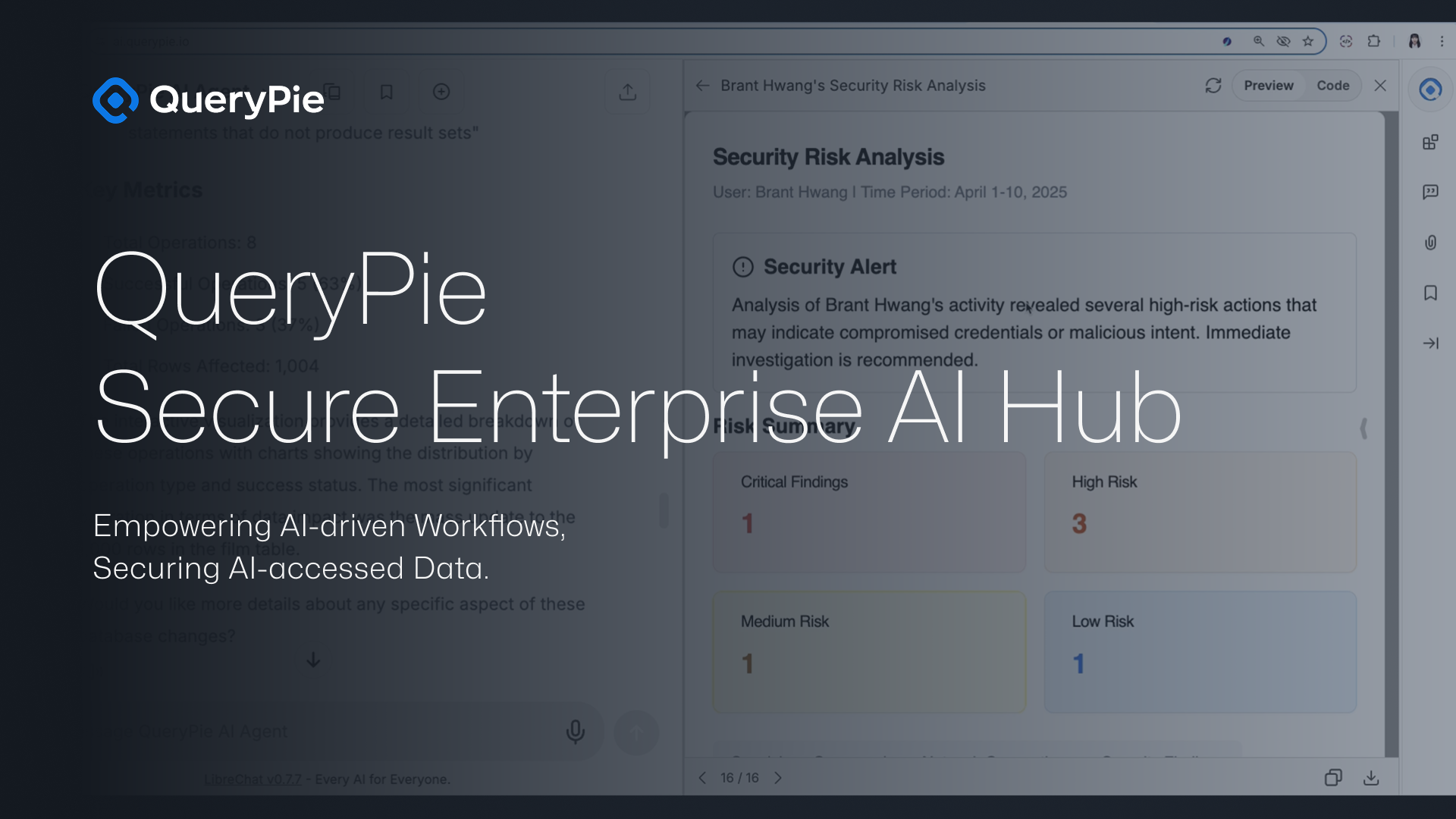
QueryPie Agent Demo

Key Usage Demo

📊 Dashboard with Instant Charts

Visualize your data instantly by turning query results into live charts and dashboards—without writing a single line of code.
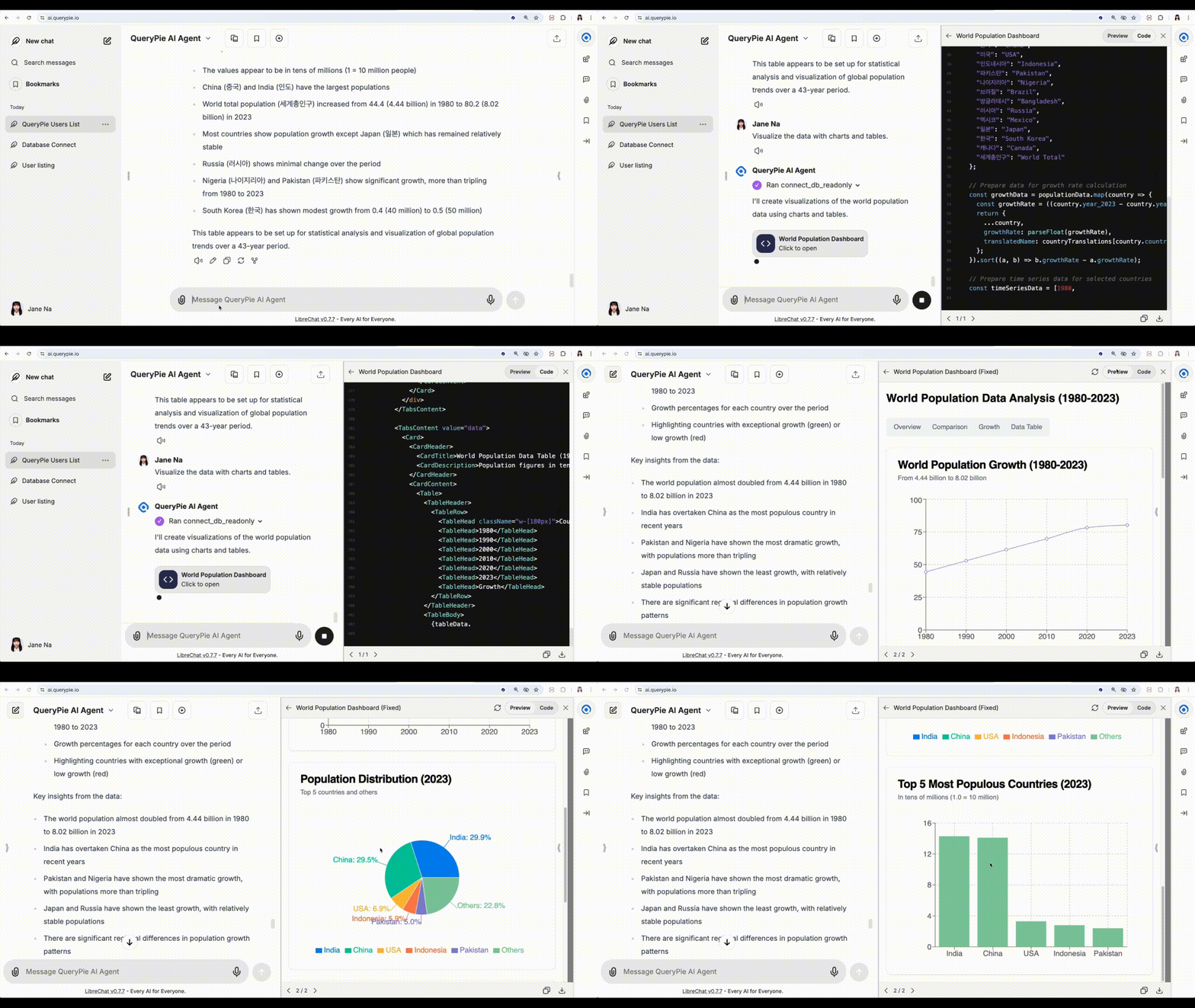
QueryPie Demo


đź’˝ Monitor Disk & Memory Usage

Track server resource usage like disk space and memory in real time, and identify the most resource-intensive processes at a glance.
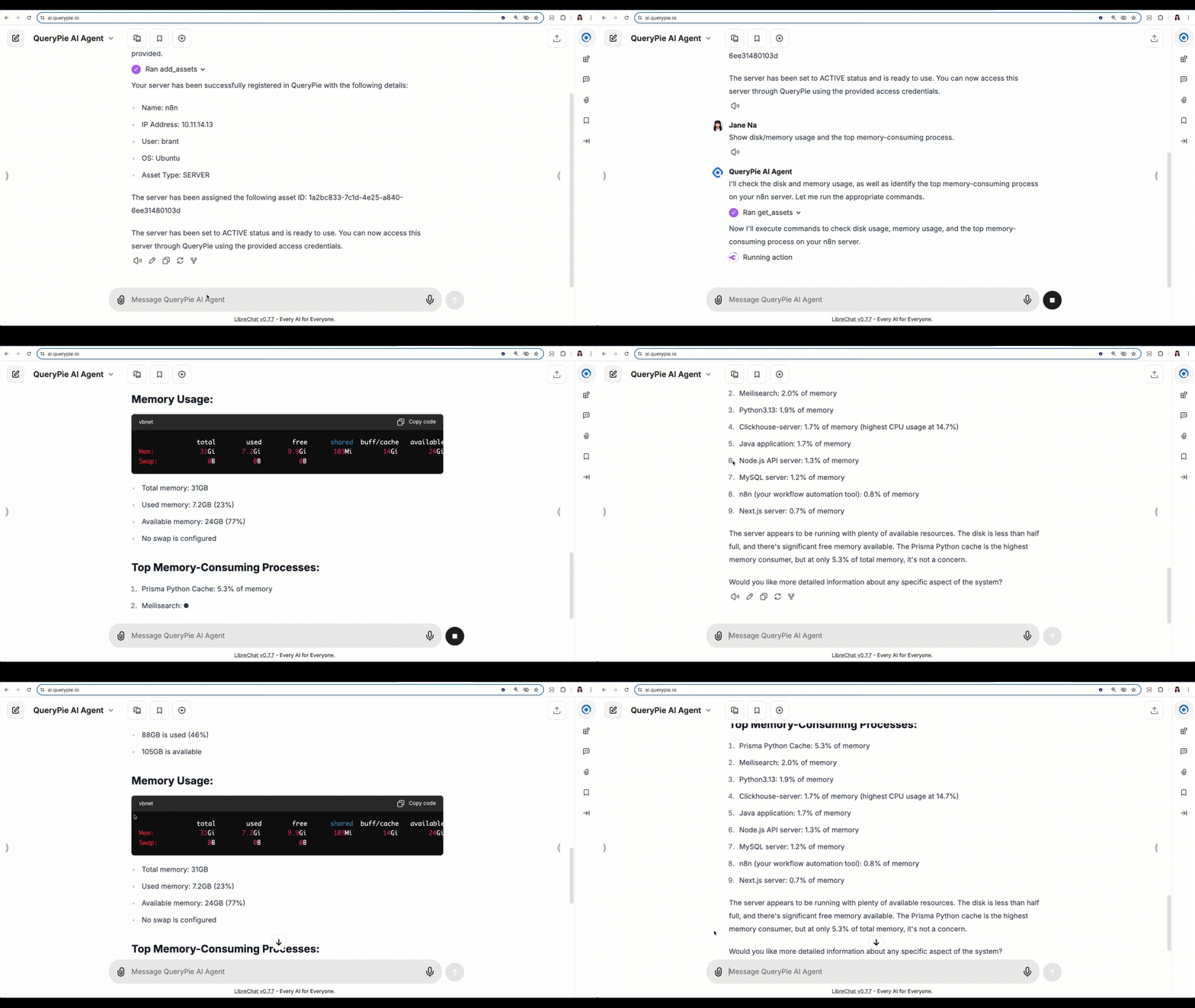
QueryPie Demo


🕵️‍♂️ Detect Suspicious Behavior

Review access logs and detect abnormal user behavior, such as risky SQL commands or unauthorized server activity.
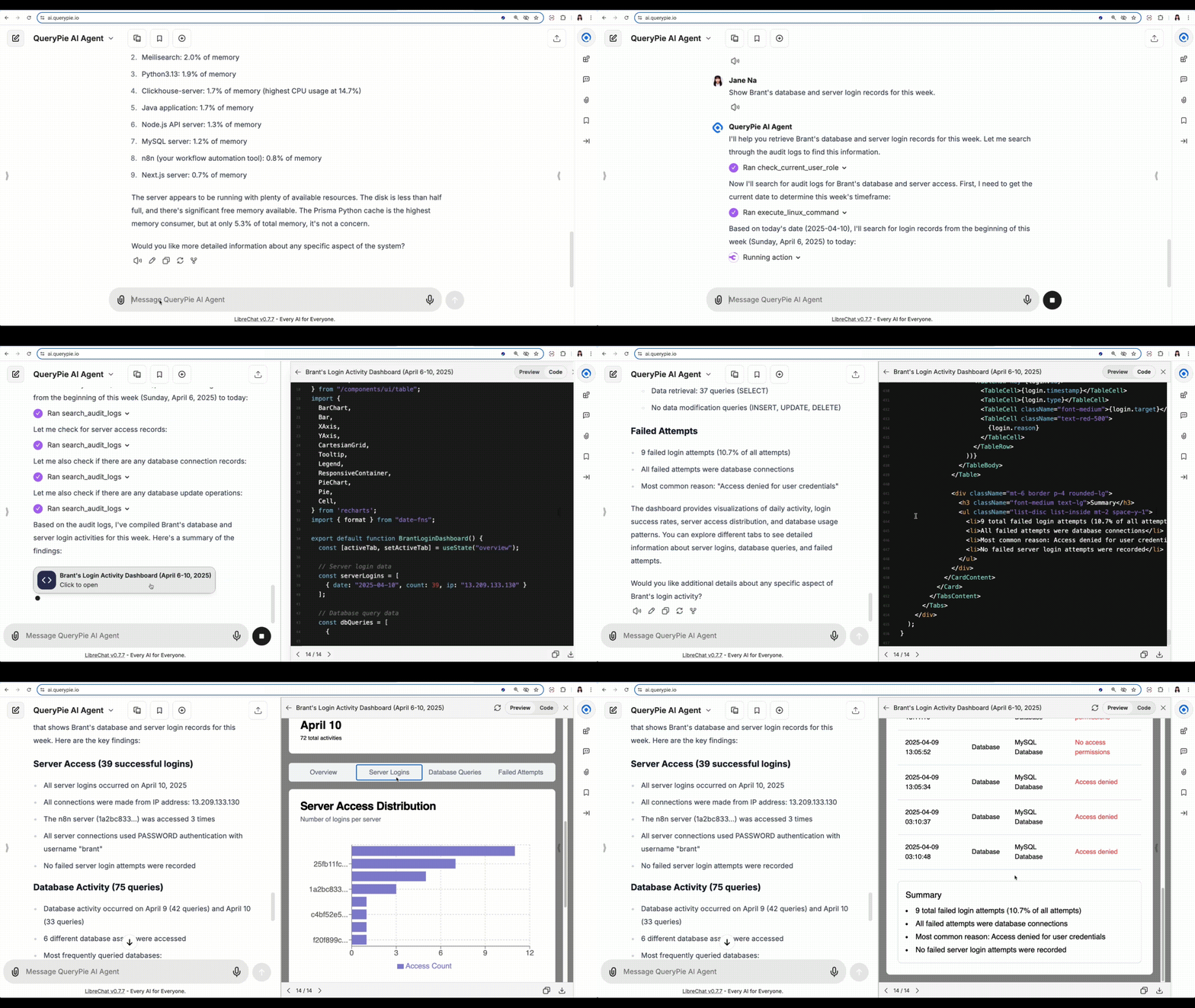
QueryPie Demo


✨ And That’s Just the Beginning...

There’s so much more you can do—register assets, manage access, automate audits, and more.

It all depends on how you use QueryPie. Start exploring and make it yours.


Installation

Prepare your QueryPie API key and URL.

You can find the API key on General > System > API Token in the QueryPie web console.

Docker

# Stdio example
export QUERYPIE_API_KEY=your_token
export QUERYPIE_URL=https://your_querypie_url

docker run --rm \
    -e "QUERYPIE_API_KEY=${QUERYPIE_API_KEY}" \
    ghcr.io/querypie/querypie-mcp-server "${QUERYPIE_URL}"
# SSE example
export QUERYPIE_API_KEY=your_token
export QUERYPIE_URL=https://your_querypie_url

docker run --rm \
    -e "QUERYPIE_API_KEY=${QUERYPIE_API_KEY}" \
    ghcr.io/querypie/querypie-mcp-server "${QUERYPIE_URL}" \
    --transport sse \
    --port 8000

Linux/macOS

# Install the querypie-mcp-server binary to ~/.local/bin
curl -L https://github.com/querypie/querypie-mcp-server/releases/latest/download/install.sh | sh
# Stdio example
export QUERYPIE_API_KEY=your_token
querypie-mcp-server https://your_querypie_url
# SSE example
export QUERYPIE_API_KEY=your_token
querypie-mcp-server https://your_querypie_url \
    --transport sse \
    --port 8000

Claude Desktop

Add this into your claude_desktop_config.json (either at ~/Library/Application Support/Claude on macOS or C:\Users\NAME\AppData\Roaming\Claude on Windows):

{
    "mcpServers": {
        "querypie": {
            "command": "docker",
            "args": [
                "run",
                "--rm",
                "-e",
                "QUERYPIE_API_KEY=${QUERYPIE_API_KEY}",
                "-it",
                "ghcr.io/querypie/querypie-mcp-server",
                "https://your_querypie_url"
            ],
            "env": {
                "QUERYPIE_API_KEY": "your_token"
            }
        }
    }
}

Cursor

Add this into your ~/cursor/mcp.json

{
  "mcpServers": {
    "querypie": {
      "command": "docker",
      "type": "stdio",
      "args": [
        "run",
        "--rm",
        "-e",
        "QUERYPIE_API_KEY=${QUERYPIE_API_KEY}",
        "-it",
        "ghcr.io/querypie/querypie-mcp-server",
        "https://your_querypie_url"
      ],
      "env": {
        "QUERYPIE_API_KEY": "your_token"
      }
    }
  }
}

querypie-mcp-server FAQ

How do I install the QueryPie MCP server?
You can install the QueryPie MCP server by following the instructions on its GitHub repository, which includes setup scripts and configuration guides for easy deployment.
Can the QueryPie MCP server visualize data without coding?
Yes, it allows you to create live charts and dashboards from query results instantly without writing any code.
How does the server monitor resource usage?
It tracks disk space, memory usage, and highlights the most resource-intensive processes in real time for efficient server management.
Is it possible to detect suspicious activities using this MCP server?
Yes, the server reviews access logs to help administrators detect abnormal or suspicious behaviors.
What kind of administrative controls does the QueryPie MCP server provide?
It offers centralized management features for server settings, user access, and monitoring tools to streamline administration.
Does the QueryPie MCP server support integration with other MCP clients or tools?
Yes, it is designed to work within the MCP ecosystem, enabling integration with various MCP clients and tools for enhanced workflows.
Is the QueryPie MCP server suitable for large-scale database environments?
Yes, it is built to handle complex database management tasks and real-time monitoring in enterprise environments.
Where can I find demos or tutorials for using the QueryPie MCP server?
The GitHub repository and linked YouTube videos provide demos and tutorials to help you get started quickly.