
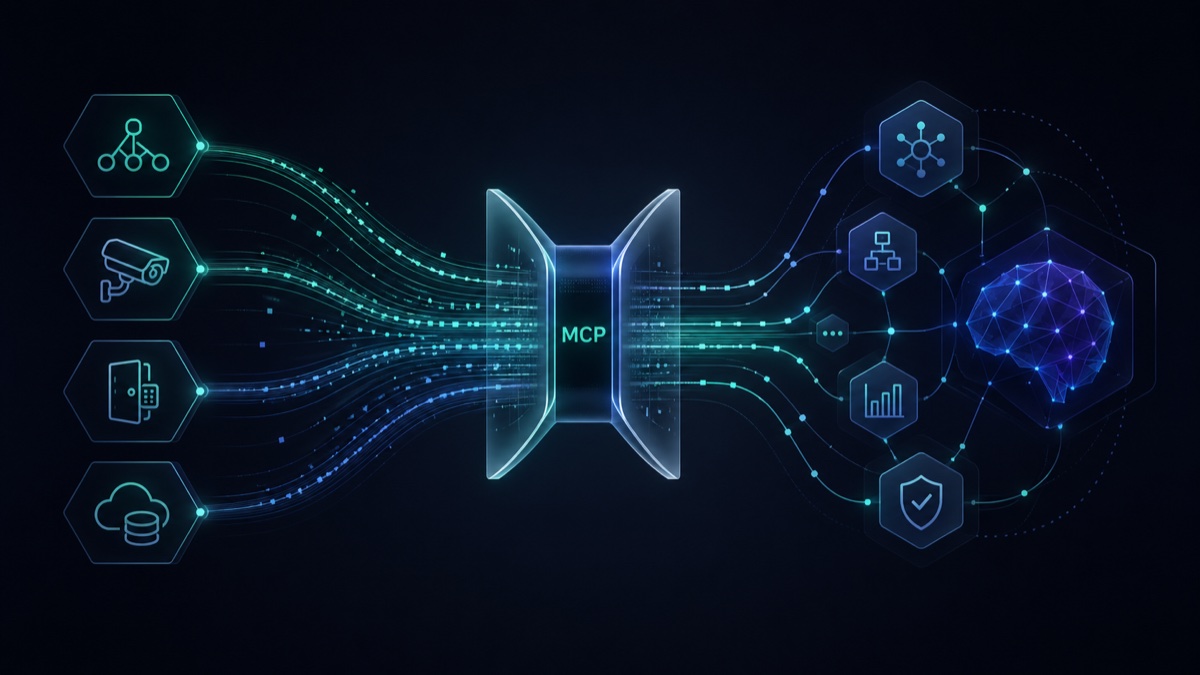
Leverage agents and agentic AI workflows to manage your UniFi deployment.


| Server | Status | Tools | Package |
|---|---|---|---|
| Stable | 187 | unifi-network-mcp |
|
| Stable | 61 | unifi-protect-mcp |
|
| Stable | 36 | unifi-access-mcp |
MCP.Pizza Chef: sirkirby
This connects the UniFi gear running your network to an assistant like Claude Desktop, so you can ask about it in plain words instead of clicking through dashboards. You can check which devices are online, look at what a camera recorded, review who opened a door, and make changes such as adjusting a firewall rule. You add a short config snippet and your UniFi login details to get started.
Leverage agents and agentic AI workflows to manage your UniFi deployment.
| Server | Status | Tools | Package |
|---|---|---|---|
| Stable | 187 | unifi-network-mcp |
|
| Stable | 61 | unifi-protect-mcp |
|
| Stable | 36 | unifi-access-mcp |