
PraisonAI

PraisonAI

MCP.Pizza Chef: MervinPraison

PraisonAI gives your AI assistant a crew of specialized helpers instead of just one. Ask it to research a topic, draft a report, or work through a multi-step task, and it breaks the job into pieces, works through each one, and hands you a finished result. It runs in Cursor, and you will need an API key from an AI provider such as OpenAI, Claude, or Gemini to power the agents.

Coding
Data
Web/Research
Writing

Use This MCP server To

Research a topic and summarize the findings Break a big task into steps and complete each one Draft blog posts or marketing copy with a team of writers Pull and organize information from websites or files Automate a repetitive multi-step work process Write and check code for a small project

README

PraisonAI Logo

Total Downloads Latest Stable Version License MCP Registry

PraisonAI šŸ¦ž

MervinPraison%2FPraisonAI | Trendshift

PraisonAI šŸ¦ž — Hire a 24/7 AI Workforce. Stop writing boilerplate and start shipping autonomous, self-improving agents that research, plan, and execute tasks across your apps. From one agent to an entire organization, deployed in 5 lines of code.

curl -fsSL https://praison.ai/install.sh | bash

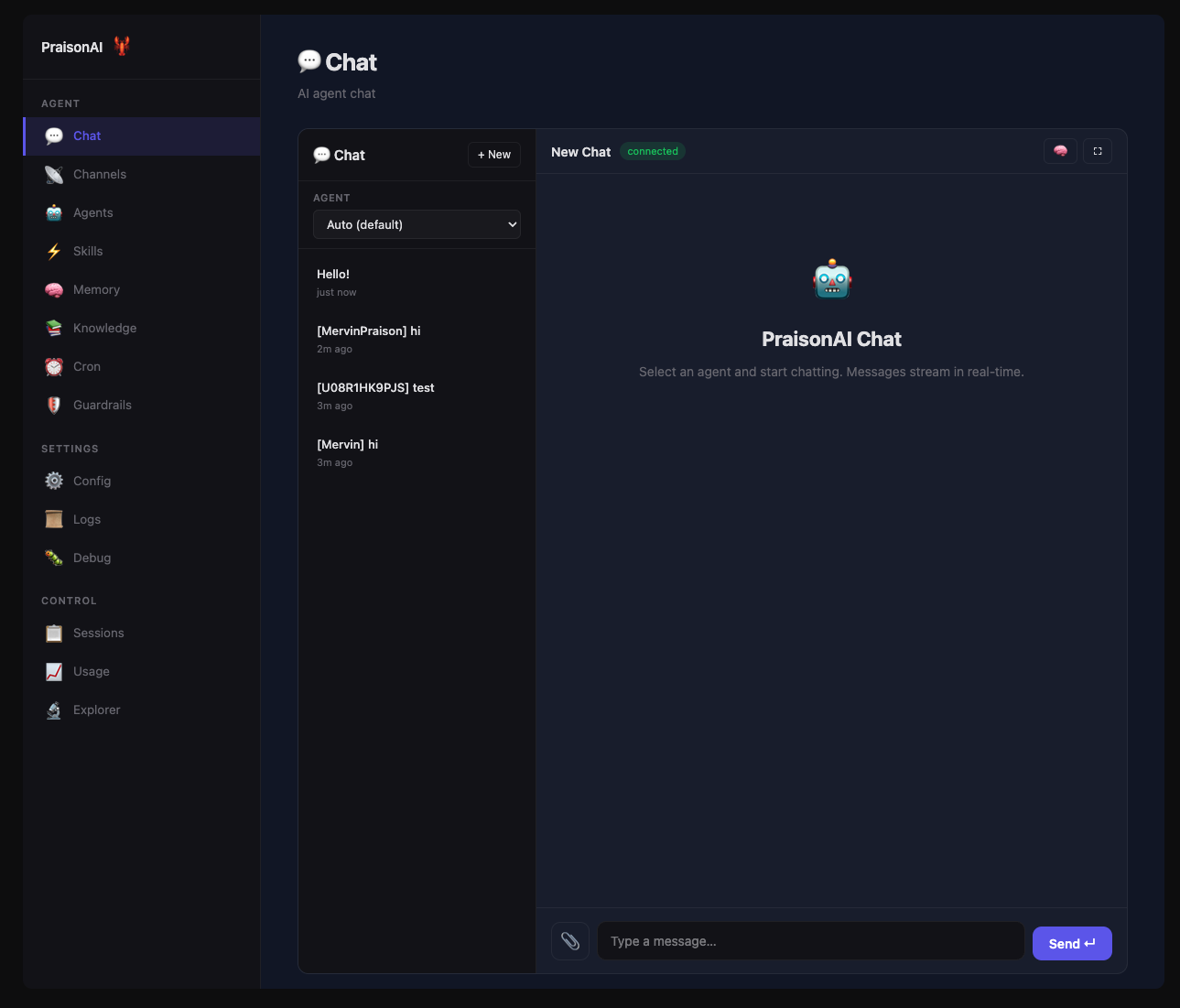
PraisonAI Dashboard

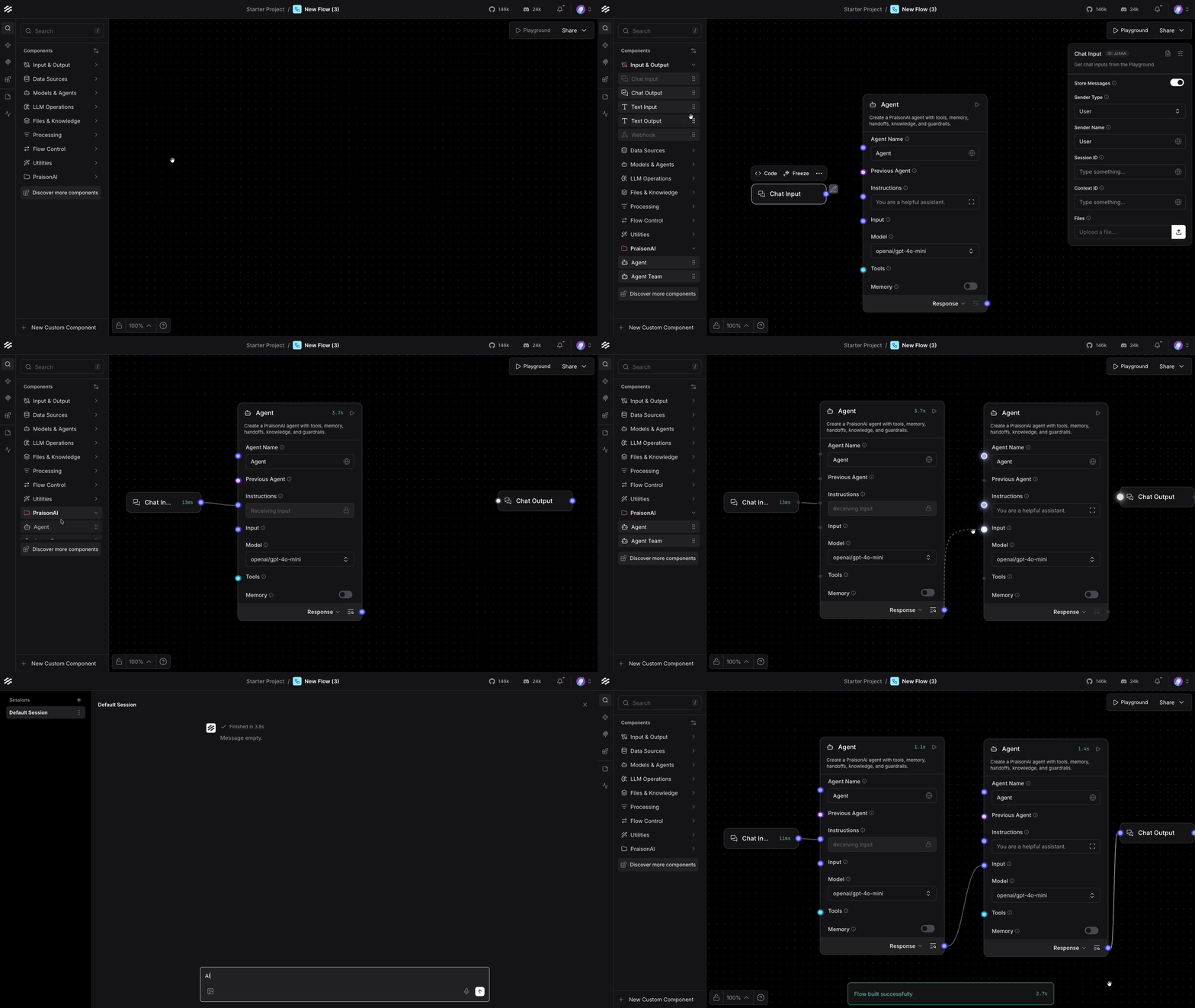
PraisonAI AgentFlow

PraisonAI FAQ

Do I need to know how to code to use this?
You will need someone to complete a short setup step, but once it is running, you can give it plain-language instructions like any assistant.
Which AI providers can power this?
It works with OpenAI, Claude, Gemini, and more than a hundred other providers, so you are not locked into one.
Do I need an API key?
Yes — you will need an account and an API key from at least one supported AI provider before the agents can run.
Can I use this to research a topic for me?
Yes — you can ask it to gather information from multiple sources and put together a summary for you.
Can I use this to automate a repetitive task?
Yes — you can describe a multi-step process and it will carry out each step and hand back the result.
Which apps does this work in?
It is set up to work with Cursor, and it can also run on its own from a command line if someone sets that up for you.
How hard is this to set up?
It takes some technical setup, so it is best if you have a developer or technically comfortable friend help you get it running the first time.