

Jinni is a tool to efficiently provide Large Language Models the context of your projects. It gives a consolidated view of relevant project files, overcoming the limitations and inefficiencies of reading files one by one. Each file's content is preceded by a simple header indicating its path:
```path=src/app.py
print("hello")
The philosophy behind this tool is that LLM context windows are large, models are smart, and directly seeing your project best equips the model to help with anything you throw at it.
There is an MCP (Model Context Protocol) server for integration with AI tools and a command-line utility (CLI) for manual use that copies project context to the clipboard ready to paste wherever you need it.
These tools are opinionated about what counts as relevant project context to best work out of the box in most use cases, automatically excluding:
* Binary files
* Dotfiles and hidden directories
* Common naming conventions for logs, build directories, tempfiles, etc
Inclusions/exclusions are customizable with complete granularity if required using .contextfiles – this works like .gitignore except defining inclusions. .gitignore files themselves are also respected automatically, but any rules in .contextfiles take priority.
The MCP server can provide as much or as little of the project as desired. By default the scope is the whole project, but the model can ask for specific modules / matching patterns / etc.
MCP server config file for Cursor / Roo / Claude Desktop / client of choice:
{
    "mcpServers": {
        "jinni": {
            "command": "uvx",
            "args": ["jinni-server"]
        }
    }
}
You can optionally constrain the server to only read within a tree for security in case your LLM goes rogue: add "--root", "/absolute/path/" to the args list.
Install uv if it is not on your system: https://docs.astral.sh/uv/getting-started/installation/
Reload your IDE and you can now ask the agent to read in context.
If you want to restrict this to particular modules / paths just ask - e.g. "Read context for tests".
In action with Cursor:
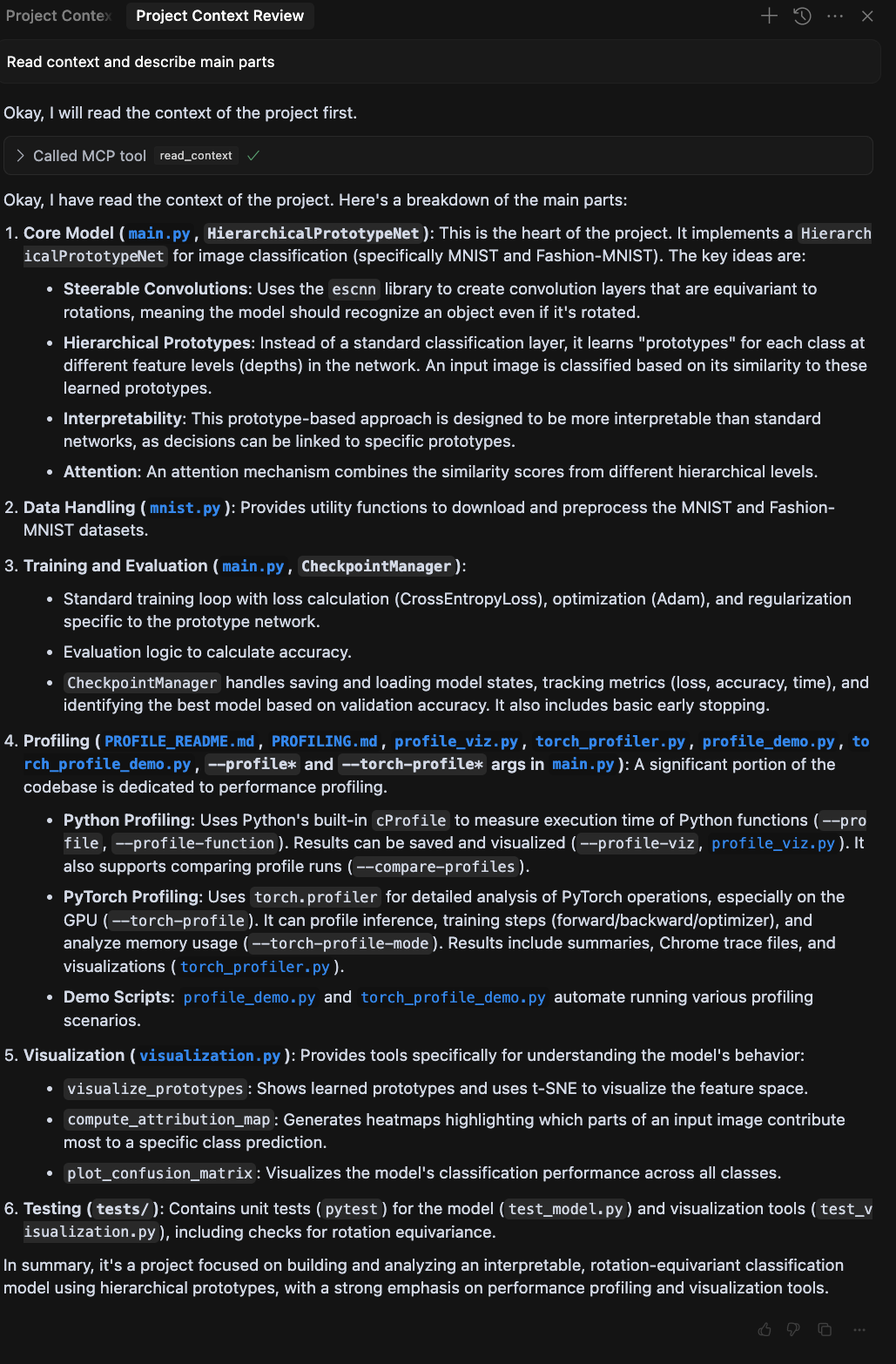
Cursor can silently drop context that is larger than the allowed maximum, so if you have a sizable project and the agent acts like the tool call never happened, try reducing what you are bringing in ("read context for xyz")