ThumbGate

MCP.Pizza Chef: IgorGanapolsky

ThumbGate acts as a safety gate for AI coding assistants by checking their planned actions before they execute. It blocks dangerous commands like deleting important files or leaking secrets and warns about risky operations such as force-pushes. It works locally with popular AI coding tools like Claude Desktop, ChatGPT, Cursor, and VS Code, requiring no internet or API keys. Setup involves simple copy-paste commands to integrate with your AI assistant, helping you avoid costly mistakes and improve AI behavior over time.

Coding
Other

Use This MCP server To

Prevent AI from running destructive commands like deleting files Stop accidental leaks of secret keys or credentials Warn before force-pushing or risky git commands Log and review AI tool calls that might cause errors Customize rules to block repeated AI mistakes Improve AI safety without internet or cloud dependencies Run pre-action safety checks in VS Code or Claude Desktop

README

ThumbGate šŸ‘ šŸ‘Ž

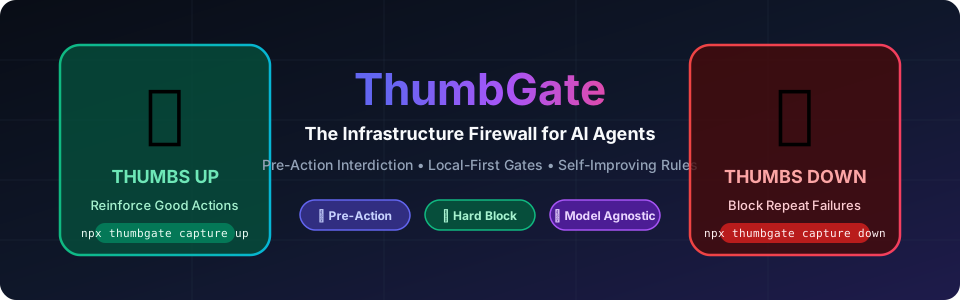
ThumbGate Infrastructure Firewall with Thumbs Up and Thumbs Down

Self-improving pre-action firewall for AI coding agents
AI coding agents repeat mistakes — and one wrong tool call can wipe a directory, leak a key, or push broken code.

MCP Toplist CI npm License: MIT

Quick Start Watch Demo Try GPT Pro Tier


What it does

ThumbGate is the local-first Pre-Action Checks engine for AI coding agents. It runs in the PreToolUse hook to evaluate the proposed tool call before execution — so costly mistakes can be caught before they happen.

Tech memes (shareable)

Lightweight visuals for how agents fail without a pre-action gate:

ThumbGate FAQ

Can I use ThumbGate to prevent accidental destructive commands in my AI coding workflows?
Yes — ThumbGate checks tool calls before execution to block or warn about risky commands like deleting files or leaking secrets.
Can I use ThumbGate with ChatGPT or Claude Desktop?
Yes — it supports Claude Desktop, ChatGPT, Cursor, VS Code, Cline, Roo Code, and other MCP-enabled AI coding tools.
Do I need an API key or special account to use ThumbGate?
No — ThumbGate runs locally and does not require any API keys or cloud accounts.
How hard is it to set up ThumbGate?
Setup is straightforward with copy-paste config commands like 'npx thumbgate init' for your agent.
Does ThumbGate require internet or cloud services to work?
No — it runs locally on your machine to intercept and evaluate AI tool calls before they run.
Can I customize what ThumbGate blocks or warns about?
Yes — you can add feedback and rules to improve its checks based on your own experience.
What happens if ThumbGate detects a secret leak or dangerous command?
It hard-blocks those actions by default to prevent execution, keeping your environment safe.



