Fire in da houseTop Tip:Paying $100+ per month for Perplexity, MidJourney, Runway, ChatGPT and other tools is crazy - get all your AI tools in one site starting at $15 per month with Galaxy AI Fire in da houseCheck it out free

mcp-llm

MCP.Pizza Chef: sammcj

mcp-llm is an MCP server that facilitates access to multiple large language models (LLMs) using the LlamaIndexTS library. It exposes tools for generating code, writing code directly to files, creating documentation, and answering questions by calling other LLMs. This server enables complex multi-LLM workflows and integrations within the MCP ecosystem, allowing models to leverage each other's capabilities seamlessly.

Use This MCP server To

Generate code snippets from natural language descriptions Write generated code directly into project files at specific lines Create detailed documentation for existing codebases Query LLMs to answer technical or domain-specific questions

README

MCP LLM

smithery badge

An MCP server that provides access to LLMs using the LlamaIndexTS library.
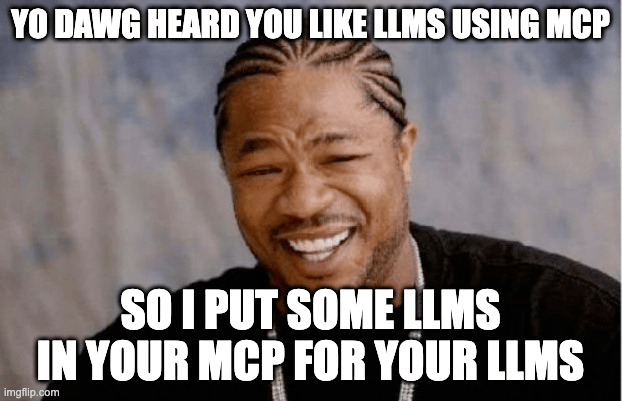
I put some LLMs in your MCP for your LLMs

mcp-llm MCP server

Features

This MCP server provides the following tools:

  • generate_code: Generate code based on a description
  • generate_code_to_file: Generate code and write it directly to a file at a specific line number
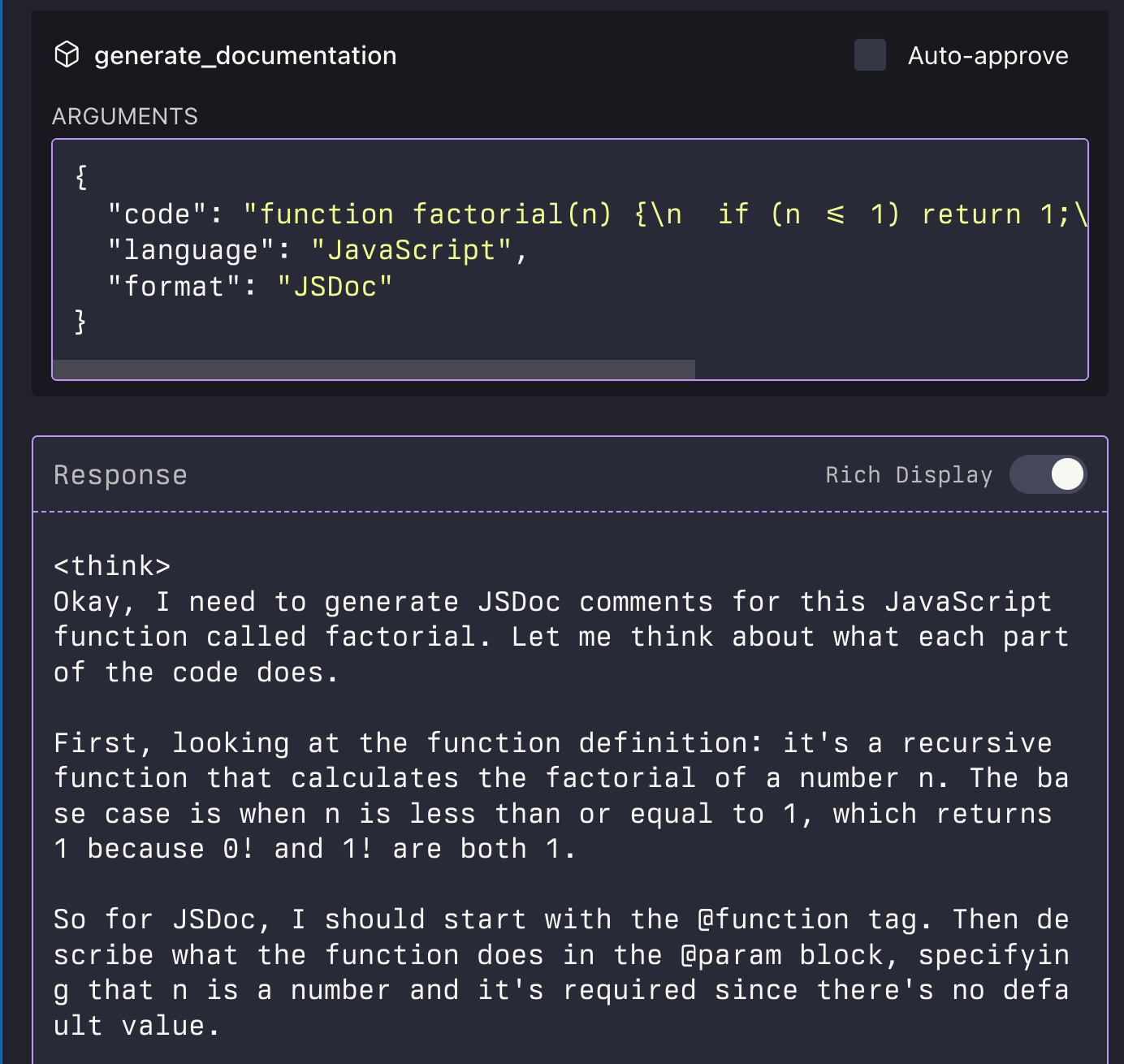
  • generate_documentation: Generate documentation for code
  • ask_question: Ask a question to the LLM
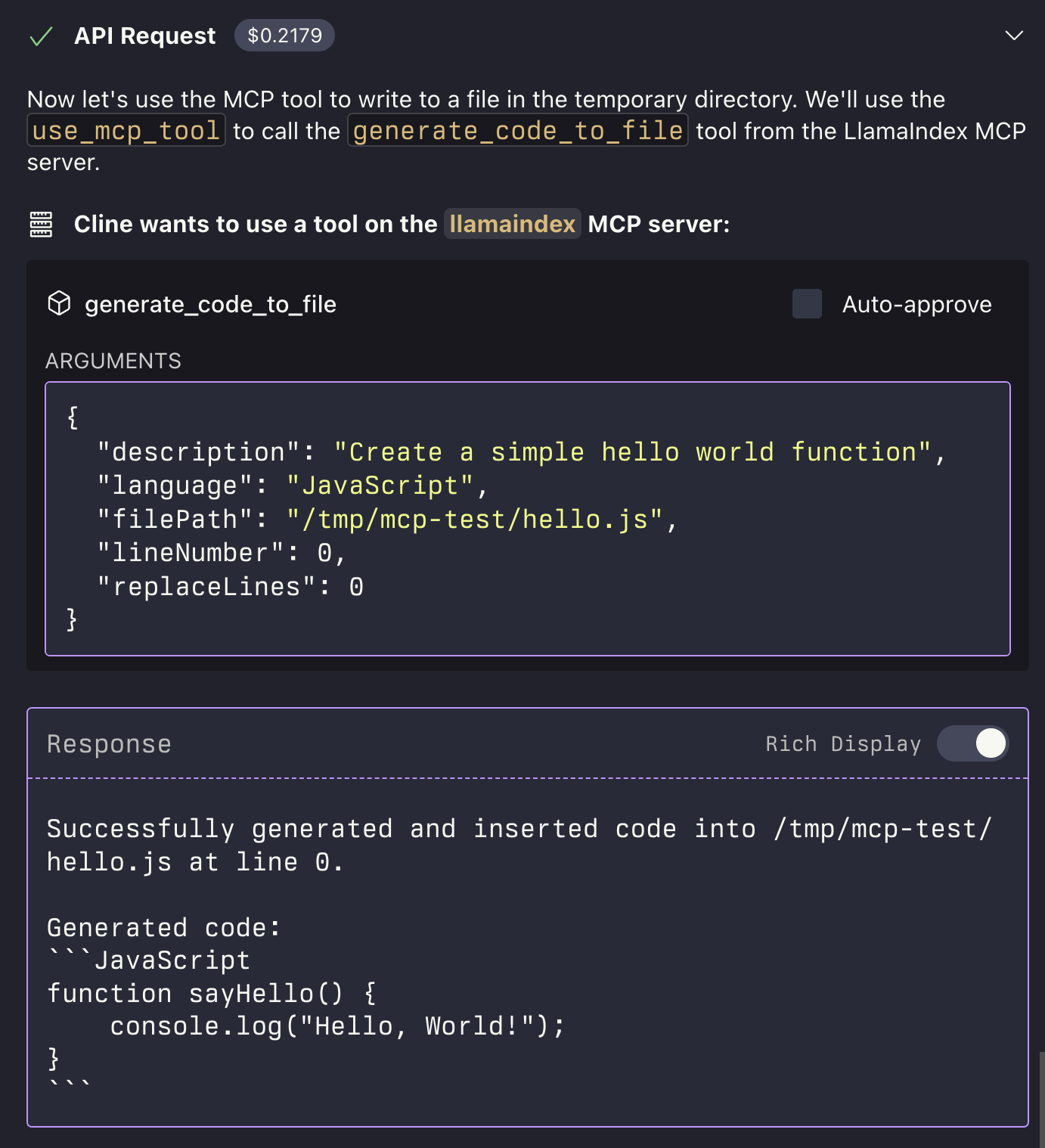
call a llm to generate code call a reasoning llm to write some documentation

Installation

Installing via Smithery

To install LLM Server for Claude Desktop automatically via Smithery:

npx -y @smithery/cli install @sammcj/mcp-llm --client claude

Manual Install From Source

  1. Clone the repository
  2. Install dependencies:
npm install
  1. Build the project:
npm run build
  1. Update your MCP configuration

Using the Example Script

The repository includes an example script that demonstrates how to use the MCP server programmatically:

node examples/use-mcp-server.js

This script starts the MCP server and sends requests to it using curl commands.

Examples

Generate Code

{
  "description": "Create a function that calculates the factorial of a number",
  "language": "JavaScript"
}

Generate Code to File

{
  "description": "Create a function that calculates the factorial of a number",
  "language": "JavaScript",
  "filePath": "/path/to/factorial.js",
  "lineNumber": 10,
  "replaceLines": 0
}

The generate_code_to_file tool supports both relative and absolute file paths. If a relative path is provided, it will be resolved relative to the current working directory of the MCP server.

Generate Documentation

{
  "code": "function factorial(n) {\n  if (n <= 1) return 1;\n  return n * factorial(n - 1);\n}",
  "language": "JavaScript",
  "format": "JSDoc"
}

Ask Question

{
  "question": "What is the difference between var, let, and const in JavaScript?",
  "context": "I'm a beginner learning JavaScript and confused about variable declarations."
}

License

  • MIT LICENSE

mcp-llm FAQ

How do I install the mcp-llm server?
You can install mcp-llm via Smithery for automatic setup or manually from its GitHub repository.
What tools does mcp-llm provide?
It offers tools to generate code, write code to files, generate documentation, and ask questions to LLMs.
Can mcp-llm integrate with multiple LLM providers?
Yes, it uses LlamaIndexTS, which supports various LLMs including OpenAI, Claude, and Gemini.
How does mcp-llm handle code generation to files?
It can insert generated code directly into specified files at given line numbers, streamlining development workflows.
Is mcp-llm suitable for multi-step reasoning tasks?
Yes, by chaining calls to different LLMs, it supports complex reasoning and documentation generation workflows.
What programming languages does mcp-llm support for code generation?
It depends on the underlying LLMs, but commonly supports popular languages like Python, JavaScript, and more.
How secure is the mcp-llm server?
It follows MCP principles for scoped and observable interactions, ensuring secure model calls and data handling.